
- XTREME VIDEO CAPTURE CARDS
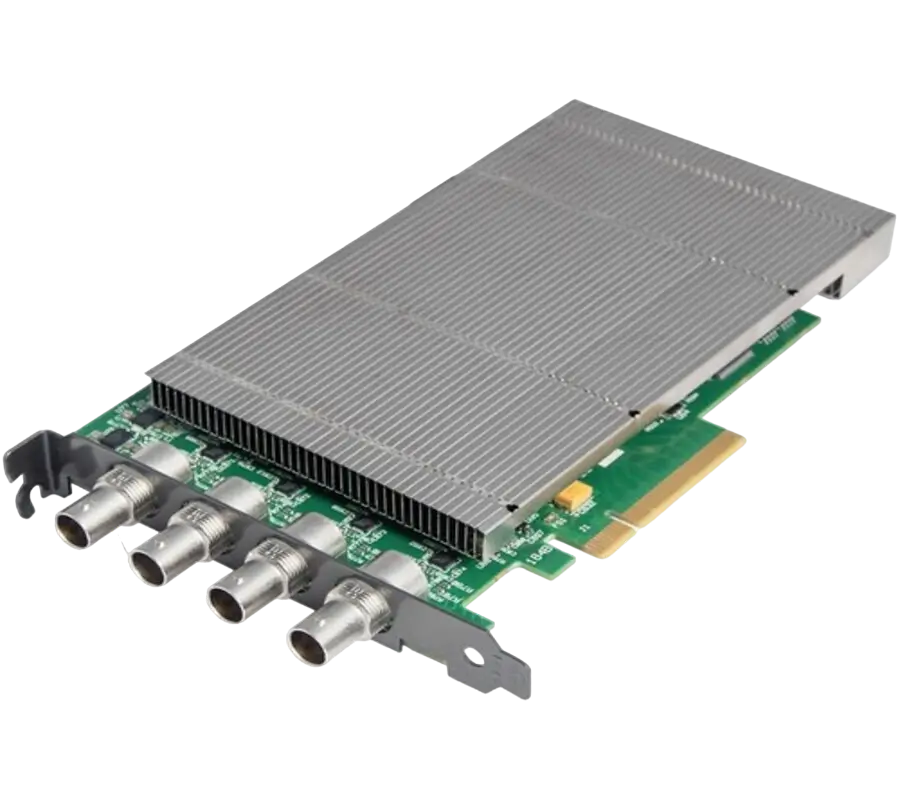
XtremeDV-SDI4
Ideal for use in broadcast markets or with any SDI capable applications the XtremeDVI-SDI4 provides four 3G-SDI inputs each capable of capturing 1920x1080p at 60 frames per second.
- GRAPHICS CONTROLLER (MULTISCREEN)
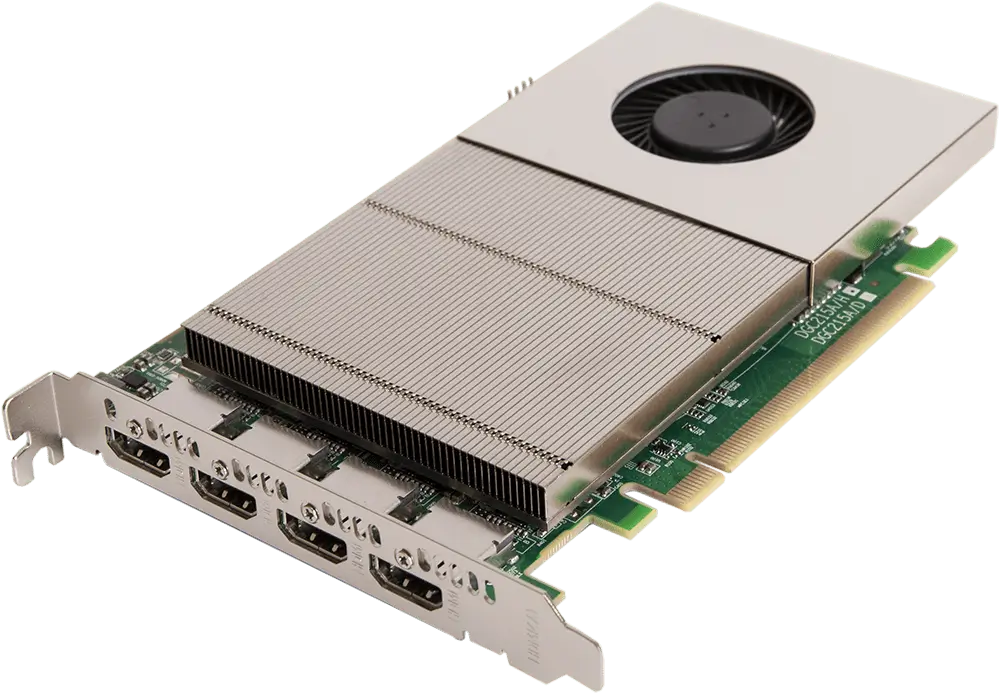
XtremeImage-4K
4 channel DisplayPort 4K Graphics Card
- Four 4K60 4:4:4 HDMI 2.0 outputs
- Enables full 4K60 capture and display in EMS VSN controllers
- VIDEO WALL CONTROLLER SYSTEM
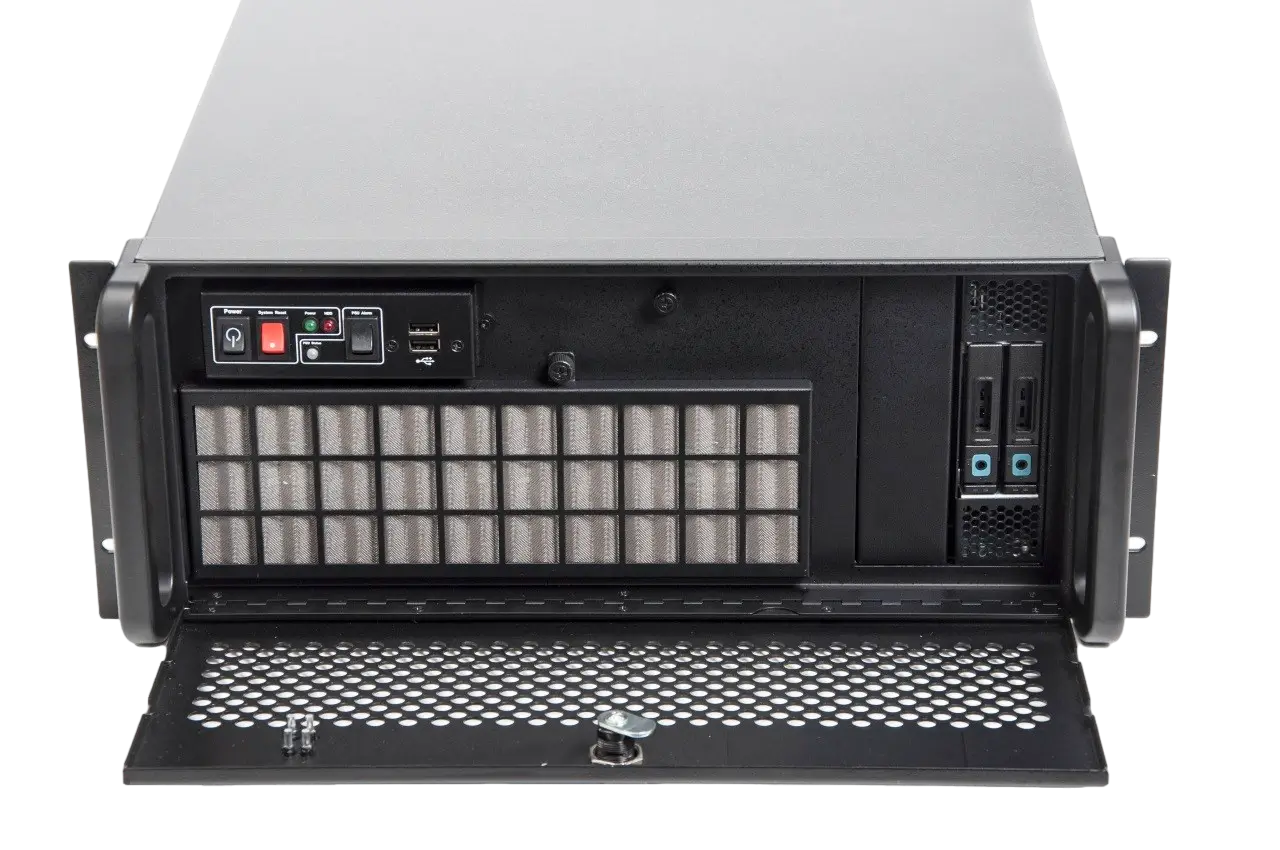
XtremeIPC-VSN-Expansion System
- 9 or 11 Slot Expansion Chassis
- Express9-G3 PCIe backplane providing 1 x 8 lane slot and 8 x 4 lane slots
- SOFTWARE & UTILITY
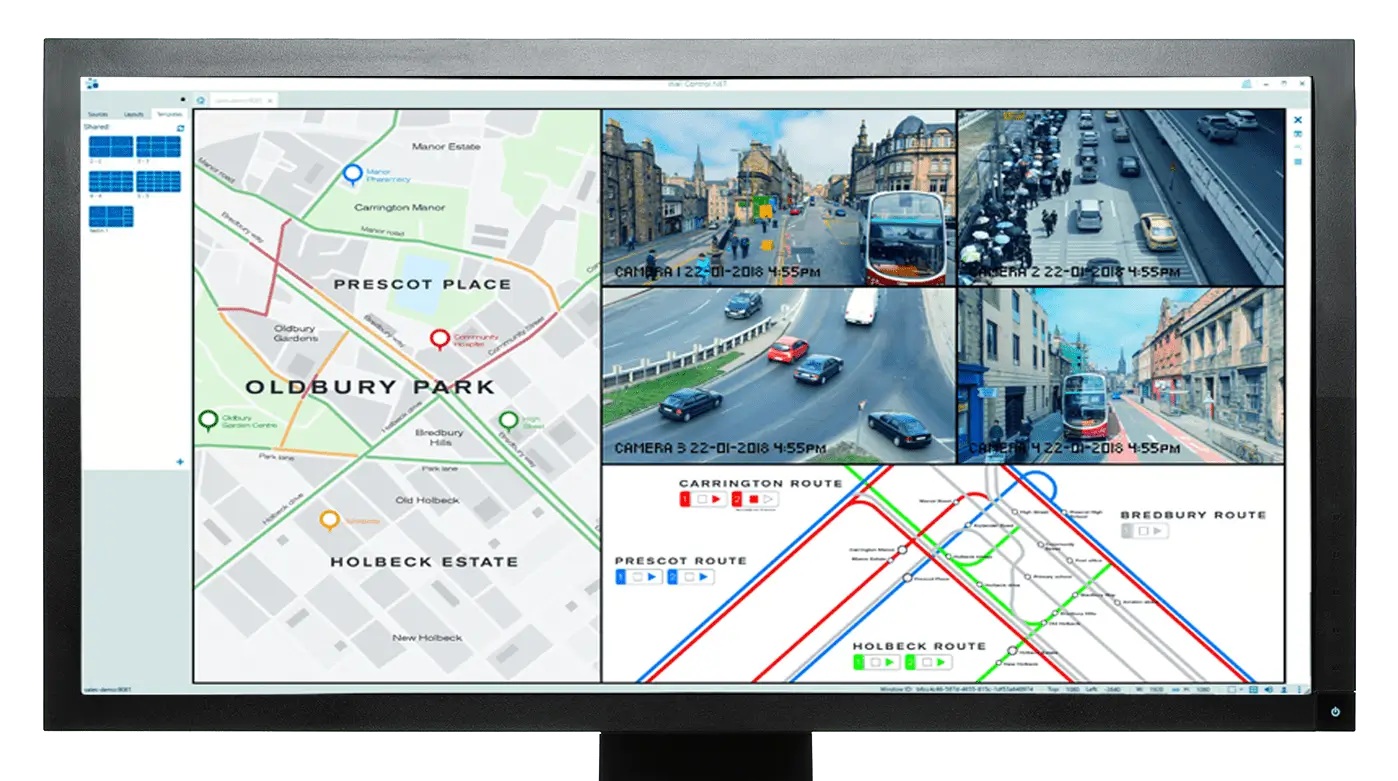
Vigi Control - Wall Management
- Easily control output sources such as IP feeds, video captures and local applications
- Create templates and produce zones on your video wall for easy placement of content.
Sale
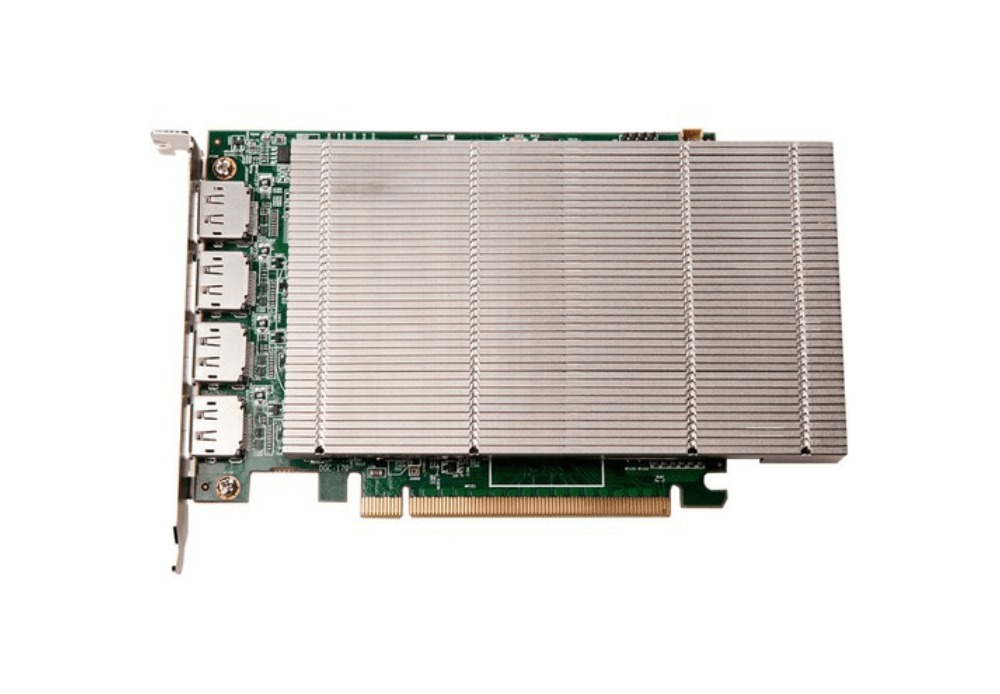
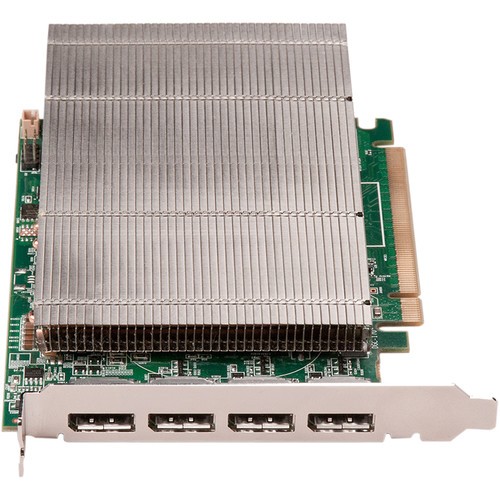
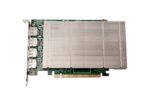
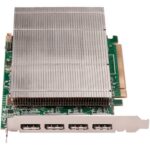
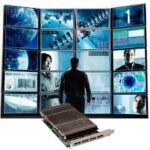
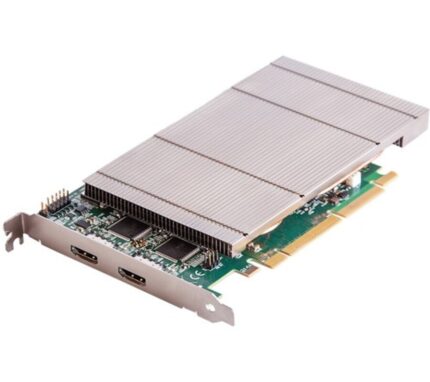
XtremeVision-Pro+ (PCIe Wall Controller)
Original price was: £1,421.00.£1,207.85Current price is: £1,207.85.
4 ch. DisplayPort graphics card
- Drive 4 Displays at 2560×1600, 60 Hz
- Drive 2 Displays at 4096×2160, 30 Hz
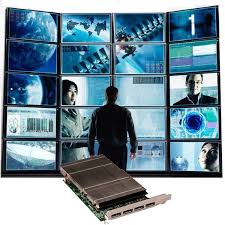
- Create Multi-Display Video Walls
- 2GB vRAM
- Scalable Drivers
- Passive Heatsing Cooling
- PCI-E 2.1 x16 Interface
Designed for professional video projects, the XtremeVision-Pro+ graphics card is a highly scalable graphics card for use with multiple screen or projector installations. Up to sixteen XtremeVision-Pro+ cards can be supported by our display driver, providing flexible system configurations up to 64 screens. Available with DVI or HDMI cableset.
Description
The EMS XtremeVision-PRO+ is a 4 output graphics card with improved memory and PCI Express bandwidths to provide responsive performance at up to double the resolution of previous EMS graphics cards.
Designed for professional video
Designed for professional video projects, the XtremeVision-Pro+ graphics card is a highly scalable graphics card for use with multiple screen or projector installations.
The XtremeVision-Pro+ cards operate under Windows®10, driving the very latest in graphical performance. Multiple cards and outputs work together to spread the Windows desktop across a multi-screen surface. The EMS drivers can allow for monitors positioned in either landscape or portrait or a mixture of the two. The XtremeVision-Pro+ is optimised for use with the EMS Xtreme range of capture cards and IP decoding cards for systems requiring SD, HD, 4K and IP video capture and display. Video windows can be positioned and sized anywhere on the multi-screen desktop, while maintaining full frame rate and true colour rendering throughout. When used with EMS Xtreme capture cards HDCP content can be delivered to the screens.
Software Drivers
Each of the 4 DisplayPort outputs can support up to 2560 x 1600 @ 60fps, or use 2 outputs to support 4096x2160p resolutions at 30fps.
The XtremeVision-Pro+ includes 2GB of memory that will drive the most demanding of applications.
EMS’s XtremeVision-Pro+ card natively supports four full-sized DisplayPort outputs which allow for locking cable connectors and significantly longer cable
We have a highly optimised driver to run efficiently with EMS hardware available for use with Windows 10 64bit. The function of the display driver is to present one large desktop to the Windows operating system. The multi-screen driver will support up to 48 screens or 24 Screens @ 4K each resolution. If utilising Windows 7, there is the ability to support up to 64 screens.
Video / IP Capture Cards
By using multiple XtremeVision Pro+ cards you can have upto 48 full HD video resolution per screen or by if you need a 4K2 per screen then up to 12 screens are supported. For video input sources please select from our range of Xtreme capture cards. Supported range for video wall controller is the XtremeDV, XtremeAV, XtremeRGB & Xtreme-SQX cards. HDCP supported with EMS capture cards !
Wall Control Software
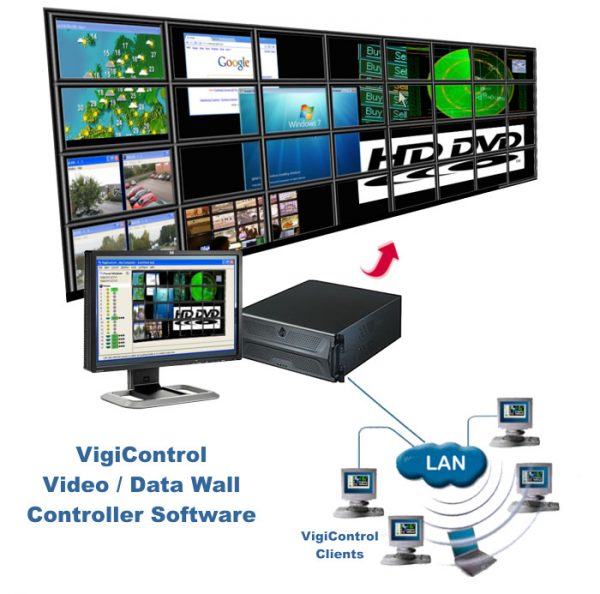
EMS VigiControl software enables you to simply launch and position video and application windows to create complex wall layout configurations. Wall Control presents a representational window of the entire display wall showing position and size of windows, including a live sample of all video content. With the full version it is possible to save layouts and recall them for future use and also operate Wall Control on a remote PC via a network connection. The EMS card is supplied with a free version of Wall Control without these advanced features.
EMS PCIe, Video Wall Controller. XtremeVision-Pro+ supports: 4 Outputs of DisplayPort1.1a each providing DisplayPort 1.1a video of up to 359Mpixels/s at 24bit (eg 2560×1600 @60Hz), Convert 4 outputs to 2 outputs each supporting 3840x2160p @ 30Hz, HDCP supported with EMS capture cards. DVI/HDMI support using a catalogue of DisplayPort cables and adaptors. Support for up to 12 cards in a single system. PCI express 2.1 bus interface electronically supporting x4, x8 and x16 lane widths.
Additional information
| Cables Required: |
Without Cables ,HDMI Cables Included ,DVI Cables Included |
|---|
Specifications
Accessories
Related products
XtremeImage-2K
4 channel DisplayPort 2K Graphics Card
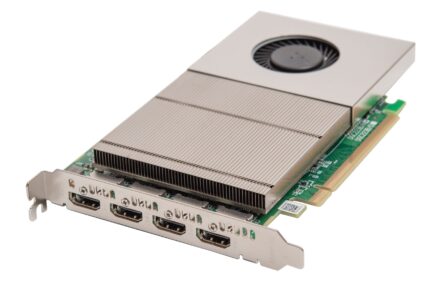
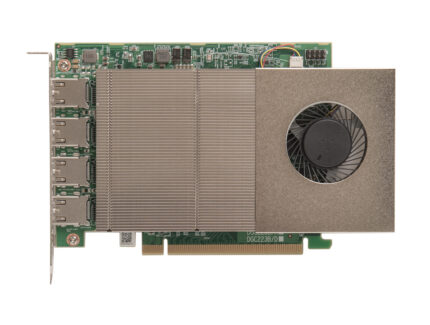
Designed for professional video projects, the XtremeImage-2K graphics card is a highly scalable graphics card for use with multiple screen or projector installations. Designed to power multi-screen, video wall and LED installations, the XtremeImage2K enable seamless mixing of 4K and HD outputs, all at 60 frames per second over direct HDMI outputs.
- Four HDMI outputs capable of 2560x1600@60
- Option to configure as two 4K (3840x2160@60) outputs, or one 4K and three HD outputs
- Supports mixing of HD and 4K outputs, all at 60fps
- HDCP 2.2 support
- Support for up to 8 cards in a single system
Designed for professional video projects, the XtremeImage-2K graphics card is a highly scalable graphics card for use with multiple screen or projector installations. Designed to power multi-screen, video wall and LED installations, the XtremeImage2K enable seamless mixing of 4K and HD outputs, all at 60 frames per second over direct HDMI outputs.
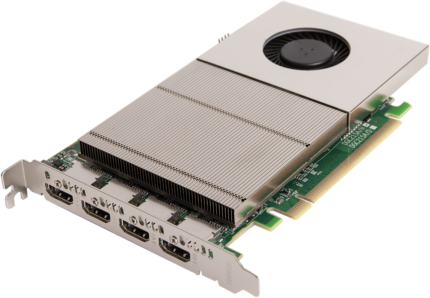
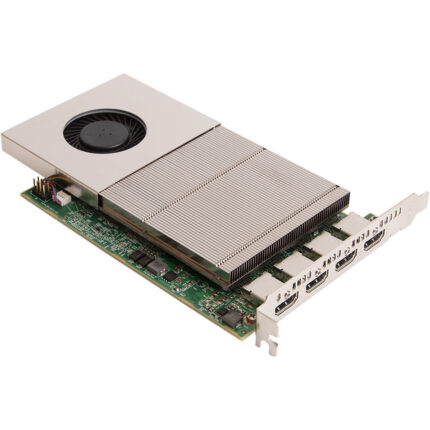
XtremeImage-4K
4 channel DisplayPort 4K Graphics Card
The XtremeImage-4K can power up to 24 4K or 96 HD screens from a single system (using six XtremeImage-4K cards) making it four times more powerful than the XtremeVision-Pro+. Full 4K High Bandwidth Graphics Card
- Four 4K60 4:4:4 HDMI 2.0 outputs
- Enables full 4K60 capture and display in EMS VSN controllers
- HDCP 2.2 supported when using Xtreme capture cards
- Support for up to 6 cards in a single system with a total output of 199 Megapixels
The XtremeImage-4K can power up to 24 4K or 96 HD screens from a single system (using six XtremeImage-4K cards) making it four times more powerful than the XtremeVision-Pro+. Full 4K High Bandwidth Graphics Card