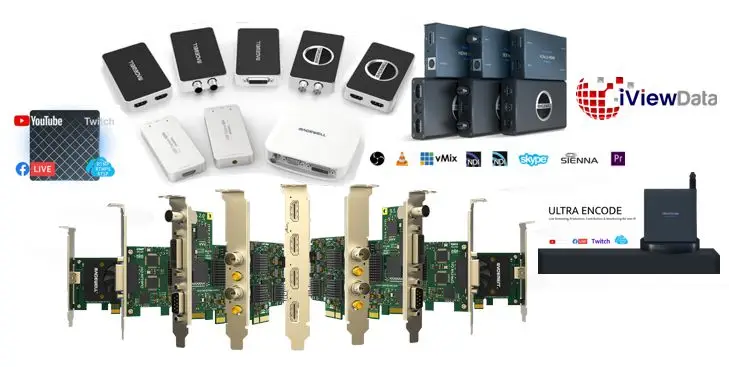
- XTREME VIDEO CAPTURE CARDS
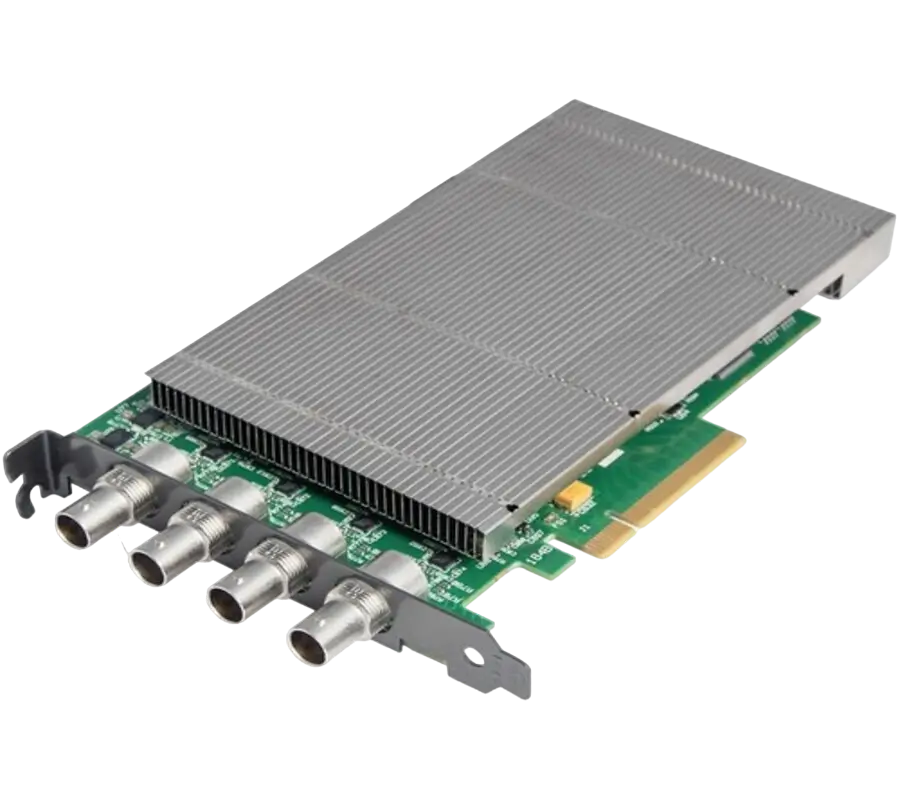
XtremeDV-SDI4
Ideal for use in broadcast markets or with any SDI capable applications the XtremeDVI-SDI4 provides four 3G-SDI inputs each capable of capturing 1920x1080p at 60 frames per second.
- GRAPHICS CONTROLLER (MULTISCREEN)
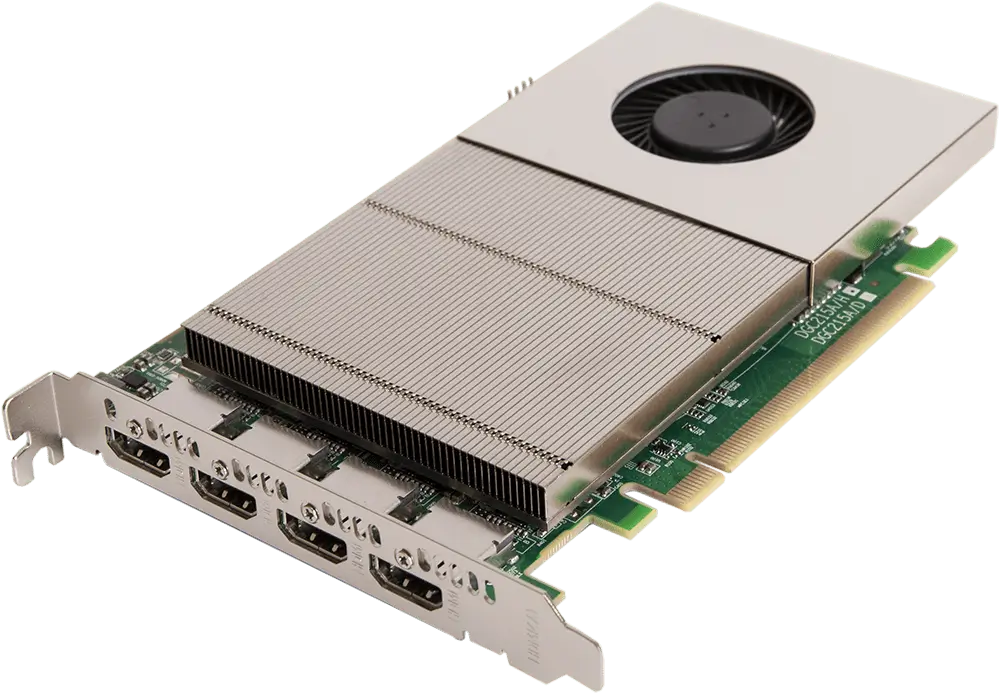
XtremeImage-4K
4 channel DisplayPort 4K Graphics Card
- Four 4K60 4:4:4 HDMI 2.0 outputs
- Enables full 4K60 capture and display in EMS VSN controllers
- VIDEO WALL CONTROLLER SYSTEM
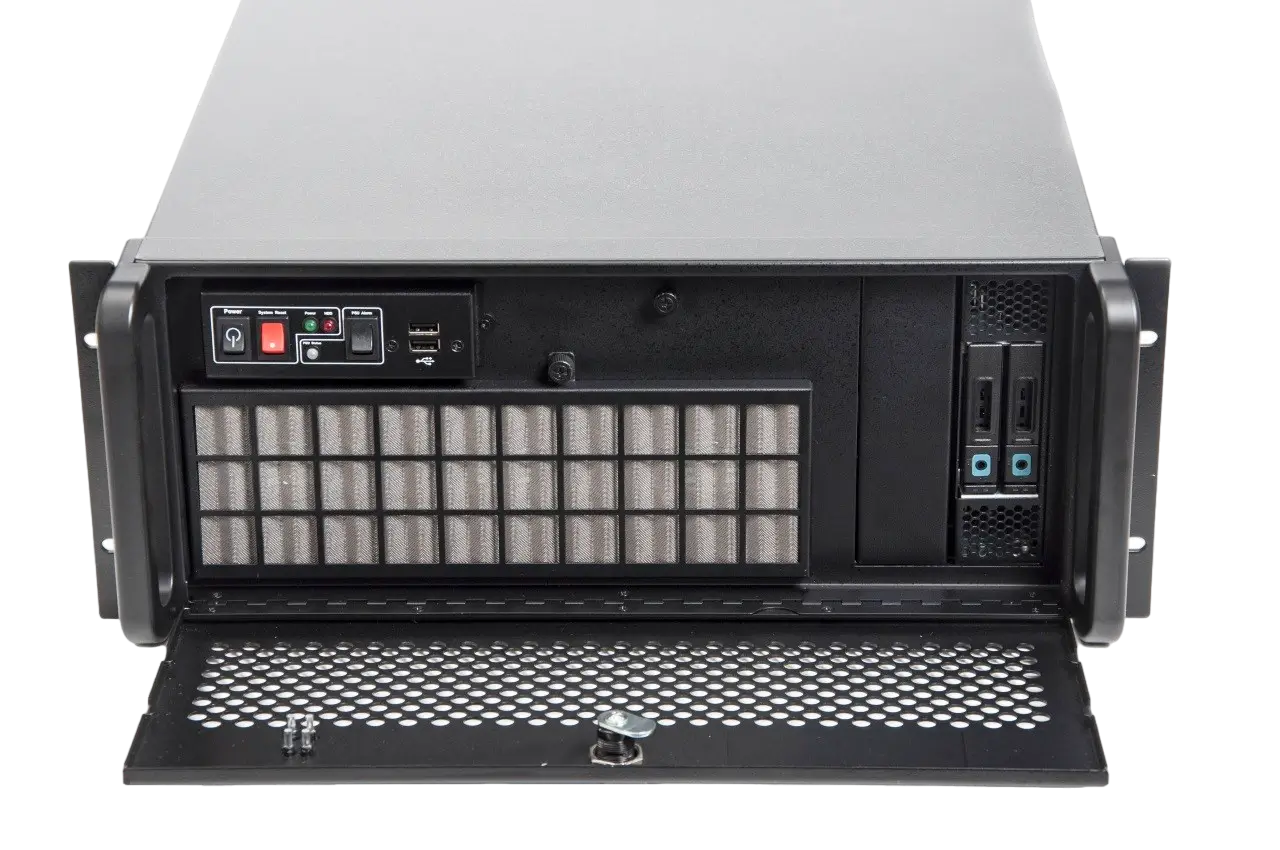
XtremeIPC-VSN-Expansion System
- 9 or 11 Slot Expansion Chassis
- Express9-G3 PCIe backplane providing 1 x 8 lane slot and 8 x 4 lane slots
- SOFTWARE & UTILITY
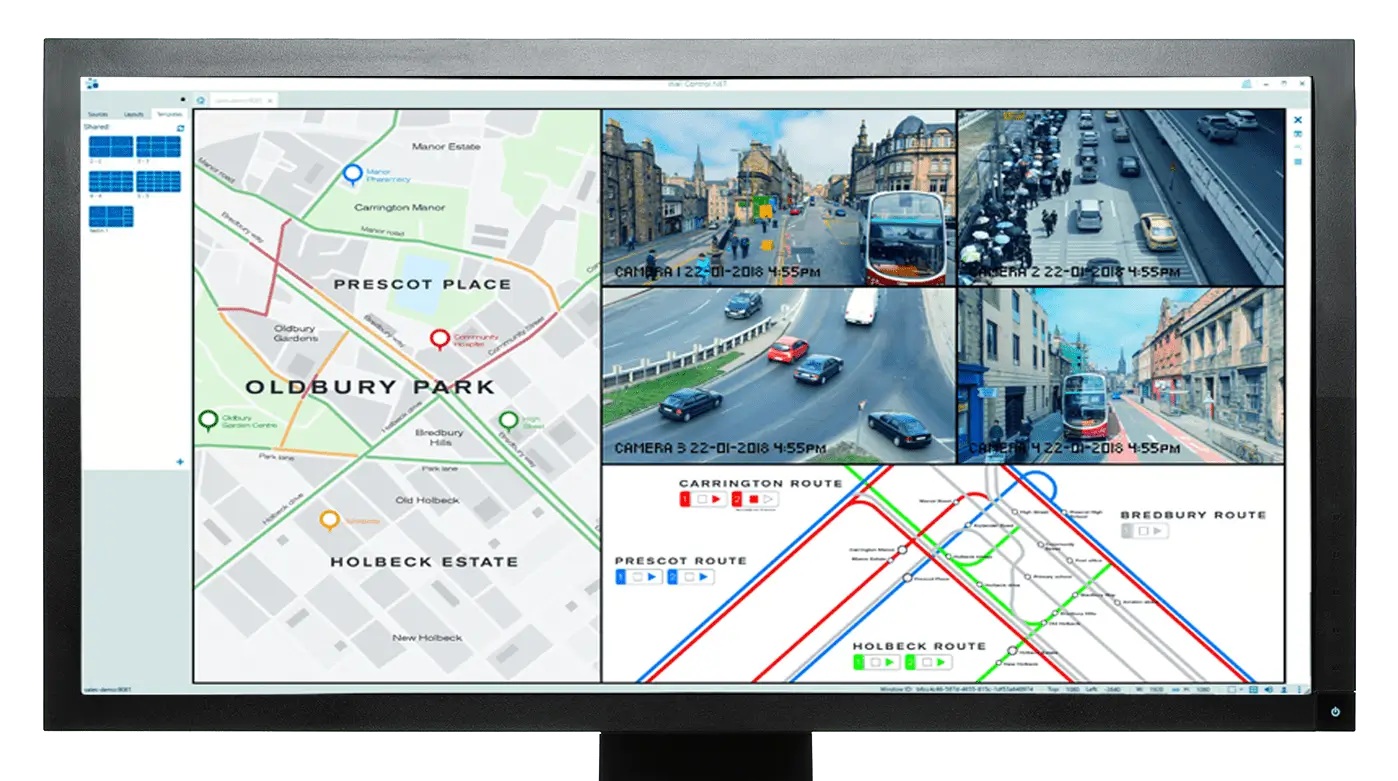
Vigi Control - Wall Management
- Easily control output sources such as IP feeds, video captures and local applications
- Create templates and produce zones on your video wall for easy placement of content.
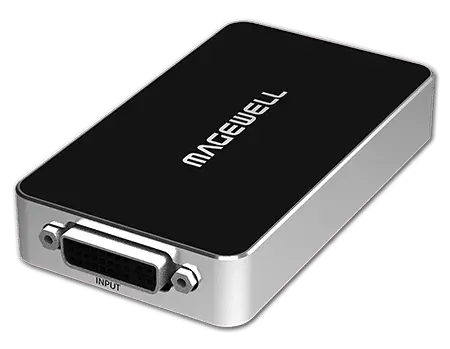
Revolutionize Your Live Streaming Setup with NDI Video Capture Devices: A Complete Guide

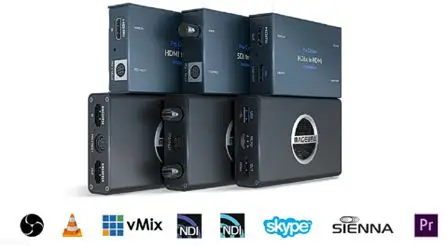
In the dynamic world of live streaming, the quest for crisper video and seamless broadcast experiences never ends. Whether you’re a broadcaster itching to enhance your show’s quality, a government agency aiming to improve your public communications, or an independent contractor tasked with delivering professional streams, understanding how to effectively use NDI (Network Device Interface) video capture devices will transform the way you conduct your operations.
What is NDI, and Why Does It Matter?
NDI stands for Network Device Interface, a technology developed by NewTek that allows video and audio sources to be shared over a standard Ethernet network. This technology has become a game-changer in live broadcasting, as it supports high-quality video transmission with very low latency, which is crucial for live production environments.
The significance of NDI lies in its ability to simplify broadcast setups by reducing the heavy reliance on physical hardware and extensive cable setups. With NDI, devices on the same network can detect and communicate with each other, allowing for flexible, scalable, and cost-effective production setups.
What is NDI, and Why Does It Matter?
NDI stands for Network Device Interface, a technology developed by NewTek that allows video and audio sources to be shared over a standard Ethernet network. This technology has become a game-changer in live broadcasting, as it supports high-quality video transmission with very low latency, which is crucial for live production environments.
The significance of NDI lies in its ability to simplify broadcast setups by reducing the heavy reliance on physical hardware and extensive cable setups. With NDI, devices on the same network can detect and communicate with each other, allowing for flexible, scalable, and cost-effective production setups.
Choosing the Right NDI Video Capture Device
Key Features to Consider
When selecting an NDI video capture device, consider the following features to ensure it meets your streaming needs:
- Resolution and Frame Rate: High resolution and frame rate are essential for delivering a smooth and detailed video experience. Most NDI devices support up to 4K resolution and 60 frames per second.
- Connectivity Options: Look for devices with multiple input and output options such as HDMI, SDI, and USB. This ensures compatibility with a variety of video sources and outputs.
- Software Compatibility: Ensure the device is compatible with popular streaming software like OBS, XSplit, or Wirecast. This integration allows for easier control and manipulation of the video streams.
Recommended Devices
Here are a couple of NDI video capture devices that stand out in the market:
- BirdDog Studio NDI: Known for its versatility and reliability, this device converts SDI or HDMI signals to NDI and vice versa, featuring tally support, Power over Ethernet (PoE), and a robust aluminum case ideal for field production.
- Magewell Pro Convert: With a plug-and-play setup, this device supports a wide range of resolutions and frame rates, simplifying the process of converting traditional video signals into NDI streams.
Setting Up Your NDI Video Capture for Optimal Performance
Network Configuration
A robust network is the backbone of any NDI setup. Use a gigabit Ethernet network to handle high bitrates of video data. Ensure that your network switches support IGMP protocols to manage network traffic efficiently and minimize packet loss.
Software Integration
Integrating NDI video capture devices into your existing live streaming setup is straightforward with the right software:
- Install NDI Tools: Begin by downloading and installing the NDI Tools pack from NewTek’s official website. This suite includes various applications that enhance the functionality of your NDI devices.
- Connect Your NDI Device to Your Network: Hook up your NDI video capture device to the network via Ethernet. Once connected, it should appear as a source in your streaming software.
- Configure Your Streaming Software: Add your NDI source to your streaming software. You can customize settings like resolution, frame rate, and audio levels.
Real-World Applications and Success Stories
NDI technology is versatile across various industries:
- Broadcast Media: Major television studios have integrated NDI to manage multiple video feeds effortlessly for live sports and news.
- Education: Universities use NDI for live streaming lectures and campus events, making higher education more accessible.
- Government: NDI helps in broadcasting town hall meetings and public announcements with high efficiency and low latency.
Conclusion
Embracing NDI technology and incorporating NDI video capture devices into your live streaming setup can significantly uplift your broadcasting capabilities. This technology not only simplifies the complexity of traditional video setups but also enhances flexibility, mobility, and scalability of operations. Investing in the right NDI equipment will set you apart in the competitive streaming marketplace, whether you’re educating students, engaging citizens, or entertaining wide audiences globally.
By making the switch to NDI, you’re not just improving your production quality—you’re future-proofing your broadcasts in an increasingly networked world.