
- XTREME VIDEO CAPTURE CARDS
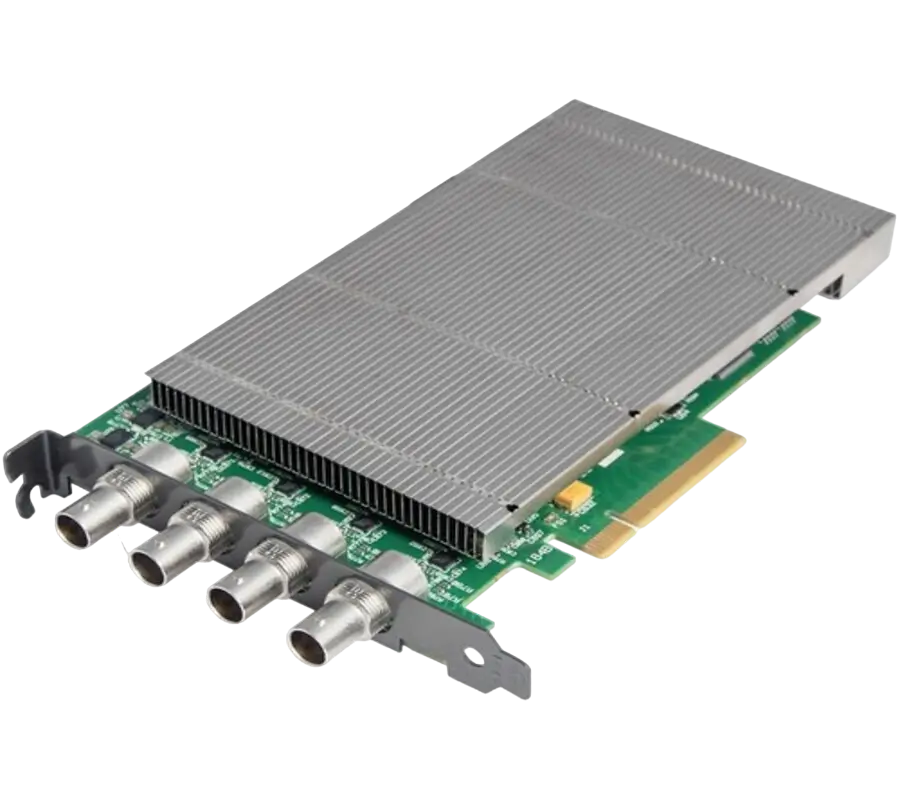
XtremeDV-SDI4
Ideal for use in broadcast markets or with any SDI capable applications the XtremeDVI-SDI4 provides four 3G-SDI inputs each capable of capturing 1920x1080p at 60 frames per second.
- GRAPHICS CONTROLLER (MULTISCREEN)
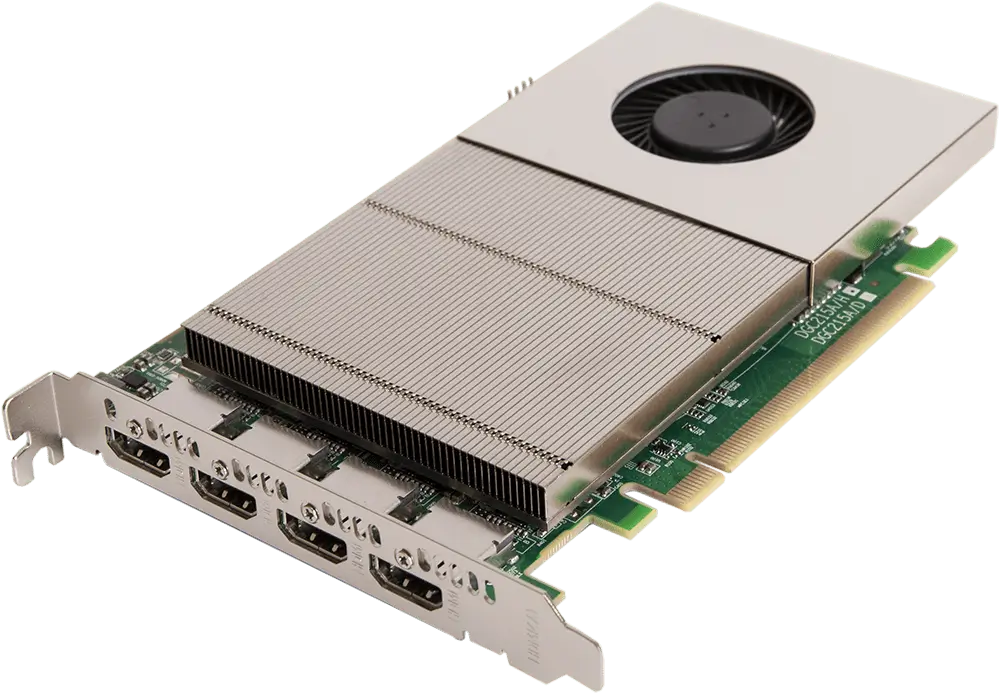
XtremeImage-4K
4 channel DisplayPort 4K Graphics Card
- Four 4K60 4:4:4 HDMI 2.0 outputs
- Enables full 4K60 capture and display in EMS VSN controllers
- VIDEO WALL CONTROLLER SYSTEM
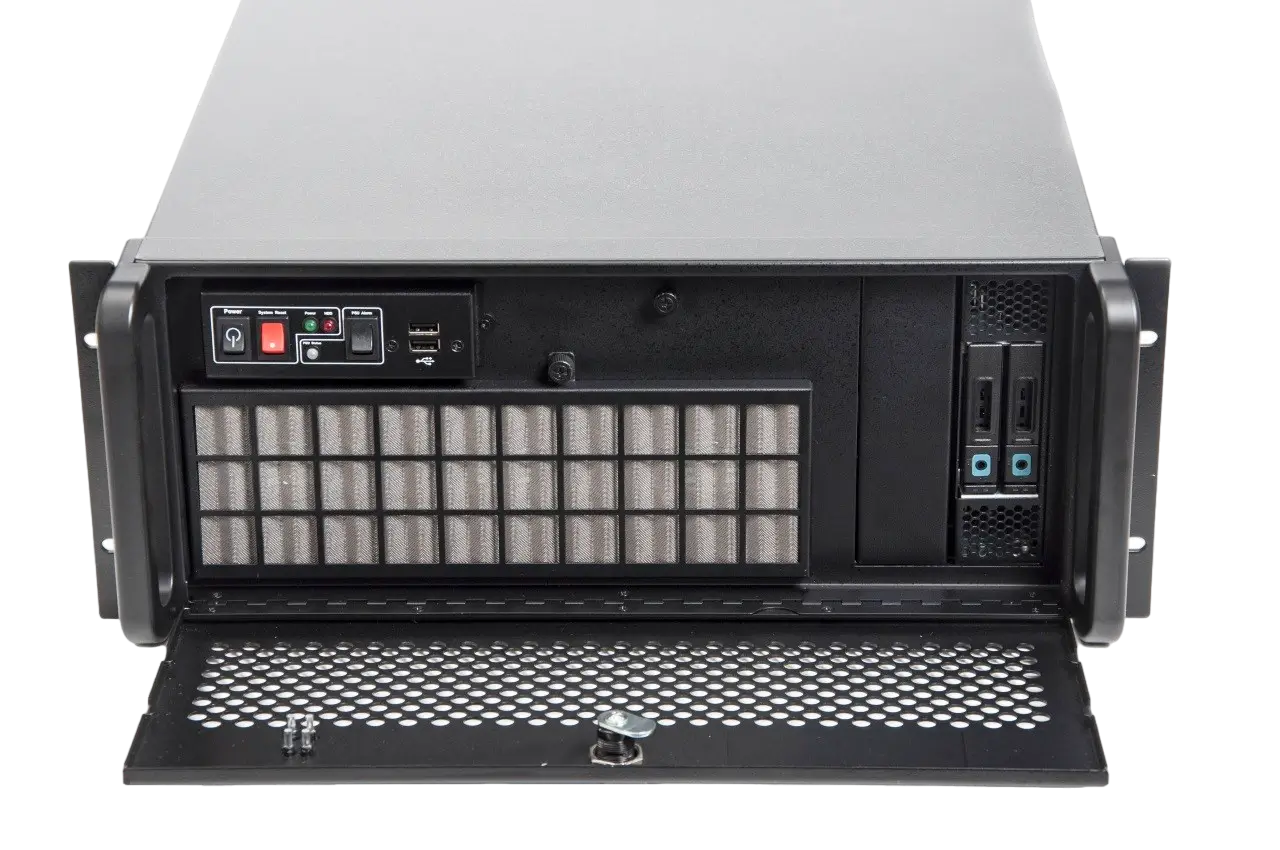
XtremeIPC-VSN-Expansion System
- 9 or 11 Slot Expansion Chassis
- Express9-G3 PCIe backplane providing 1 x 8 lane slot and 8 x 4 lane slots
- SOFTWARE & UTILITY
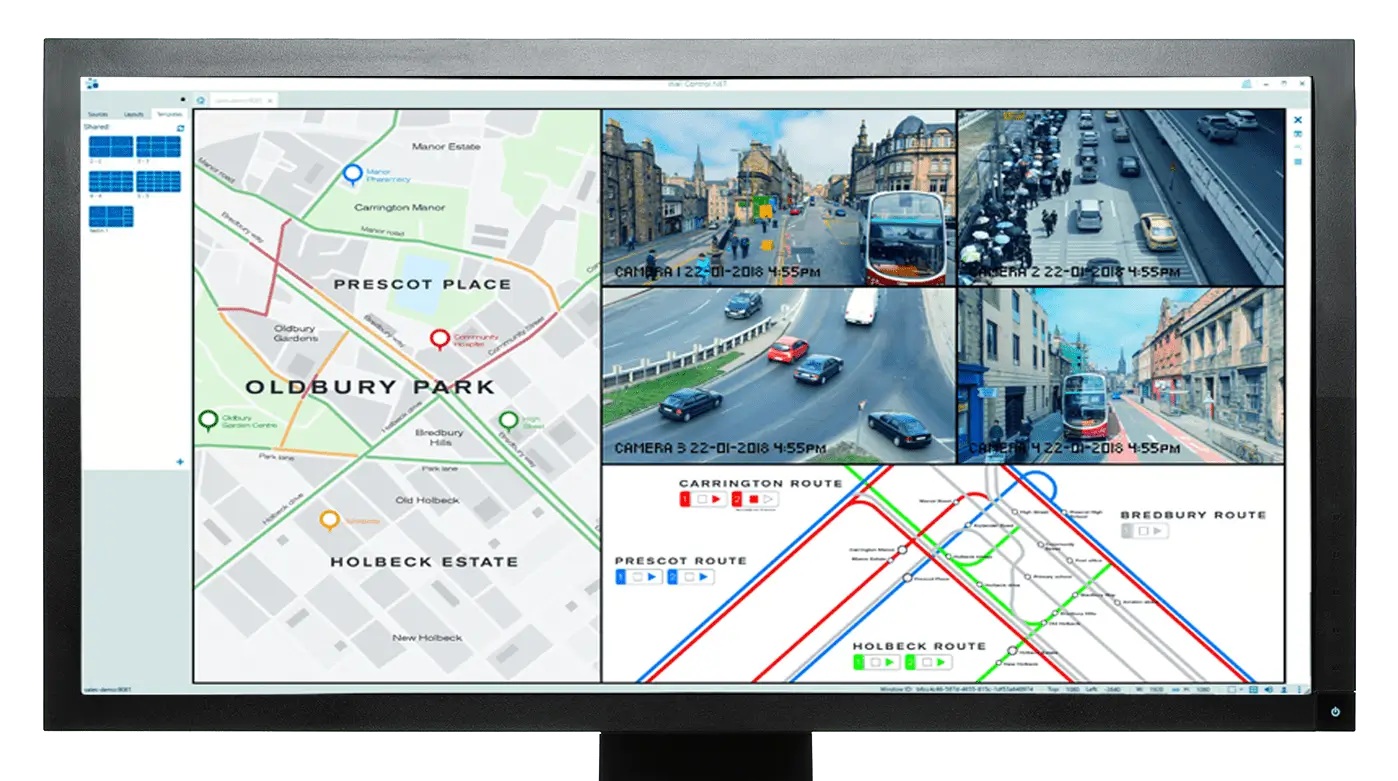
Vigi Control - Wall Management
- Easily control output sources such as IP feeds, video captures and local applications
- Create templates and produce zones on your video wall for easy placement of content.
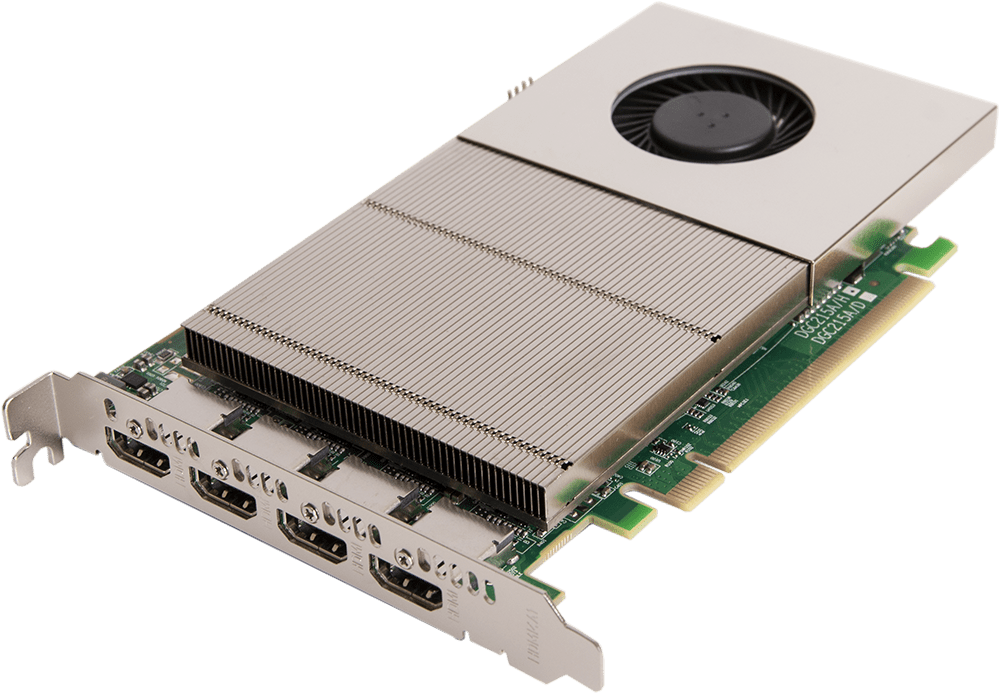
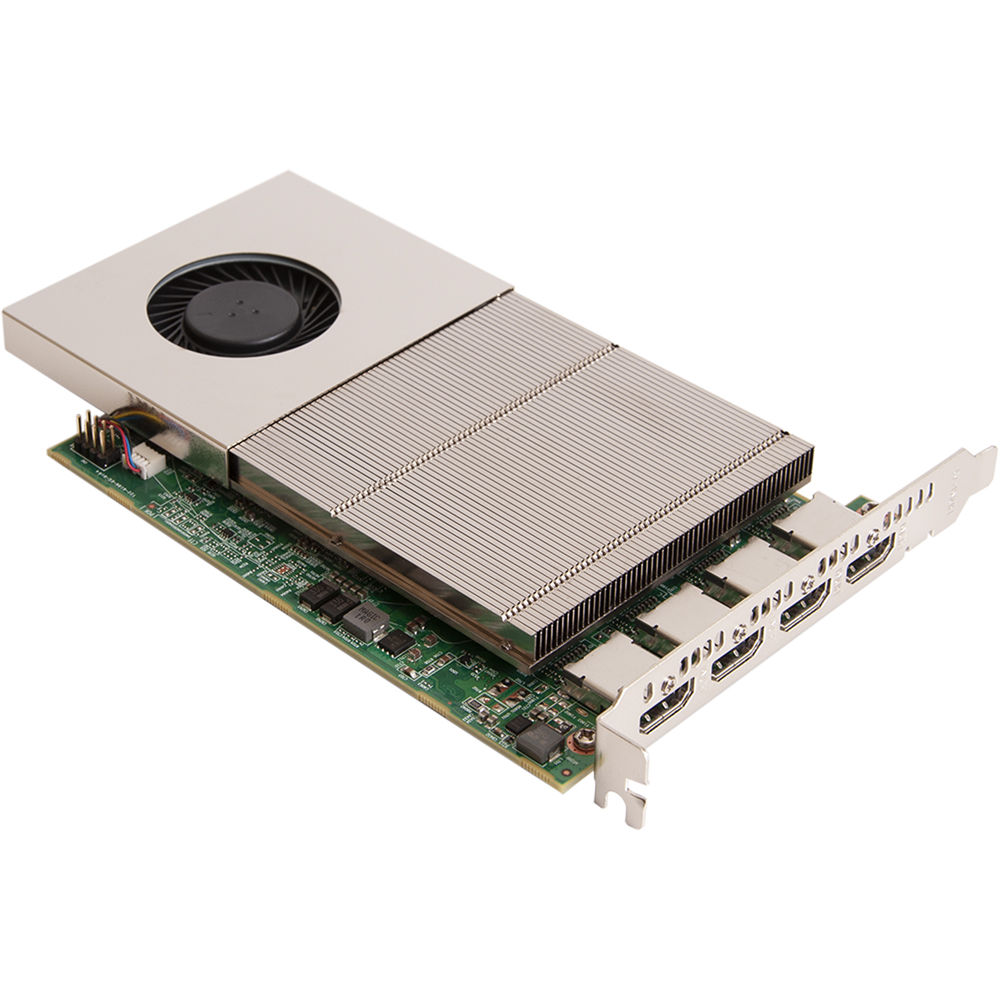
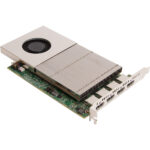
XtremeImage-4K
£3,231.00
4 channel DisplayPort 4K Graphics Card
- Four 4K60 4:4:4 HDMI 2.0 outputs
- Enables full 4K60 capture and display in EMS VSN controllers
- HDCP 2.2 supported when using Xtreme capture cards
- Support for up to 6 cards in a single system with a total output of 199 Megapixels
The XtremeImage-4K can power up to 24 4K or 96 HD screens from a single system (using six XtremeImage-4K cards) making it four times more powerful than the XtremeVision-Pro+. Full 4K High Bandwidth Graphics Card
Description
XtremeImage-4K, powering up to 24 4K screens
The XtremeVision-Pro4K can power up to 24 4K or 96 HD screens from a single system (using six XtremeImage-4K cards) making it four times more powerful than the XtremeVision-Pro+.
FULL 4K HIGH BANDWIDTH GRAPHICS CARD
Designed for professional, multi-screen and video wall installations, the XtremeImage-4K is a very powerful graphics card, enabling scalable solutions, that delivers full 4K60 4:4:4 content over four HDMI 2.0 outputs.
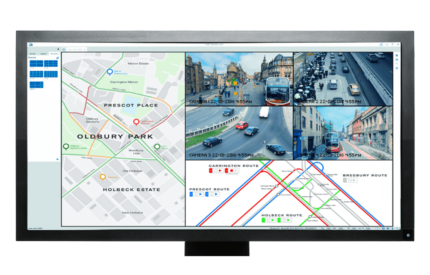
Fully integrated with EMS’s graphical setup wizard, the XtremeImage-4K is easy to configure for different combinations of monitors, projectors, or LED controllers. Output resolution, rotation and wall layout are all easily configured using the intuitive graphical interface in a matter of minutes.
When combined with EMS 4K-capable capture cards, the XtremeImage-4Kenables the VSN and iolite range of video wall controllers to deliver full 4K60 video from source to screen with full support for HDCP 2.2.
For video wall applications, each 4K output from the XtremeImage-4K can be used to drive four HD outputs using screen loop-through (if supported by the screens) or a multi-display controller such as the EMS Fx4. This approach delivers up to 16 HD outputs from a single XtremeImage-4K card, providing a simpler, more cost-effective overall solution.
SOFTWARE
Drivers
EMS’s multi-screen display driver is engineered specifically for use with Windows 10 64-bit. The display driver unifies multiple XtremeImage-4K cards to present a single desktop canvas to the Windows operating system, allowing each video wall to display hundreds of output windows with full support for picture-in-picture and overlaps. The multi-screen driver supports a maximum of 24 outputs for the XtremeImage-4K (six cards).
Display Driver Configuration Tool
Our unique graphical setup tool allows users to easily configure multiple outputs to create complex video wall layouts in a matter of minutes. The tool guides users through the setup process using a simple step-by-step wizard, enabling screen dimensions, resolution and position to be configured with ease. The built-in database of monitors contains hundreds of models from various manufacturers, allowing supported resolutions and bezel measurements to be easily configured for each monitor.
Control Software
VigiControl software enables you to simply launch and position video and application windows to create complex wall layout configurations. VigiControl presents a representational window of the entire display wall showing position and size of windows, including a live sample of all video content. With the full version it is possible to save layouts and recall them for future use and also operate VigiControl on a remote PC via a network connection. The XtremeImage-4K card is supplied with a free version of VigiControl without these advanced features.
Specifications
Accessories
Related products
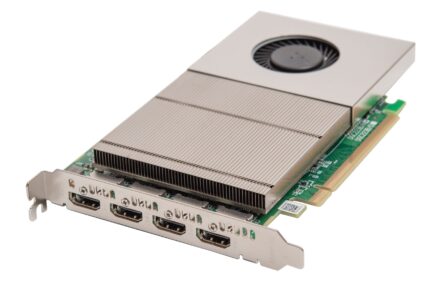
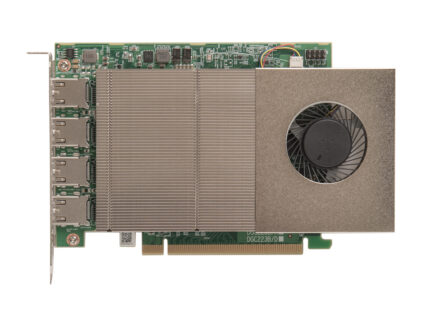
XtremeImage-2K
4 channel DisplayPort 2K Graphics Card
Designed for professional video projects, the XtremeImage-2K graphics card is a highly scalable graphics card for use with multiple screen or projector installations. Designed to power multi-screen, video wall and LED installations, the XtremeImage2K enable seamless mixing of 4K and HD outputs, all at 60 frames per second over direct HDMI outputs.
- Four HDMI outputs capable of 2560x1600@60
- Option to configure as two 4K (3840x2160@60) outputs, or one 4K and three HD outputs
- Supports mixing of HD and 4K outputs, all at 60fps
- HDCP 2.2 support
- Support for up to 8 cards in a single system
Designed for professional video projects, the XtremeImage-2K graphics card is a highly scalable graphics card for use with multiple screen or projector installations. Designed to power multi-screen, video wall and LED installations, the XtremeImage2K enable seamless mixing of 4K and HD outputs, all at 60 frames per second over direct HDMI outputs.
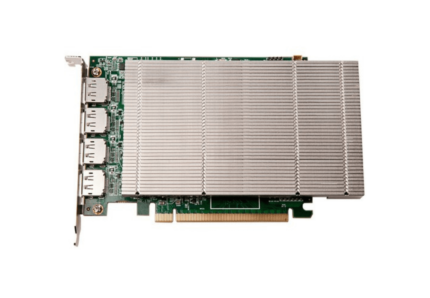
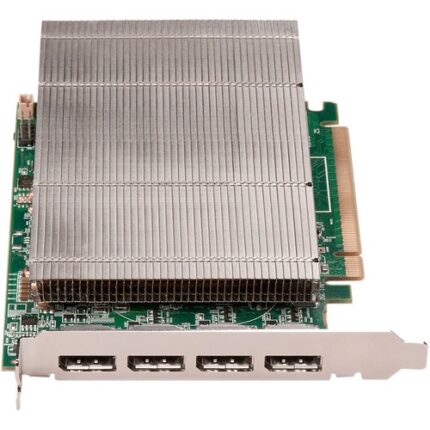
XtremeVision-Pro+ (PCIe Wall Controller)
4 ch. DisplayPort graphics card
Designed for professional video projects, the XtremeVision-Pro+ graphics card is a highly scalable graphics card for use with multiple screen or projector installations. Up to sixteen XtremeVision-Pro+ cards can be supported by our display driver, providing flexible system configurations up to 64 screens. Available with DVI or HDMI cableset.
- Drive 4 Displays at 2560x1600, 60 Hz
- Drive 2 Displays at 4096x2160, 30 Hz
- Create Multi-Display Video Walls
- 2GB vRAM
- Scalable Drivers
- Passive Heatsing Cooling
- PCI-E 2.1 x16 Interface
Designed for professional video projects, the XtremeVision-Pro+ graphics card is a highly scalable graphics card for use with multiple screen or projector installations. Up to sixteen XtremeVision-Pro+ cards can be supported by our display driver, providing flexible system configurations up to 64 screens. Available with DVI or HDMI cableset.