
- XTREME VIDEO CAPTURE CARDS
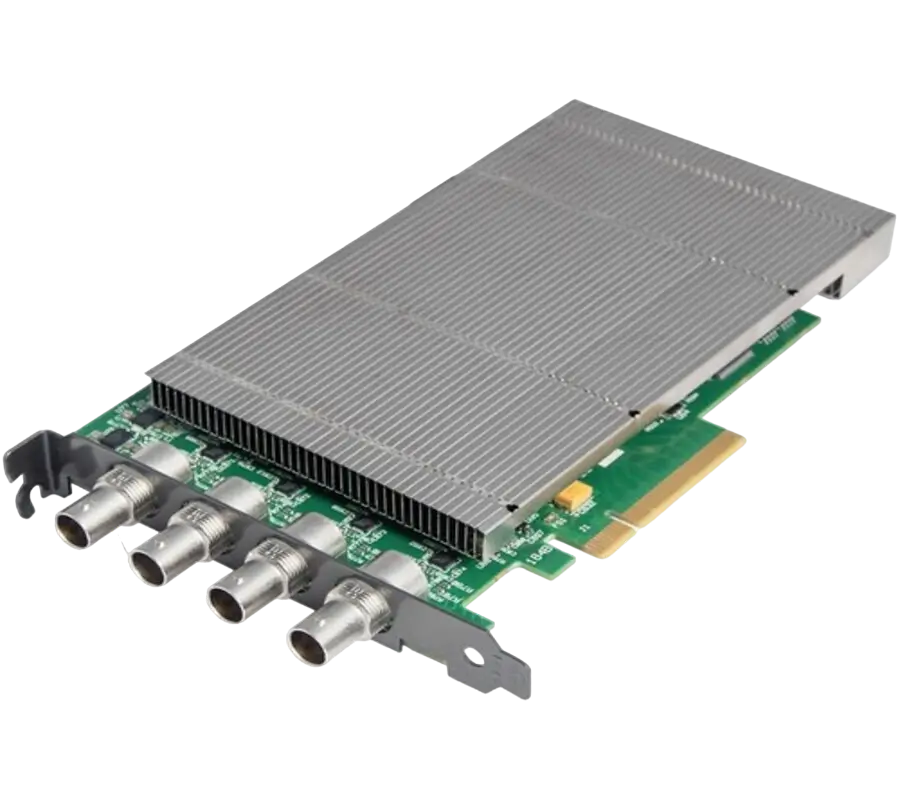
XtremeDV-SDI4
Ideal for use in broadcast markets or with any SDI capable applications the XtremeDVI-SDI4 provides four 3G-SDI inputs each capable of capturing 1920x1080p at 60 frames per second.
- GRAPHICS CONTROLLER (MULTISCREEN)
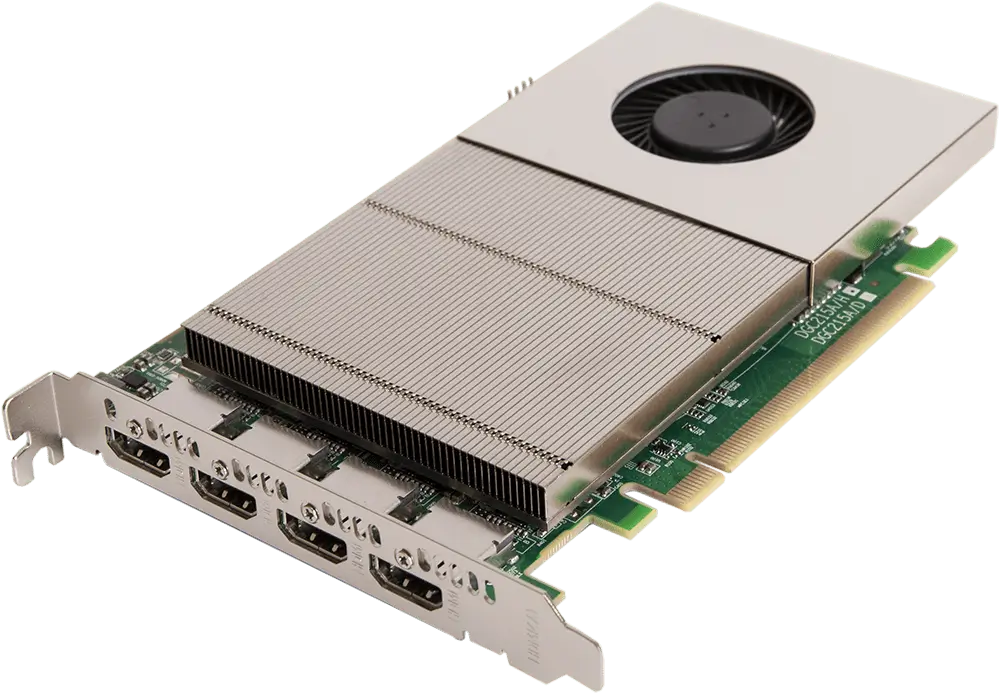
XtremeImage-4K
4 channel DisplayPort 4K Graphics Card
- Four 4K60 4:4:4 HDMI 2.0 outputs
- Enables full 4K60 capture and display in EMS VSN controllers
- VIDEO WALL CONTROLLER SYSTEM
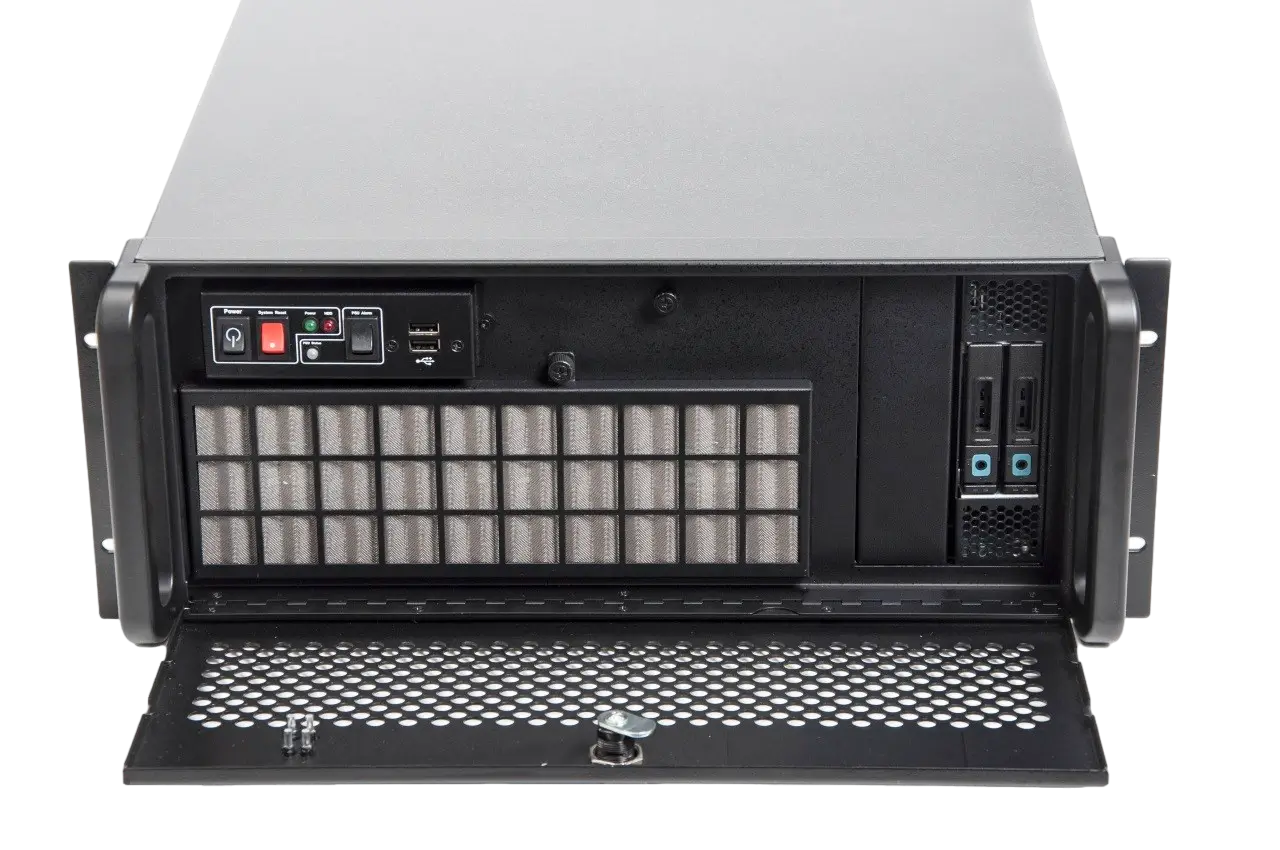
XtremeIPC-VSN-Expansion System
- 9 or 11 Slot Expansion Chassis
- Express9-G3 PCIe backplane providing 1 x 8 lane slot and 8 x 4 lane slots
- SOFTWARE & UTILITY
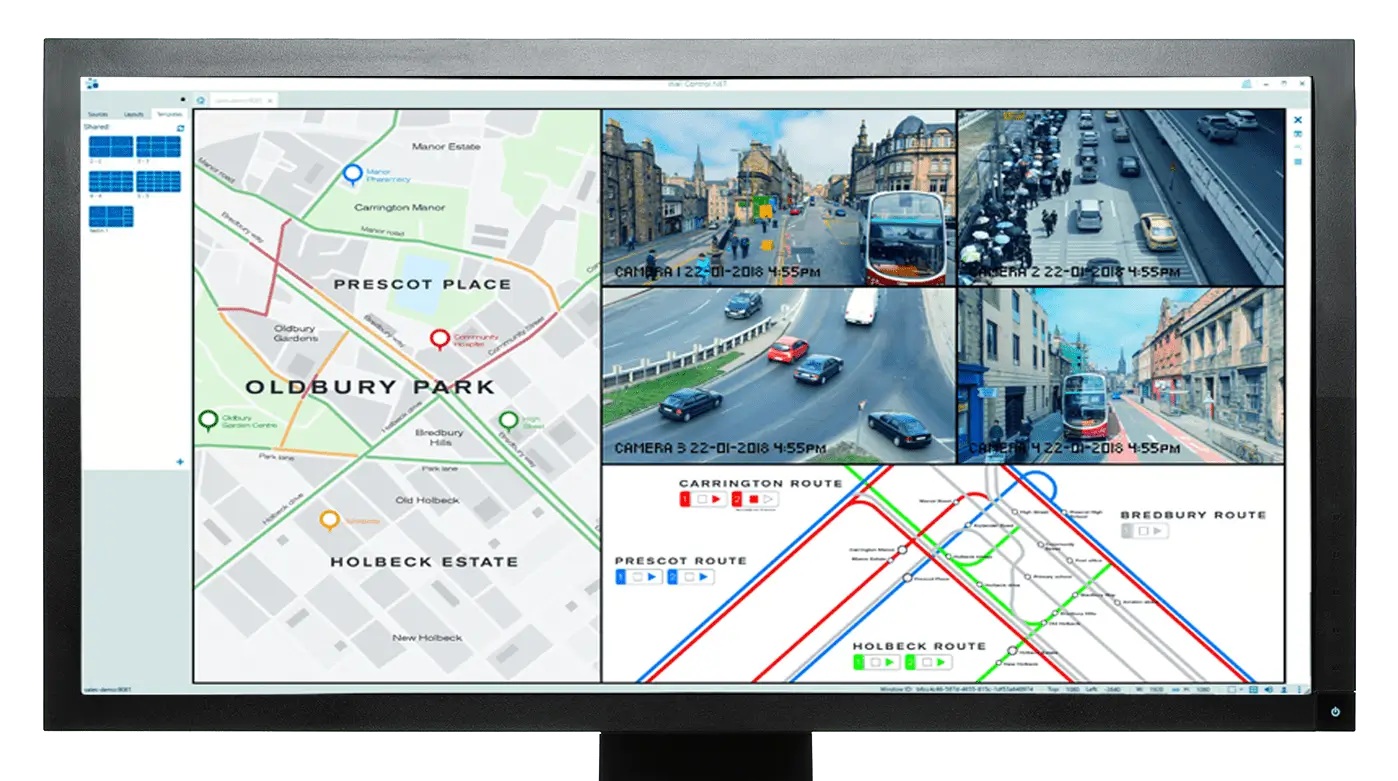
Vigi Control - Wall Management
- Easily control output sources such as IP feeds, video captures and local applications
- Create templates and produce zones on your video wall for easy placement of content.
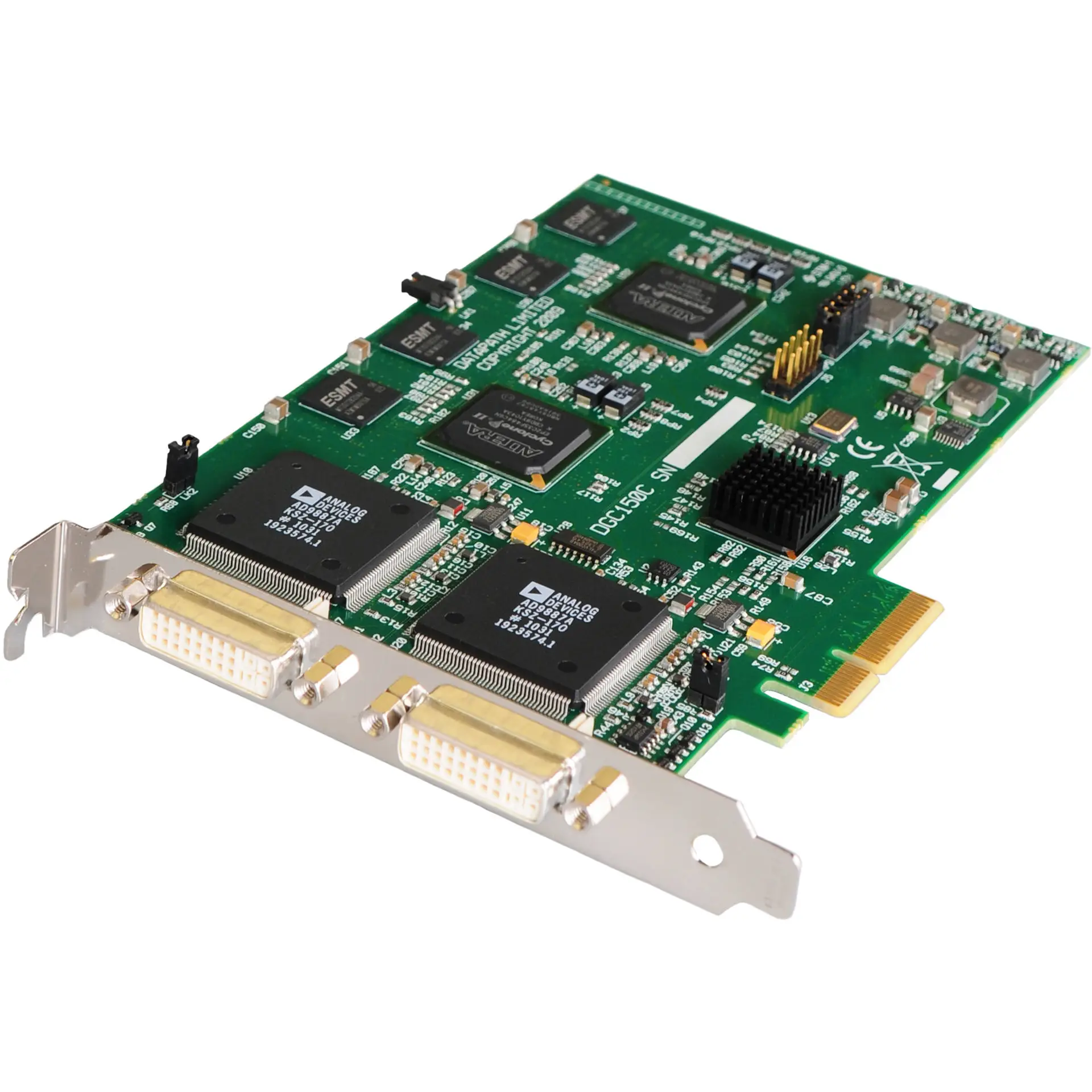
XtremeRGB-Ex2+
£1,497.00
Dual channel video capture card DVI/HD/RGB
- High performance DMA to system memory or direct to graphics memory with scatter gather
- On board processor for real time mode and sink detection
- Dynamic input source selection
- Administrator mode
- HD capture for each channel up to 1080P at 60 frames per second, HDMI capture up to 1080p and DVI up to 1920×1200
Description
Dual channel video capture card
This video capture has two complete capture channels supporting up to 1920×1200 DVI or 2048×1536 Analog resolution.
The XtremeRGB-Ex2+captures the Analog/DVI data and triple buffers it into onboard storage. This data is then copied using DMA to the host system for display, storage or streaming.
When a EMS graphics card is used, the XtremeRGB-Ex2+ capture card transfers the data directly to the graphics card thereby increasing performance. The XtremeRGB-Ex2+ capture card sends the relevant portions of each channel to use its graphics engine to render the data. This fully utilises the hardware and dramatically increases performance.
When the RGB/DVI data is displayed on a non EMS graphics card, the XtremeRGB-Ex2+ sends the data to system memory or direct to the graphics card, dependent on the software used for display.
The XtremeRGB-Ex2+ capture card is an ideal solution for applications require the capture of Analog or DVI sources in real time. Typical applications include:
- Viewing Analog or DVI sources from PCs, MACs, Industrial/medical equipment, cameras and other video equipment
- Streaming video applications
- Video wall controllers
For streaming applications, theXtremeRGB-Ex2+ can be used with Windows® Media Encoder to compress and stream captures video. To replay the video, use Windows® Media Player.
Any application compatible with Windows® Direct-Show technology can use the XtremeRGB-Ex2+ video capture card due to its built in WDM support.
For an application case study using this capture card, click below:
Video Streaming Support
DirectX WDM streaming driver supports the following applications, to encode, record and stream video over networks or the Internet:
- Dataton WatchOut
- Microsoft Expression Encoder
- Microsoft Windows® Media Encoder
- VideoLAN VLC
- NorPix StreamPix
- VitualDub
- Adobe Flash Encoder
- VidBlaster
- AMCap and other DirectShow compatible software
For further details see the Datapath DirectShow SDK documentation supplied as part of a typical installation.
Software
The XtremeRGB-Ex2+ capture card is supplied with a powerful software application for configuring timing and format of the input sources and displaying the data. Simply connect your external DVI or Analog source into the card, run the XtremeRGB-Ex2+ application to automatically detect the video source format and display the captured video in a window on your desktop.
Applications
The VisionRGB series is ideal for a wide range of applications including:
- Medical imaging: Capture legacy RGB modalities
- Multi display presentation software: Recommended by industry leaders Dataton WATCHOUT™
- Digital signage: Integrated by C-nario into their world class, open platform digital signage software solutions
- Machine vision: Acquire high resolution camera outputs
- Voyage data recorders: Capture radar images
- Simulation/military: Acquire high resolution video and simulation for command and control
Specifications
Accessories
Related products
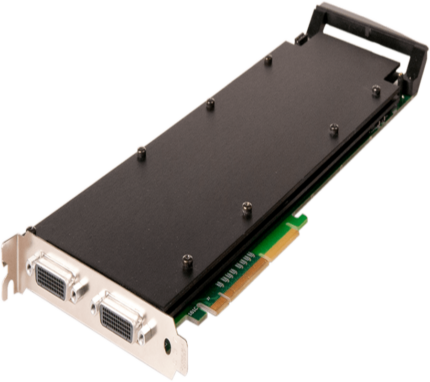
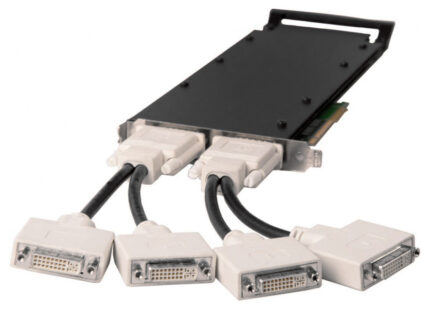
Xtreme-HD4
Quad Channel DVI-I Capture Card
The XtremeHD4 is a high end, four channel, high definition video capture card delivering performance and flexibility in demanding environments. The XtremeHD4 has four independent video capture channels, supporting high definition capture and analogue video.
- 8 Lane PCI Express Gen.3 bus
- 3.2 GB/s total capture bandwidth in 4 PCIe lanes
- Gen.3 or 8 Lanes Gen.2
- 4 x EMS capture processors
- Frame buffer memory 4 x 256 MB
- All standard Xtreme Range features
- EMS unified Windows and Linux driver support
The XtremeHD4 is a high end, four channel, high definition video capture card delivering performance and flexibility in demanding environments. The XtremeHD4 has four independent video capture channels, supporting high definition capture and analogue video.
XtremeDV-UHD2
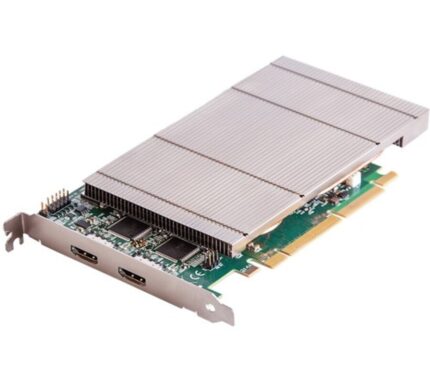
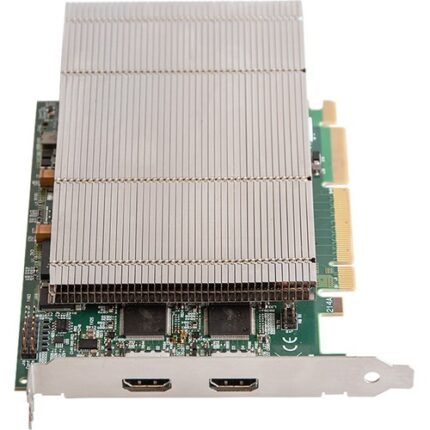
Dual HDMI 2.0 Video Capture Card
AV integrators demand the highest resolution video offering both detail and colour accuracy when creating the most stunning visual displays. From command and control rooms to reception areas, collaboration environments and digital signage applications, the XtremeDV-UHD2 ensures the very best quality and ultimate customer satisfaction.
- Two independent HDMI 2.0 capture channels
- Eight lane PCIe Gen.3 interface, Net 6 GB/s total capture bandwidth
- 2 GB Frame Buffer Memory
- Full 10-bit processing pipeline
- Up to 8K by 8K resolutions
- Built for the highest density systems supporting multiple inputs
- Full support of the Vision Performance Feature set
- EMS unified Windows® and Linux® driver
AV integrators demand the highest resolution video offering both detail and colour accuracy when creating the most stunning visual displays. From command and control rooms to reception areas, collaboration environments and digital signage applications, the XtremeDV-UHD2 ensures the very best quality and ultimate customer satisfaction.
XtremeRGB-Ex1+
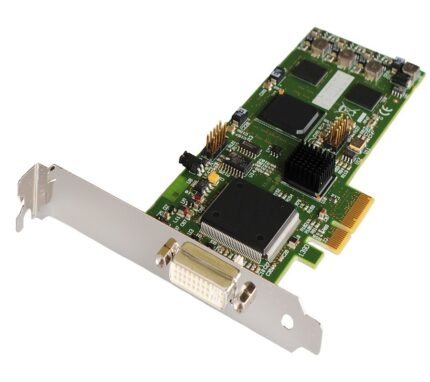
Single channel DVI/RGB analog video capture card
The XtremeRGB-Ex1+ is a suitable solution for applications that require the capture of analog or DVI sources in real time, such as viewing Analog or DVI sources ...
- Four Lane PCI Express interface with a maximum data rate of 650 MB/sec
- On card processor for real time mode and sink detection
- Support for multiple capture cards allowing up to 32 capture channels (32 cards)
- Maximum analog RGB video capture resolution of 2048x1536 x24bit
- Maximum DVI capture resolution of 1920x1200 x24bit
The XtremeRGB-Ex1+ is a suitable solution for applications that require the capture of analog or DVI sources in real time, such as viewing Analog or DVI sources ...
XtremeRGB-Ex4+
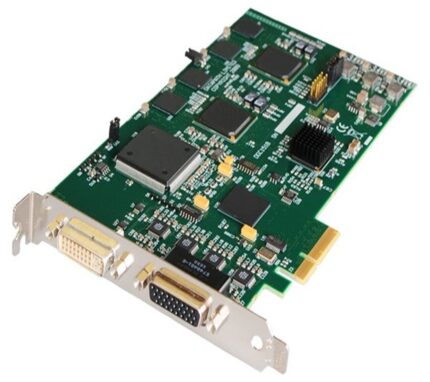
Four channel SD & 1 channel DVI/HD/RGB capture card
XtremeRGB-Ex4+ video capture card with five complete video capture channels supporting a single channel for up to 1920x1080 DVI or 2048x1536 Analog resolution, plus four SD Analog capture channels, and provides a maximum data rate of 650 MB/s.
- HD modes using the supplied DVI/ Component Adapter or DVI/HDMI Adapter (HDCP not supported)
- Four SD capture channels for PAL/NTSC, SECAM (composite or S-Video inputs)
- Four lane PCI Express interface with a maximum data rate of 650 MB/s
- Support for Windows® and Linux
XtremeRGB-Ex4+ video capture card with five complete video capture channels supporting a single channel for up to 1920x1080 DVI or 2048x1536 Analog resolution, plus four SD Analog capture channels, and provides a maximum data rate of 650 MB/s.
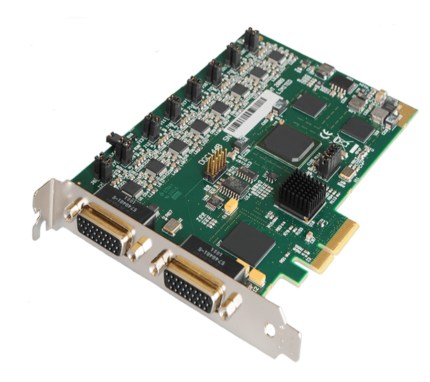
XtremeRGB-Ex8
Eight channel SD capture card
The XtremeRGB-Ex8 is an eight channel PCI Express video capture card. The card supports PAL, NTSC and SECAM in both composite and S-video input formats
- High performance DMA to system memory or direct graphics memory with scatter gather
- On board processor for real time mode and sync detection
- Support for all PAL, NTSC, SECAM or S-Video video modes
- Dynamic input source selection
The XtremeRGB-Ex8 is an eight channel PCI Express video capture card. The card supports PAL, NTSC and SECAM in both composite and S-video input formats