
Houses of Worship
Live stream weekly services, set up multi-camera PTZ production, IMAG displays and reach your online congregation — with systems designed to be operated reliably by volunteers week after week.
House of Worship Production Signal Flow
Who This Guide Is For
Christian Churches
Anglican, Baptist, Pentecostal, Catholic, Methodist — all denominations with regular services needing streaming.
Mosques
Jumu'ah prayers, Tarawih during Ramadan and community lectures streamed to remote worshippers.
Synagogues
Shabbat services, High Holy Days and lifecycle events streamed for housebound and diaspora members.
Temples & Mandirs
Puja ceremonies, festivals and spiritual discourse streamed for congregation members unable to attend.
Multi-site Churches
Live service feed from main campus to satellite venues with IMAG displays and simultaneous streaming.
Large Events / Conferences
Annual conferences, youth events and special services with audiences beyond a single venue's capacity.
Housebound Outreach
Reaching elderly and disabled congregation members who cannot attend in person via YouTube or Facebook.
International Communities
Diaspora communities accessing their home congregation's services from overseas via online streaming.
Worship Production Setup Types
Single Camera + Hardware Encoder
One fixed or PTZ camera, one hardware encoder, streaming to YouTube and Facebook. Configured once — volunteers press one button to go live each week.
- ✅ Zero technical knowledge to operate
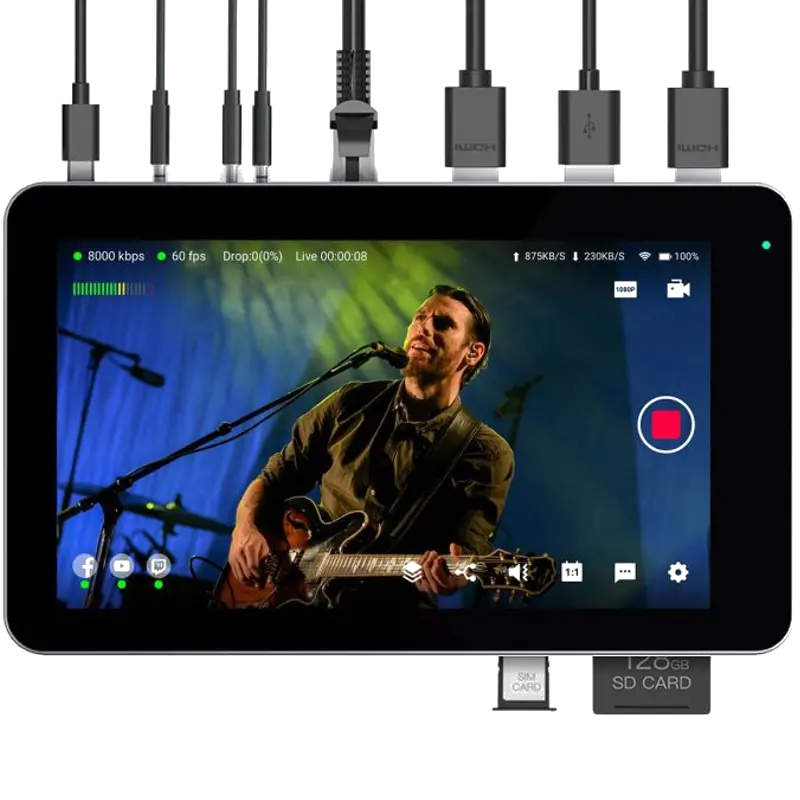
- ✅ Magewell Ultra Stream or YoloBox Mini
- ✅ Battery backup on YoloBox models
- ⚠️ Limited to one camera angle
YoloBox All-in-One Switcher
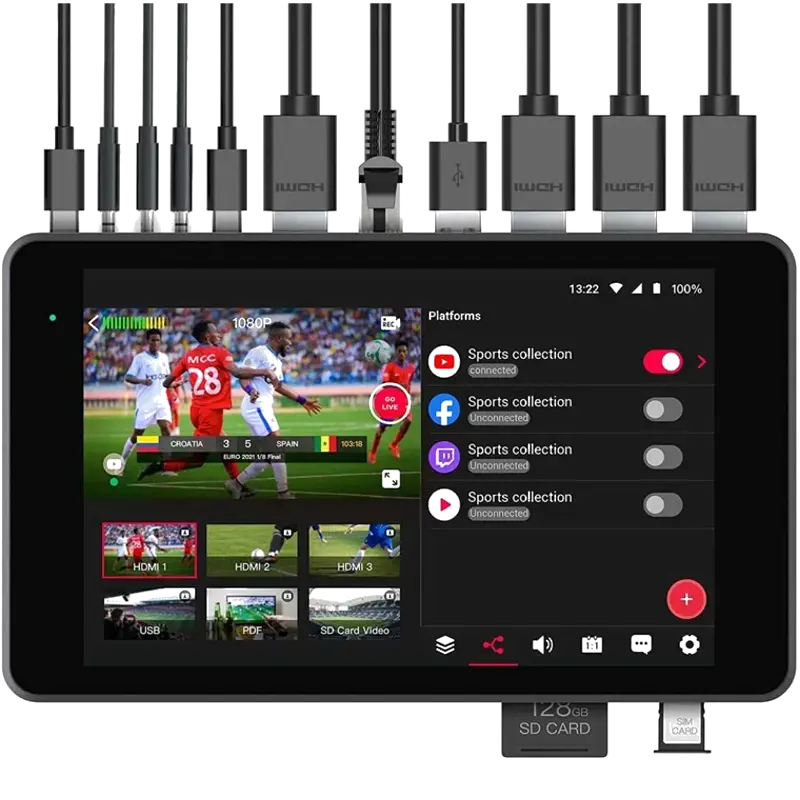
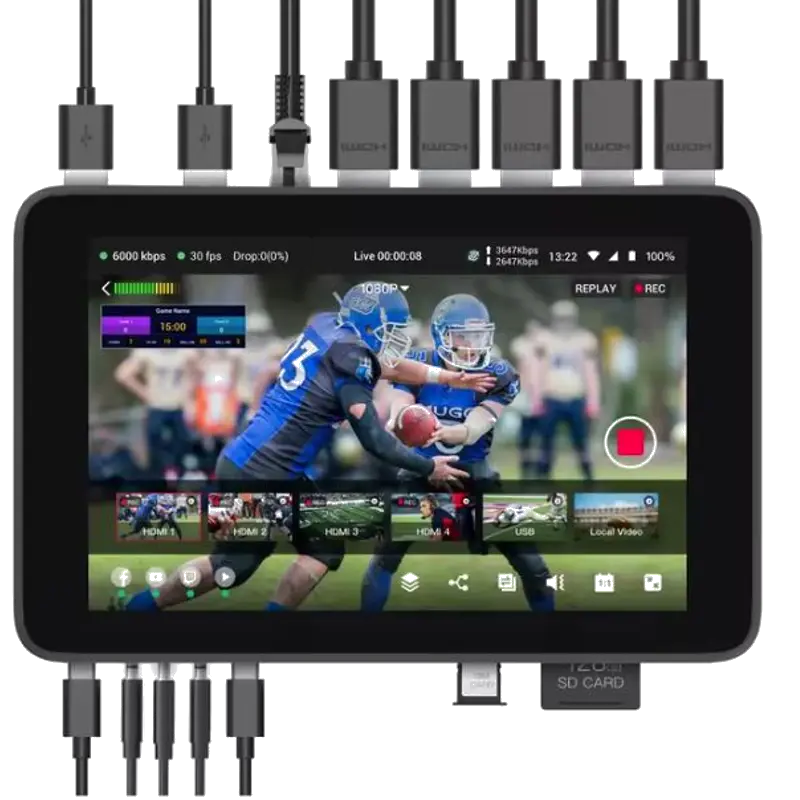
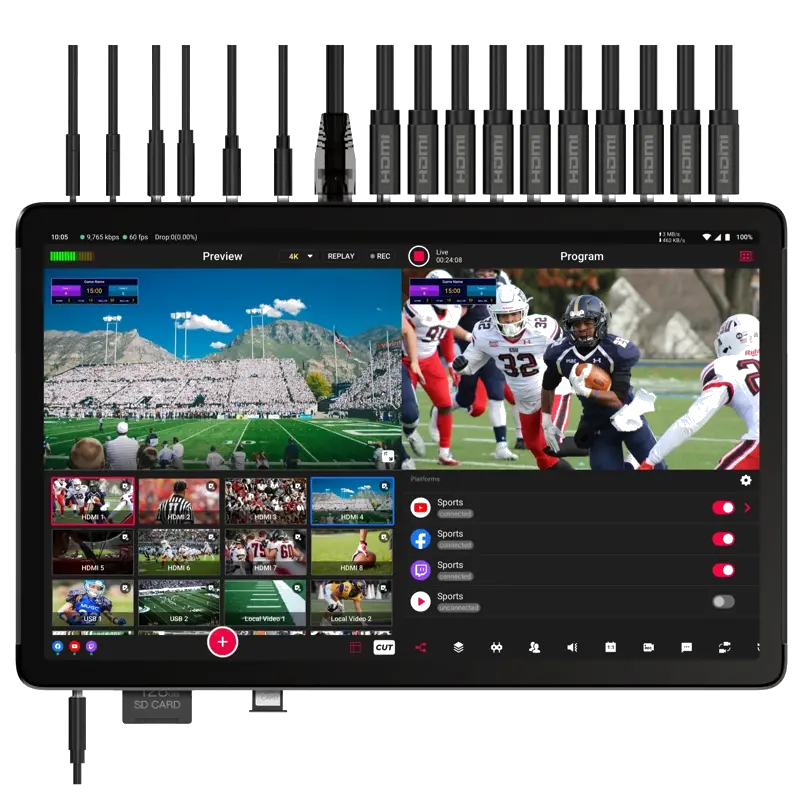
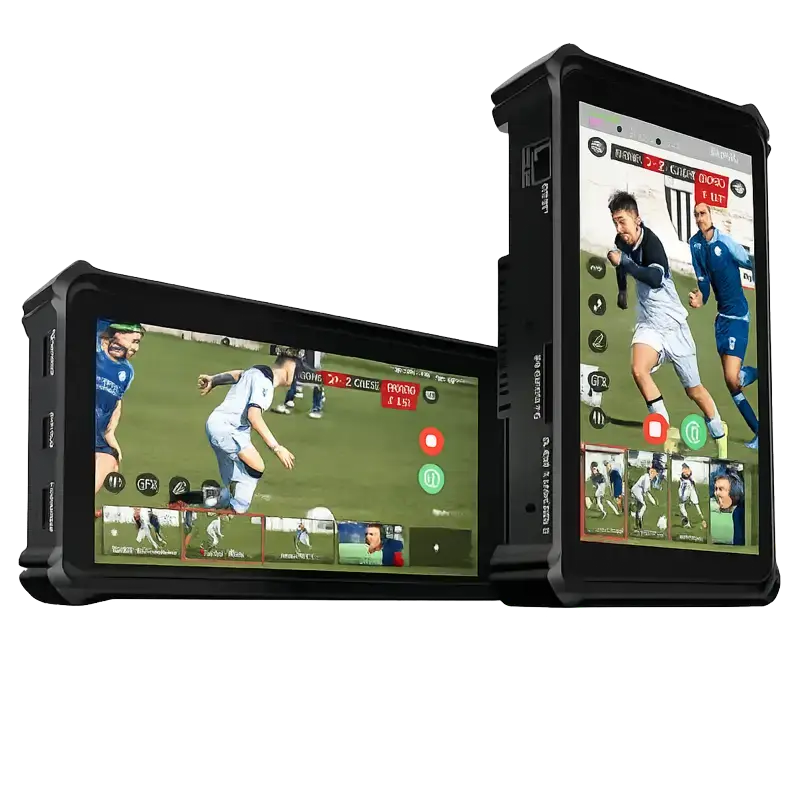
3–8 HDMI inputs, live camera switching, built-in touchscreen for monitoring, simultaneous streaming to 3+ platforms. Self-contained — no external PC or monitor needed.
- ✅ Built-in screen for volunteer monitoring
- ✅ Battery powered — no mains at FOH
- ✅ 4G LTE backup for venue internet
- ✅ Wide range from Mini to Extreme
Magewell Director Production
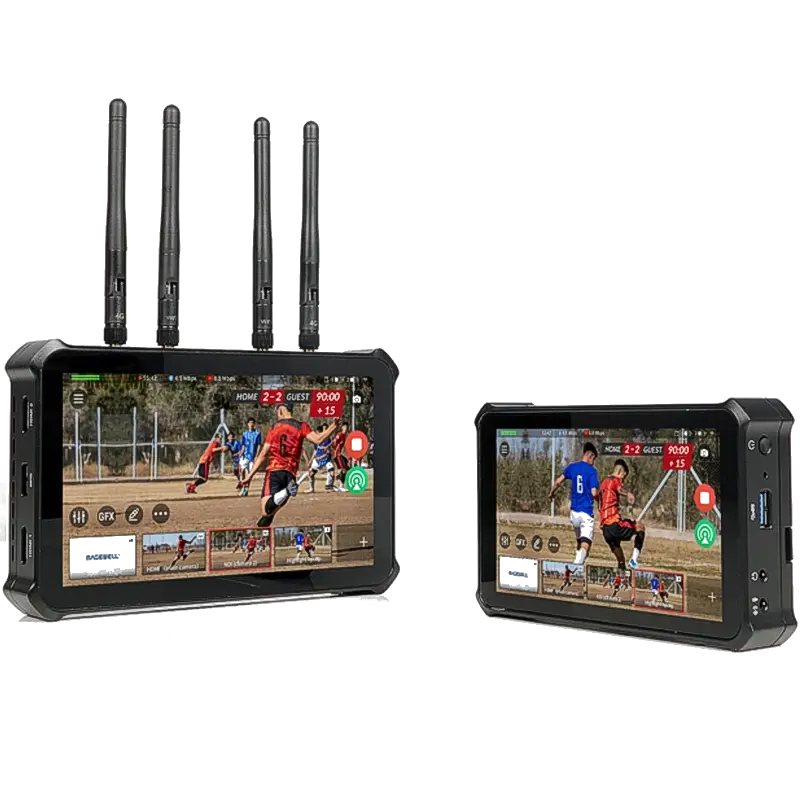
4 HDMI + IP/NDI sources, live switching, graphics, audio mixing and multi-platform streaming. One device replaces a production switcher, streaming encoder and audio interface.
- ✅ 4 cameras + IP sources in one unit
- ✅ Live graphics and lower thirds
- ✅ 4 simultaneous streaming destinations
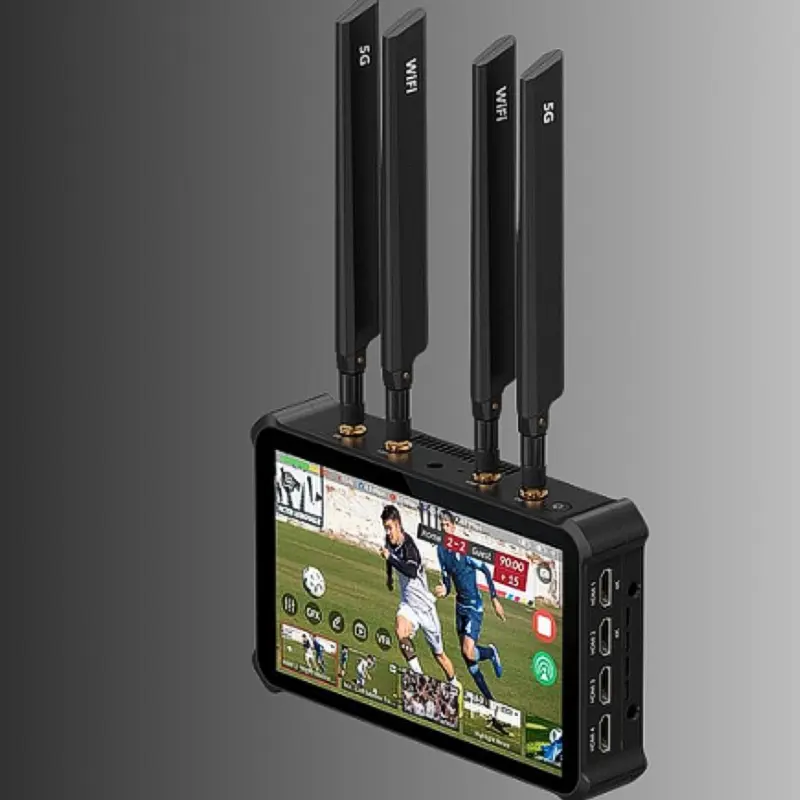
- ✅ Director Plus: 4K, 5G, Wi-Fi 6E, ISO rec
NDI PTZ Camera System
BirdDog NDI PTZ cameras around the sanctuary connected via Cat 6 Ethernet (PoE). No long HDMI runs. All cameras visible in vMix, OBS or Magewell Director instantly.
- ✅ No HDMI cable runs across sanctuary
- ✅ PTZ control from one location
- ✅ Cameras add easily as church grows
- ⚠️ Gigabit switch required
Full PC Production + OBS/vMix
Dedicated production PC running vMix or OBS. Multiple cameras via NDI, HDMI and USB capture. Full graphics, replay and multi-stream capability for larger churches.
- ✅ Maximum flexibility and features
- ✅ Motion replay, scoreboard, overlays
- ✅ ProPresenter / EasyWorship as NDI source
- ⚠️ Requires trained volunteer or staff
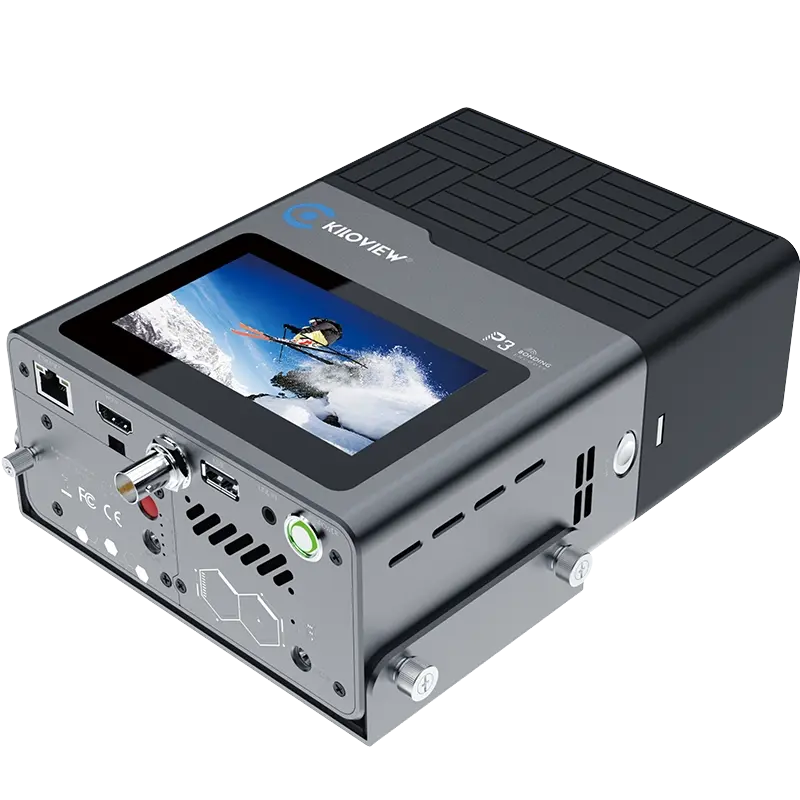
Bonded Cellular Backup
Kiloview bonded 4G/5G encoder combines multiple SIM cards for reliable streaming even when the venue broadband fails — essential for older buildings with poor connectivity.
- ✅ No dependence on venue broadband
- ✅ Multiple SIM cards bonded together
- ✅ Automatic failover between connections
- ✅ SRT for reliable delivery over cellular
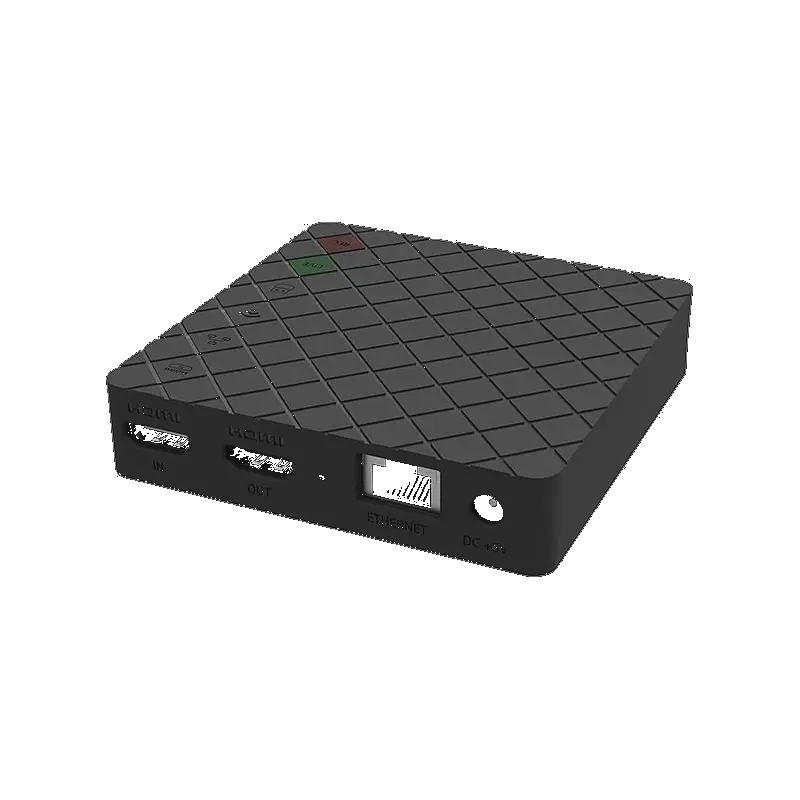
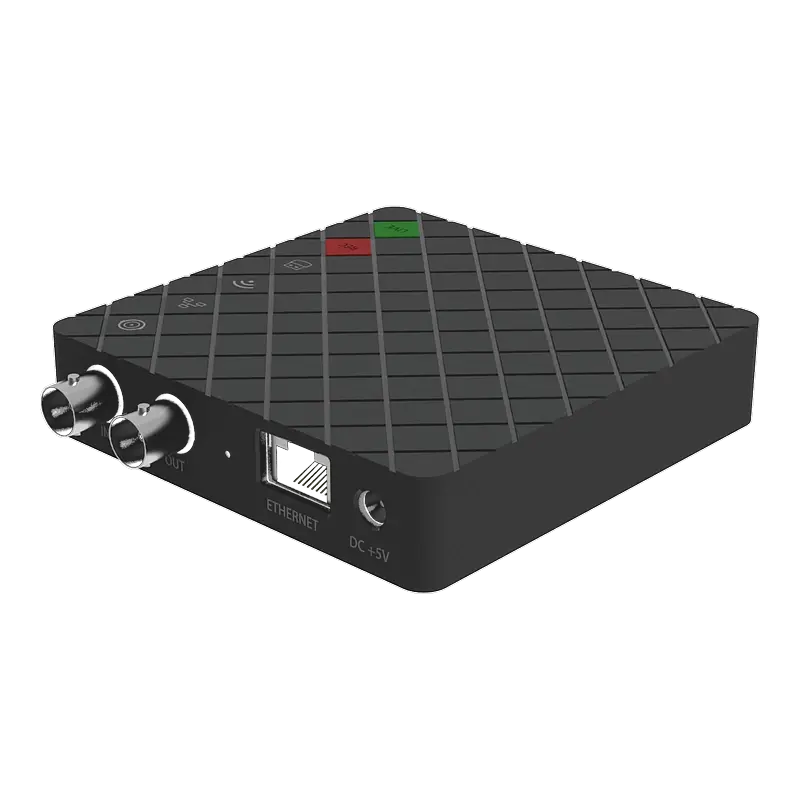
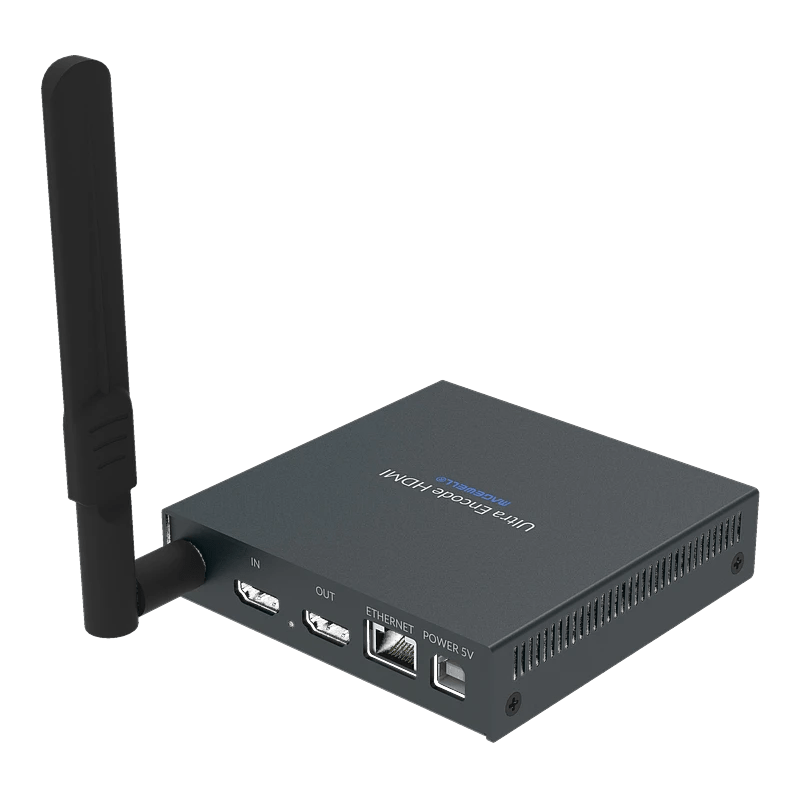
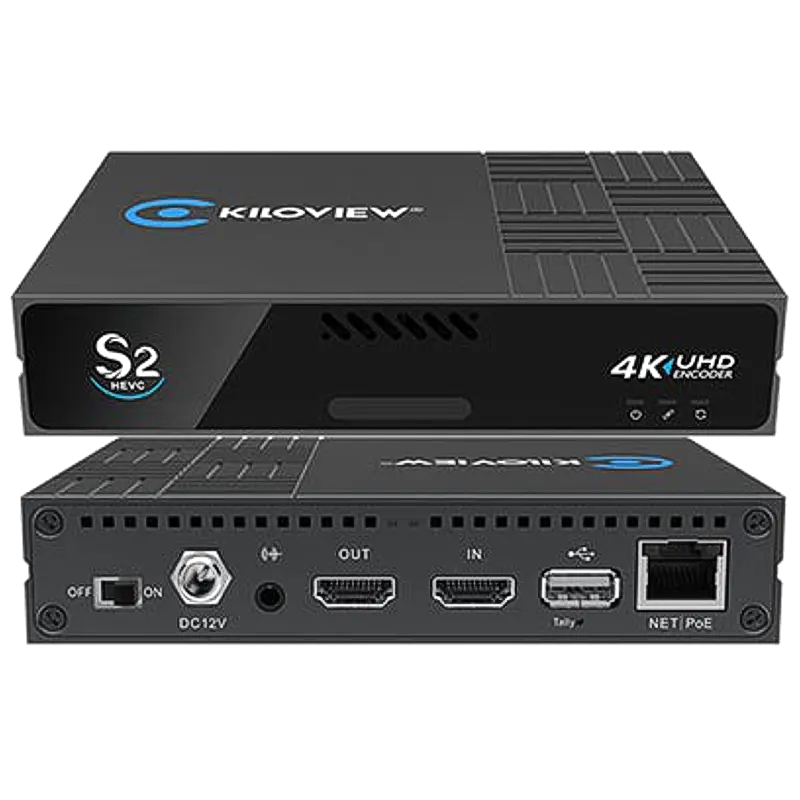
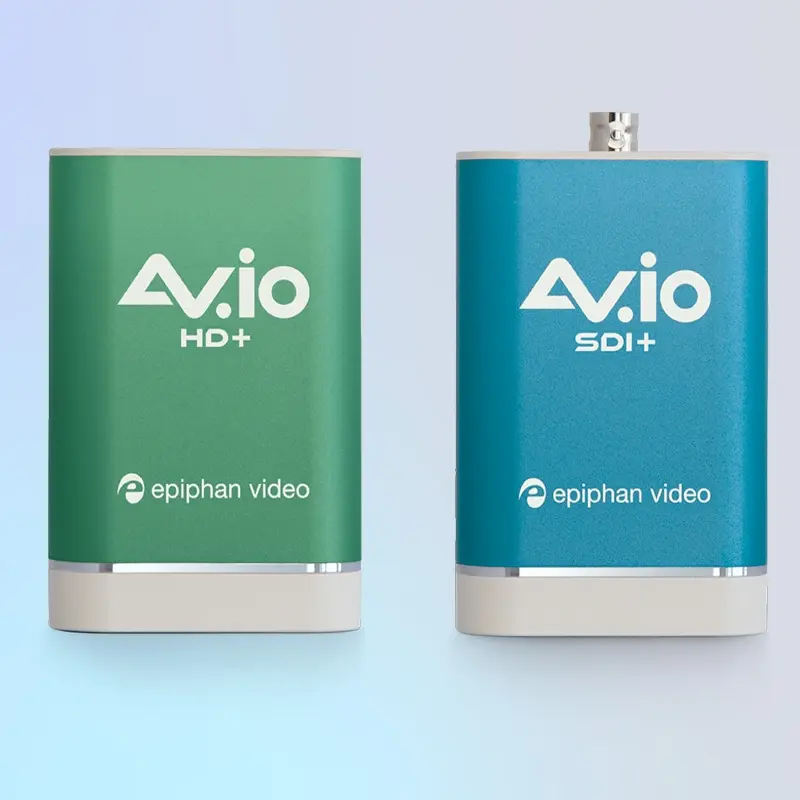
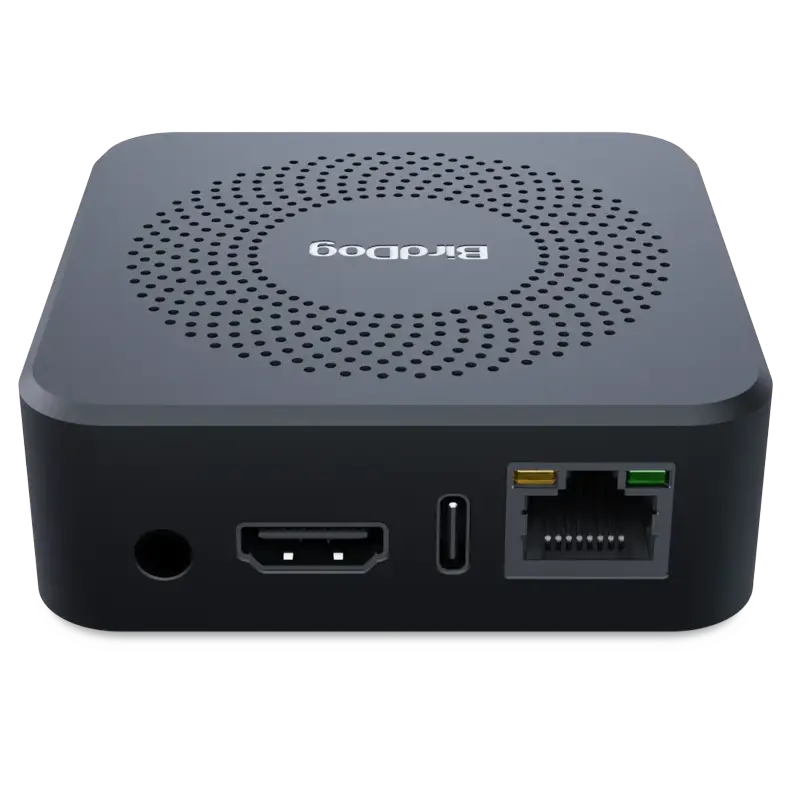
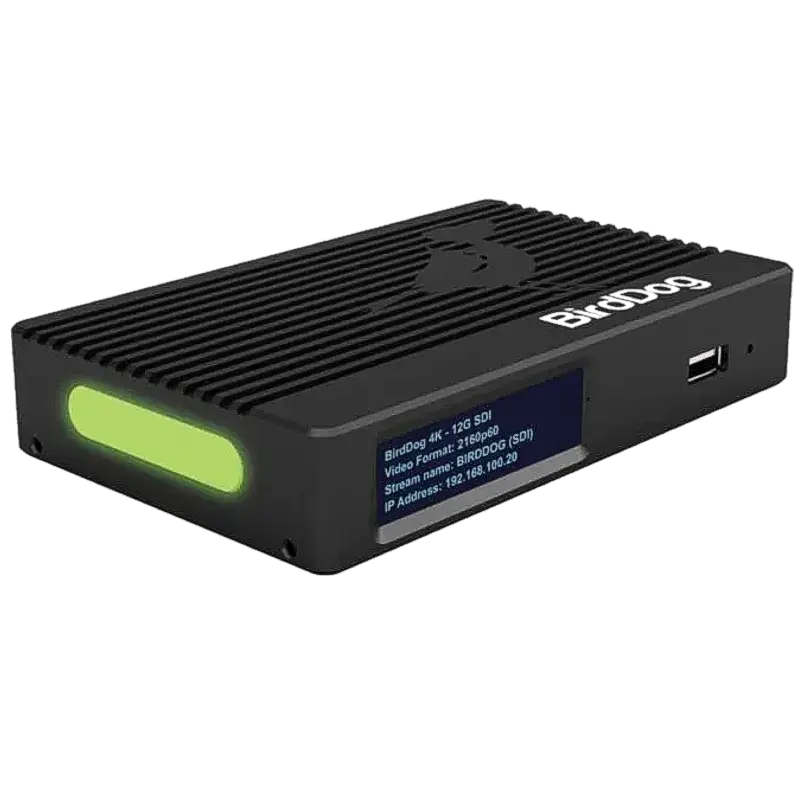
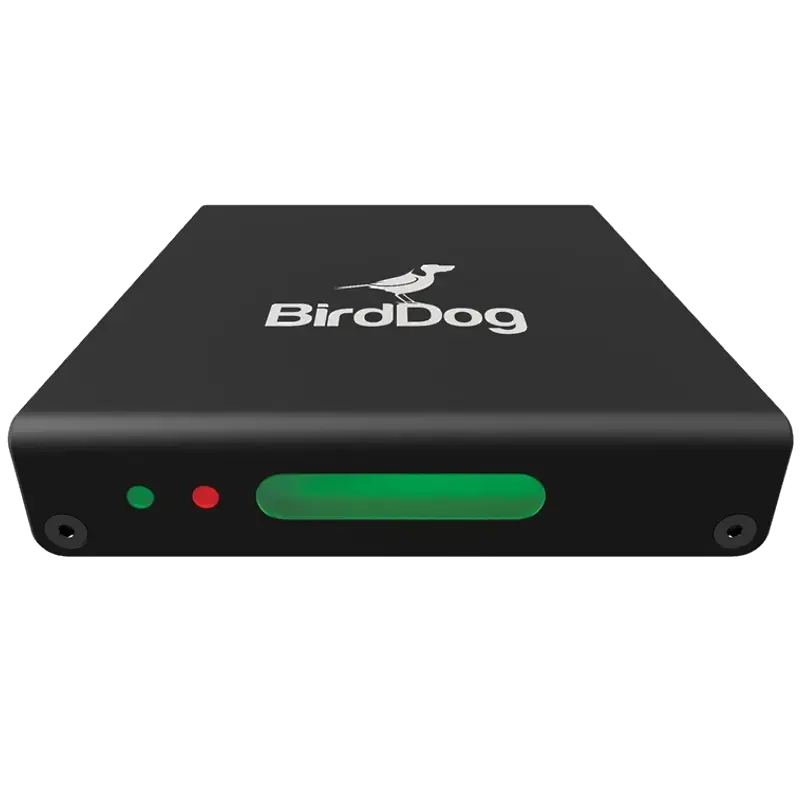
Recommended Products for Houses of Worship
Getting Audio Right for Worship Streaming
Audio quality makes or breaks a worship stream. The main PA mix in a large sanctuary often sounds poor when captured raw — it is tuned for the room acoustics, not for a recording. A dedicated streaming mix is always better.
Taking audio from the mixing desk
- Aux/Mix output: most digital mixing desks have a dedicated aux send or mix bus output (XLR or balanced line) — configure this as your streaming mix with appropriate compression, reverb adjustment and level
- USB audio: digital mixers (Behringer X32, Yamaha QL, Allen & Heath SQ) output audio directly over USB — connect to the streaming PC and select as the audio source in OBS or capture software
- Direct out: for simpler analogue desks, a direct out from the main L/R mix via XLR-to-3.5mm to a hardware encoder audio input
- Dante/AES67: larger church installations with Dante audio networking can route the streaming mix over IP to any device on the Dante network
Streaming mix vs PA mix
- The PA mix is tuned for a reverberant room — it typically has less reverb (the room provides it) and more compression
- For streaming, add more reverb to replace the room acoustics, reduce compression slightly for a more natural online listening experience
- Boost vocals relative to music in the streaming mix — online listeners cannot make up for poor vocal clarity the way in-person congregants can
- Set a consistent level — online congregants cannot adjust the volume the way they can in the room
⚠️ CCLI Streaming Licence: Streaming copyrighted worship music (hymns, contemporary worship songs) in the UK requires a CCLI Streaming Licence in addition to your Church Copyright Licence (CCL). Without it, YouTube and Facebook may mute your audio, remove the stream or issue copyright strikes. Purchase at ccli.com/uk. Public domain hymns (pre-1925 lyrics and tunes) do not require a licence.
Streaming Platform Comparison for Worship
| Platform | Archive VOD | Copyright risk | Free? | Best for |
|---|---|---|---|---|
| YouTube Live | ✅ Automatic | 🟡 Content ID — register CCLI | ✅ | Most churches — largest online reach, good archive |
| Facebook Live | ✅ Auto-saved | 🔴 High — frequent music muting | ✅ | Congregations already on Facebook; supplement YouTube |
| Church Online Platform | ✅ | ✅ Pre-cleared worship music | ✅ Free tier | Churches wanting safe worship music streaming |
| ChurchSuite / Planning Center | ✅ | ✅ No Content ID | Paid | Churches already using ChurchSuite for admin |
| Vimeo Live | ✅ | 🟡 Low — less automated | Paid | Privacy-conscious congregations; premium feel |
| Website embed (RTMP) | Manual | ✅ Self-controlled | Server cost | Full control; requires own streaming server (Wowza/AWS) |
| Restream relay | N/A (relay only) | Platform-specific | Free tier | Simultaneously reaching YouTube + Facebook + website in one stream |
Compatible Worship Production Software
Troubleshooting Common Worship Streaming Problems
📉 Stream disconnects mid-service — the worst possible moment
Almost always caused by venue internet failing. Churches in older buildings frequently have poor or shared broadband. Solutions: (1) use SRT instead of RTMP — SRT retransmits lost packets and survives brief network interruptions that would kill an RTMP stream; (2) add a 4G/5G router as a backup internet connection with automatic failover — a 4G router plugged into the streaming encoder as a secondary connection means if the church broadband drops, the stream switches to cellular without going offline; (3) use a Kiloview P3 with bonded cellular as the primary streaming connection — eliminates broadband dependency entirely; (4) place the streaming encoder on a dedicated network connection separate from the church's general-purpose internet to prevent other users' activity affecting the stream.
🎵 Facebook/YouTube muting the audio or striking worship music
Content ID detection of copyrighted worship music. Essential steps: (1) obtain a CCLI Streaming Licence from ccli.com/uk — this is separate from your Church Copyright Licence; (2) register the CCLI licence number in your YouTube Studio and Facebook Live settings — platform-specific registration process; (3) appeal any automatic strikes immediately via the YouTube Content ID appeal process, citing your CCLI licence number; (4) consider streaming simultaneously to Church Online Platform which has pre-cleared many worship songs; (5) for Restream users, note that CCLI registration must be done with each destination platform separately. Some publishers block all streaming regardless of licence — contact the specific publisher for individual song clearances.
📷 Camera image looks dark or grainy in the sanctuary
Dark sanctuaries with spotlit stages are challenging for cameras. Solutions: (1) Lighting first — adding stage wash lighting (even subtle LED colour-matched wash) dramatically improves camera quality; camera image quality is primarily a lighting problem, not a camera problem; (2) set the camera to manual exposure — auto-exposure in a dark sanctuary with a bright spotlight will constantly hunt and pulse; set exposure manually to the spotlight level; (3) use cameras with larger sensors and wider aperture lenses — look for PTZ cameras rated for low-light environments; (4) position cameras closer to the stage where possible — rear-of-room cameras in large sanctuaries suffer most from low light; (5) increase camera gain carefully — modern cameras can push gain without excessive noise but there is a limit.
🔊 Audio is echoing or sounds like it is in a cave for online viewers
The streaming mix is taking the raw room microphones rather than the desk mix. When microphones hear a large reverberant room, the result sounds echoey online. Solutions: (1) take the desk mix output, not the microphone output — connect from the aux/streaming out on the mixing desk; (2) if using the desk mix, the sound engineer may need to create a separate streaming mix bus with less reverb than the main PA mix — the room provides reverb for the in-person congregation, but online listeners hear only the electronic reverb; (3) use a dedicated compressor/limiter on the streaming audio output to even out volume differences between singing, speaking and music.
🌐 NDI cameras not appearing on the network in the church building
Churches often have managed enterprise Wi-Fi systems (Meraki, Ubiquiti UniFi) that block multicast traffic between VLANs or across access points. NDI uses mDNS for discovery — this is frequently blocked. Solutions: (1) connect NDI cameras via wired Ethernet, not Wi-Fi — wired connections avoid the Wi-Fi multicast issue; (2) check if the church IT has IGMP snooping misconfigured on their managed switches — disable IGMP snooping on small church networks if the IT team is not managing it correctly; (3) if cameras and the production PC are on different VLANs (IT network vs AV network), configure mDNS proxy/bridging between VLANs in the church's managed switch; (4) use NDI Access Manager on the production PC to manually specify camera IP addresses and bypass mDNS discovery entirely.
🎬 PTZ camera keeps losing the speaker and zooming to the wrong area
Auto-tracking cameras rely on contrast detection or AI body detection. Failure causes: (1) speaker wearing clothing similar to the background colour — ensure the stage backdrop or curtains are a different colour to typical presenter clothing; (2) stage lighting changes — if lighting shifts between worship songs and sermon, re-calibrate auto-tracking position presets; (3) multiple people in the tracking zone — configure exclusion zones so the camera only tracks in the pulpit/stage area; (4) too much movement — some auto-tracking systems cannot keep up with energetic worship leaders; set tracking speed to match the presenter's typical movement; (5) camera positioned too far away — at very long distances, auto-tracking accuracy degrades significantly. For volunteer-operated productions, consider fixed wide shots with manual switching between presets rather than full auto-tracking.
Need help planning your worship production system?
Our technical team can design a complete worship production system for your sanctuary — from a single-camera volunteer setup to a full multi-camera NDI production. We have supplied and supported houses of worship across the UK.
Contact Technical SupportFrequently Asked Questions
What is the best streaming setup for a church with volunteer operators?
The YoloBox Pro (battery, 3 HDMI inputs, built-in screen) or Magewell Ultra Stream HDMI (standalone, 4-platform streaming, no screen needed) are both configured once and operated by volunteers pressing one button. For multi-camera switching by volunteers, the Magewell Director Mini has a touchscreen interface that most volunteers can learn in one session. Reliability and simplicity matter more than features in a volunteer-operated environment.
Do I need a CCLI streaming licence?
Yes. In the UK, streaming copyrighted worship songs requires a CCLI Streaming Licence in addition to your Church Copyright Licence. Without it, YouTube and Facebook Content ID systems will mute, strike or remove your streams. Purchase at ccli.com/uk. Public domain hymns and songs written before 1925 are exempt. Register your licence number with YouTube and Facebook to enable the appeal process if Content ID fires.
How do I set up NDI PTZ cameras without long HDMI cable runs?
NDI PTZ cameras connect to any Ethernet port in the building via Cat 6 cable. One BirdDog encoder (or NDI-native PTZ camera) connects to a Gigabit switch via PoE — one cable provides both power and video. No HDMI cables from camera positions to the production area. All cameras appear instantly in vMix, OBS (NDI plugin), Magewell Director or any NDI-capable production system anywhere on the network. Run Cat 6 cable from a central Gigabit switch to each camera position during the initial installation.
How do I get audio from the church mixing desk into the stream?
Connect from a dedicated aux/streaming output on the desk (most digital desks have this) via XLR to your hardware encoder's audio input, or USB direct from the mixing desk to the streaming PC. Create a separate streaming mix bus on the desk — with more vocal presence and less room reverb than the main PA mix. The in-house congregation hears room reverb naturally; online listeners need it added in the mix.
Can I stream to YouTube, Facebook and our website simultaneously?
Yes. Magewell Ultra Stream, Magewell Director and YoloLiv YoloBox all stream to up to 4 RTMP/SRT destinations simultaneously from one device — enter YouTube, Facebook and a website RTMP endpoint in the encoder settings. Alternatively, use Restream as a cloud relay: stream once from OBS or a hardware encoder to Restream and it distributes to all platforms simultaneously.
What do I do when the church broadband is too slow or unreliable?
Use H.265 encoding (Magewell Ultra Encode, Kiloview) — H.265 delivers the same 1080p quality at roughly half the bitrate of H.264, halving the upload speed requirement. For unreliable connections, SRT handles packet loss far better than RTMP — switch from RTMP to SRT streaming where the platform supports it (YouTube, Facebook both support SRT). For fundamental broadband inadequacy, the Kiloview P3 with bonded cellular combines multiple 4G/5G SIM cards and is completely independent of the venue's broadband.
How do we output the live service to overflow rooms and IMAG screens?
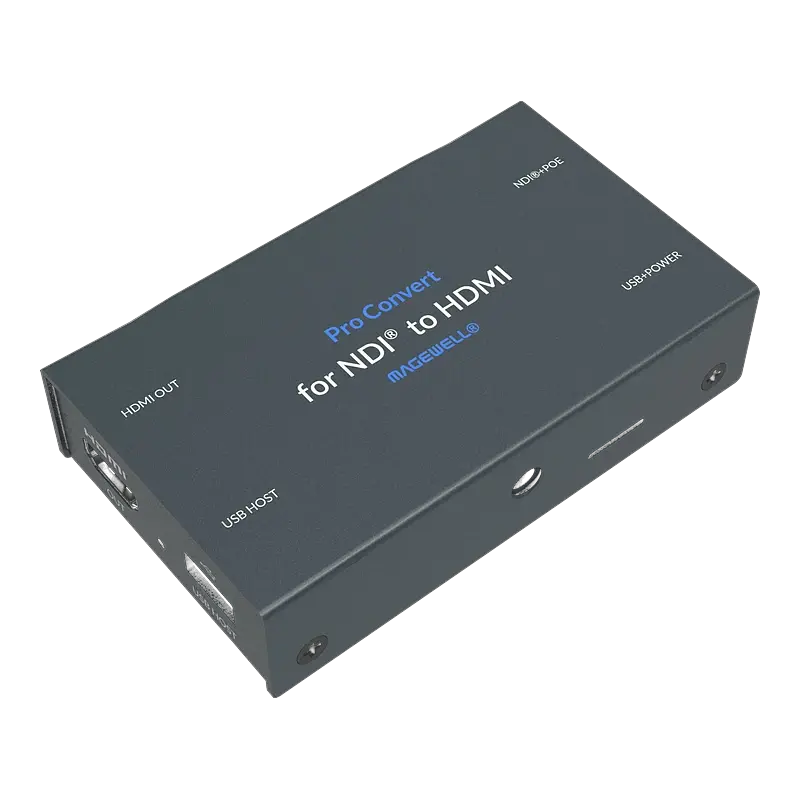
Use Magewell Pro Convert NDI to HDMI decoders at each display position. The production system (vMix, Director, OBS with NDI output) sends the programme mix as NDI over the church Ethernet network. Each decoder receives the NDI stream and outputs HDMI to the connected screen — overflow room, creche display and sanctuary IMAG screens all receive the same live programme mix simultaneously over the church network. One PoE-powered decoder per screen, no HDMI cable runs from the production desk to each display location.