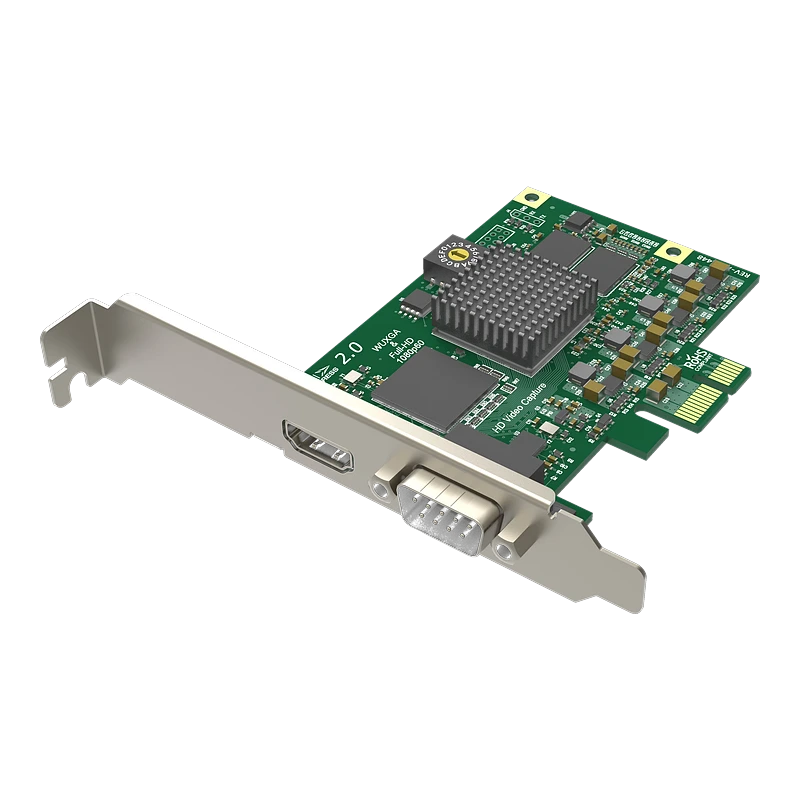
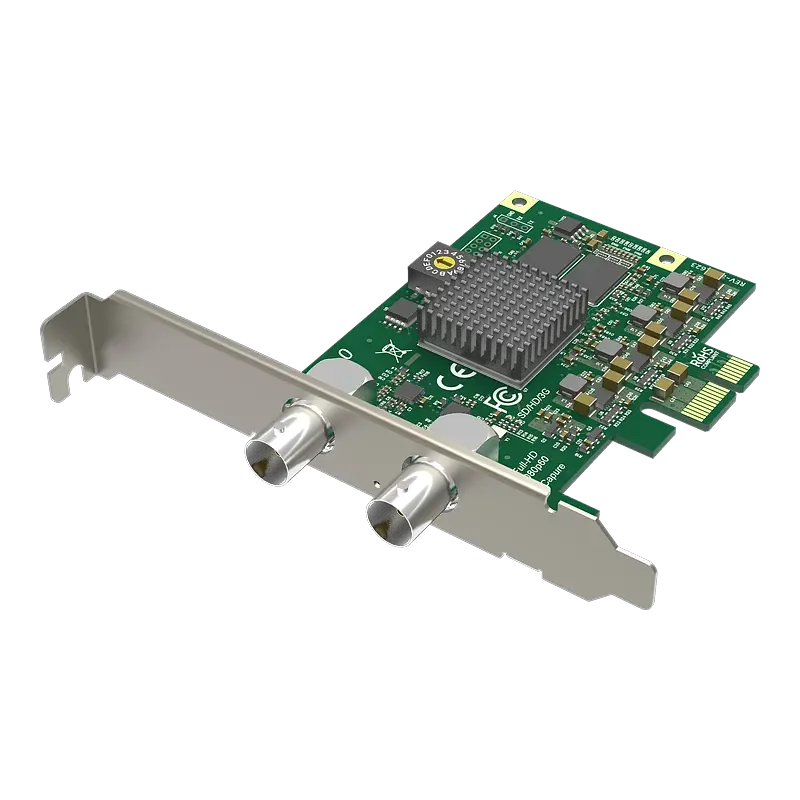
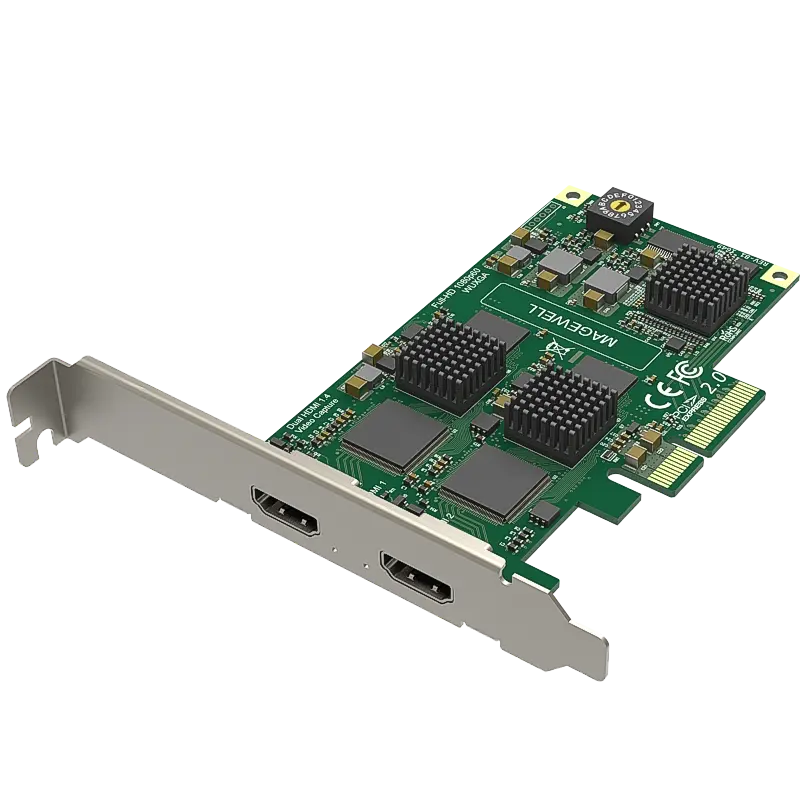
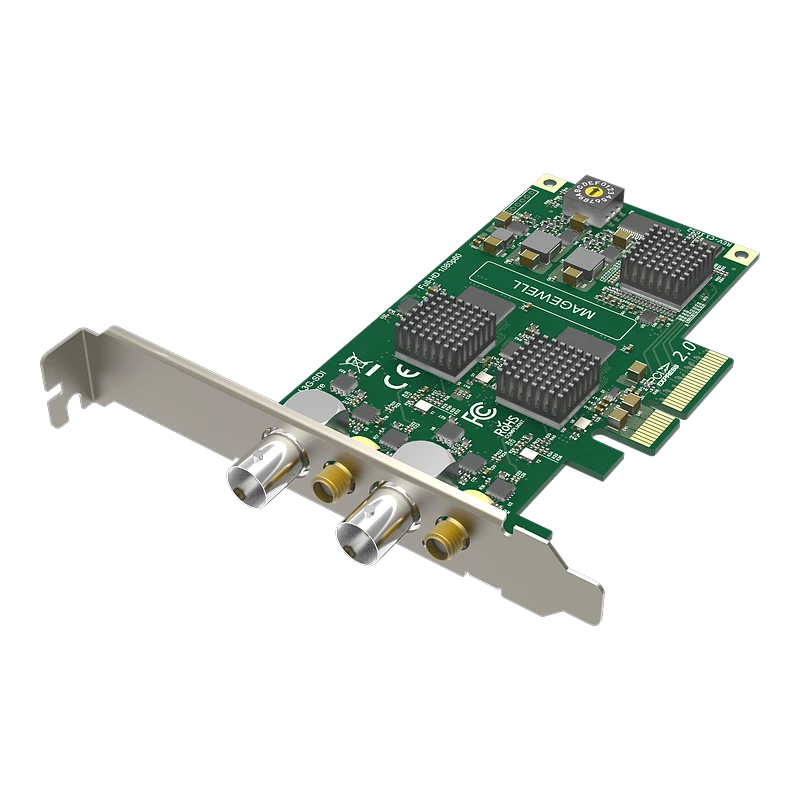
Every PCIe capture card we stock compared across channel count, SDI standards, genlock, 4K, Linux V4L2 and NLE compatibility. Magewell Pro Capture, Elgato 4K Pro and Blackmagic DeckLink — with full spec tables, SVG diagrams and honest use-case recommendations.
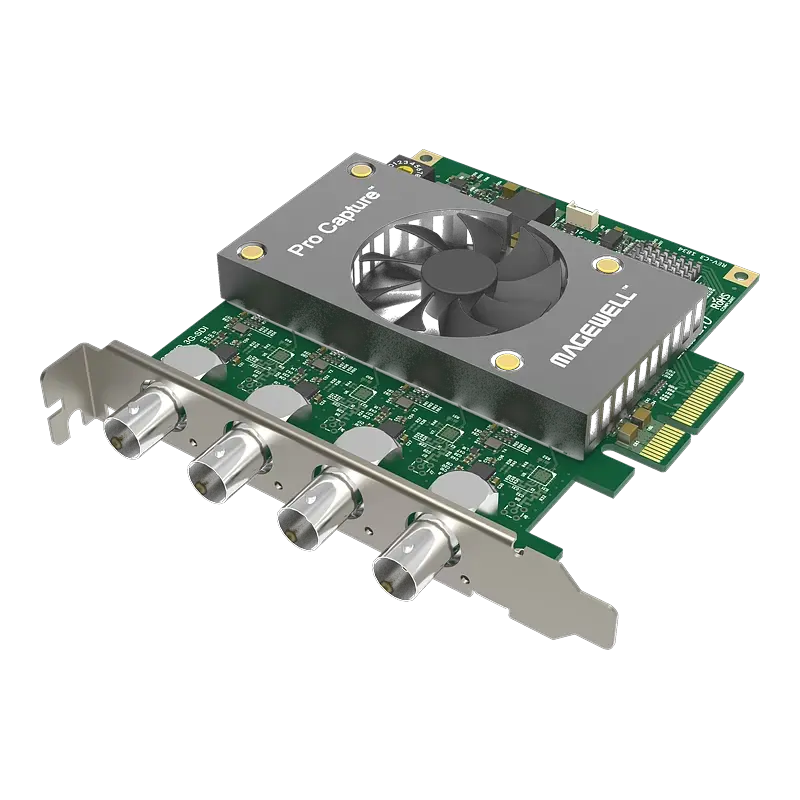
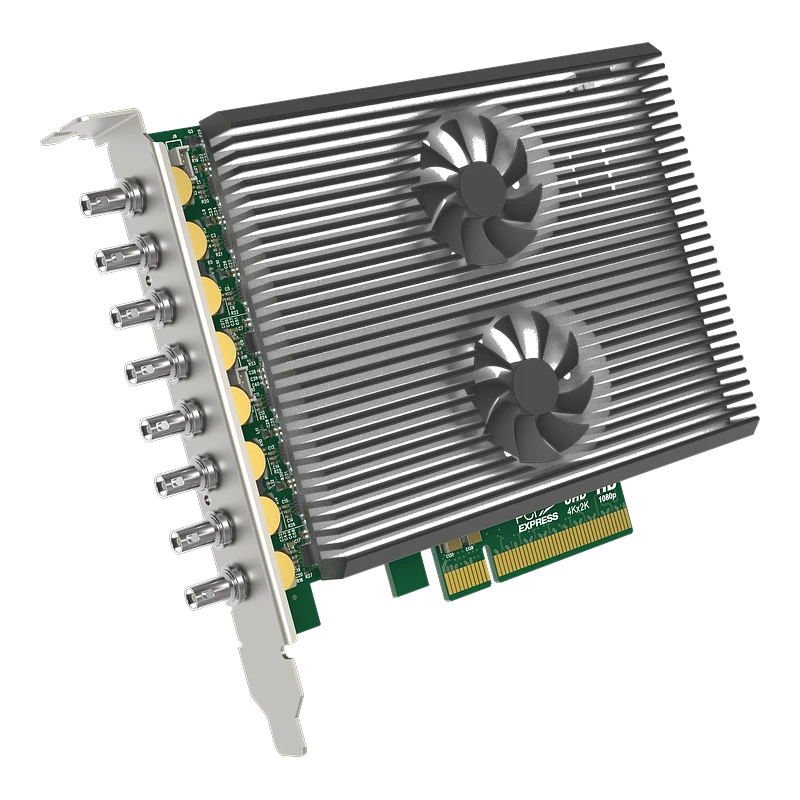
Four 3G-SDI channels from a single PCIe x4 slot. Up to 16 SDI channels in a 4-slot workstation. The density champion for broadcast ingest. £599 ex-VAT.
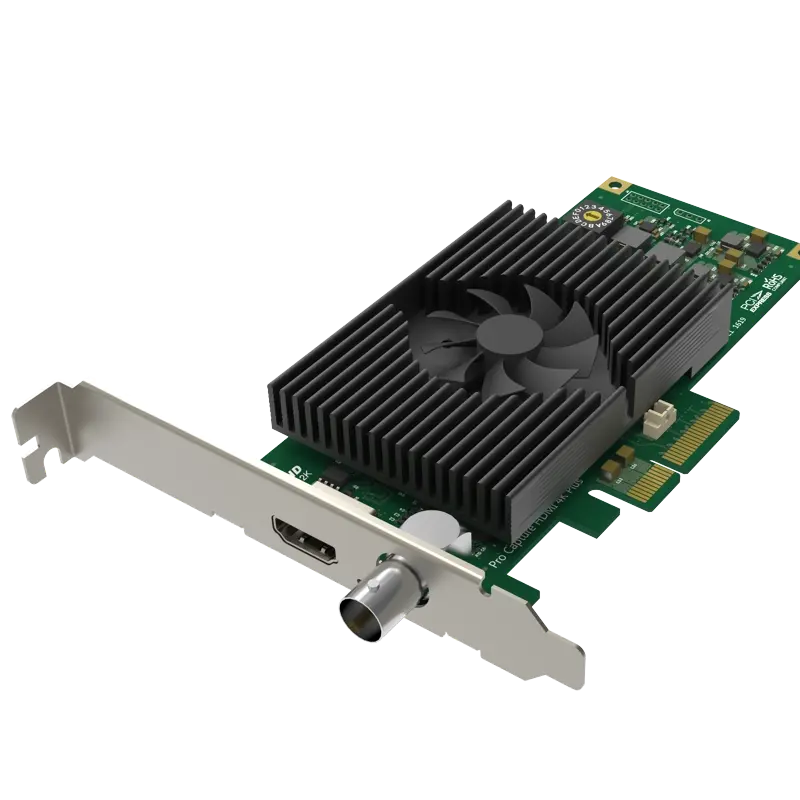
HDMI 2.0 + 3G-SDI + composite analogue from one PCIe slot with genlock. For facilities with legacy and modern signal formats simultaneously. £637 ex-VAT.
A PCIe (Peripheral Component Interconnect Express) capture card is installed permanently into a desktop workstation or server motherboard via a PCIe slot. Unlike USB capture cards, PCIe cards use the motherboard's high-speed PCIe bus — providing sustained bandwidth far exceeding USB 3.0 — making them the correct choice for multi-channel ingest, uncompressed 4K recording and 24/7 broadcast server operation.
PCIe cards appear as capture devices in Windows (DirectShow), Linux (V4L2) and macOS (Core Media) — visible in Adobe Premiere, DaVinci Resolve, Avid, OBS, vMix and any video software that supports hardware capture devices. They cannot be used in laptops (which have no accessible PCIe slots) — for portable capture, see the USB Capture Cards comparison.
Fig 1. PCIe capture cards offer vastly more bandwidth than USB, making them the correct choice for multi-channel ingest, uncompressed 4K and permanent broadcast server installations.
Fig 2. Multi-camera PCIe ingest with genlock. A sync generator distributes tri-level reference to all cameras AND to the genlock BNC input on each Pro Capture Plus or 4K Plus card — ensuring frame-perfect synchronisation when switching between cameras on a live production.
Full Specification Comparison
All PCIe capture cards — scroll right on smaller screens · ✓ = yes · — = no / N/A
† Magewell Pro Capture Dual SDI 4K Plus requires a PCIe x8 slot. All other Magewell Pro Capture cards work in x4 or larger slots. · Blackmagic DeckLink comes in many variants — visit the Blackmagic brand page for specific model details. · Elgato 4K Pro is primarily for gaming dual-PC streaming — see the Gaming Capture Cards comparison for full gaming context.
Signal Format Guide — Which Card Supports Your Source
PCIe cards vary significantly by input type. Not every card accepts every signal — match your source to the correct card.
3G-SDI (SMPTE 424M)
2.97 Gbps. Supports up to 1080p60 on a single BNC cable. The most common SDI standard in broadcast cameras, studio equipment and medical imaging. Supported by all Magewell Pro Capture SDI models and Blackmagic DeckLink.
Input
6G-SDI (SMPTE 2081)
5.94 Gbps. Supports 4K/UHD at 30fps on a single BNC cable. Used in some broadcast 4K cameras. Supported by Magewell Pro Capture SDI 4K Plus (which also supports 12G-SDI) and select Blackmagic DeckLink models.
Input
12G-SDI (SMPTE 2082)
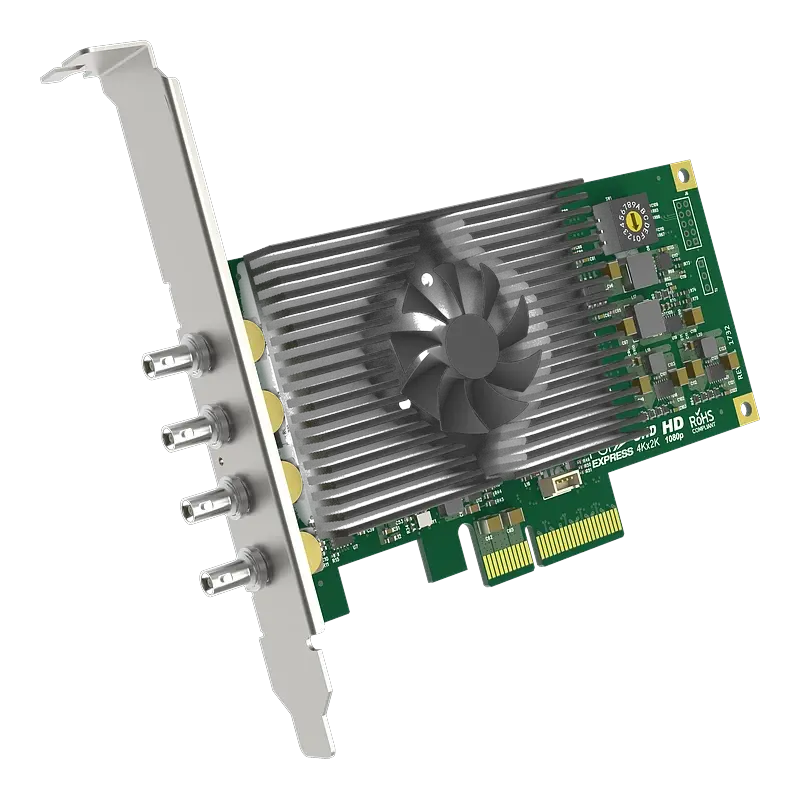
11.88 Gbps. Supports 4K/UHD at 60fps on a single BNC coaxial cable — same 75-ohm infrastructure as HD-SDI. Magewell Pro Capture SDI 4K Plus and Dual SDI 4K Plus. The current broadcast 4K standard — one cable per 4K camera.
Input
HDMI 1.4
Supports up to 1080p60. Magewell Pro Capture HDMI and Dual HDMI accept HDMI 1.4. For cameras, laptops and presentation sources outputting at 1080p or below.
Input
HDMI 2.0
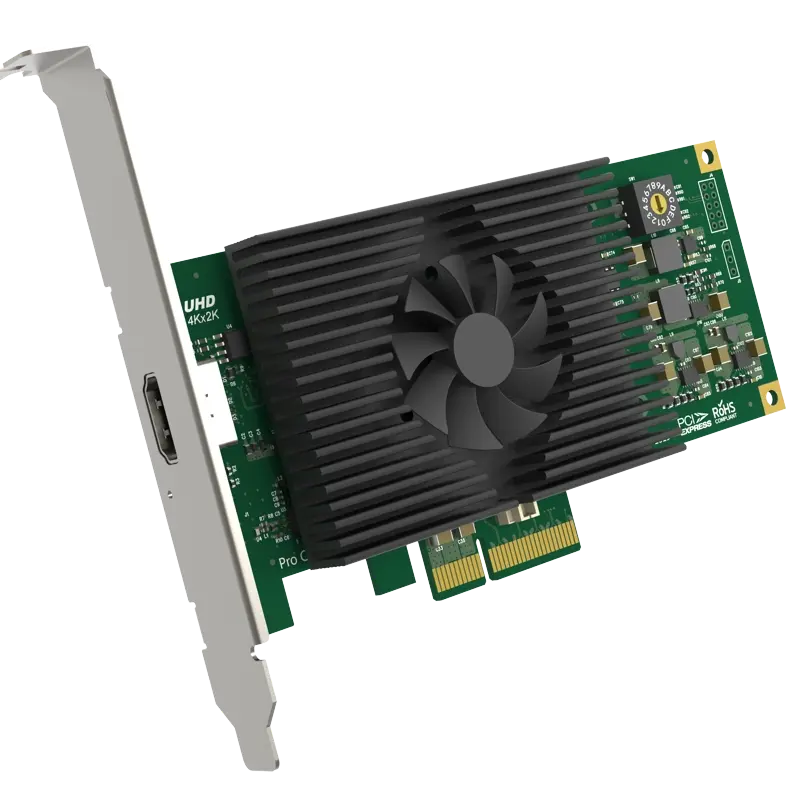
Supports 4K60. Magewell Pro Capture HDMI 4K Plus, AIO 4K Plus and Elgato 4K Pro accept HDMI 2.0. Required for 4K cameras, PS5/Xbox at 4K and 4K content creation cameras.
Input
Composite / CVBS
Analogue standard definition (PAL 576i or NTSC 480i) via RCA or BNC. Legacy cameras, VCRs and analogue security cameras. Only the Magewell Pro Capture Hexa CVBS (6 channels) and AIO 4K Plus support composite input.
Input
Genlock (Tri-Level Sync)
Reference synchronisation signal (0.6V p-p tri-level for HD, 0.3V p-p black burst for SD) distributed via BNC to all cameras and capture cards. Ensures frame-identical timing for glitch-free live production switching. Available on all Magewell Pro Capture 4K Plus models.
Reference input
DirectShow (Windows)
Windows capture API. All PCIe cards in this comparison register as DirectShow sources — compatible with OBS, vMix, Wirecast, Adobe Premiere, DaVinci Resolve and all Windows video production software.
Windows output
V4L2 (Linux)
Video4Linux2 — standard Linux kernel video interface. All Magewell Pro Capture cards are V4L2 compatible without proprietary driver compilation. Essential for 24/7 Linux-based broadcast ingest servers without a GUI. Blackmagic DeckLink also supports Linux V4L2.
Linux output
Core Media / AVFoundation
macOS capture framework. Magewell Pro Capture and Blackmagic DeckLink cards both appear as capture devices in macOS applications via Core Media. Compatible with Final Cut Pro, DaVinci Resolve, OBS macOS and Wirecast.
macOS output
Magewell Premiere Plugin
Free plugin from Magewell Support. Integrates Pro Capture cards directly into Adobe Premiere Pro's capture panel. After installation, File → Capture shows the card as a capture source with timecode support.
Adobe integration
Native DaVinci Resolve
Blackmagic Design DeckLink cards are natively integrated into DaVinci Resolve with zero plugin installation — they appear directly in Resolve's capture and playback settings. The definitive choice for colour-grading ingest workflows.
Blackmagic only
⚠️ Genlock is only required for live production switching: For ingest-only workflows (recording camera feeds without live switching between them), genlock is not needed. Genlock is essential only when cameras are cut between in real time on a production switcher — without it, a visible flash or roll occurs at the cut point. If you are recording each camera separately for edit-suite cutting, genlock is irrelevant.
Platform & Service Compatibility
PCIe capture cards feed into NLEs and production software that then stream or deliver to platforms — cards do not connect directly to platforms. The platforms below are reached via the software in the next section.
💡 Using a PCIe capture card as a webcam in Zoom or Teams: PCIe cards are not UVC — they do not appear as webcams by default. To use a PCIe card as a camera in Zoom or Teams, install OBS Studio, add the PCIe card as a video capture source, then enable OBS Virtual Camera. OBS Virtual Camera then appears as a camera in Zoom, Teams and all conferencing applications. Alternatively, use the Magewell USB Capture USB series for conferencing — those are natively UVC.
Software Compatibility
PCIe cards integrate most deeply with professional NLE and broadcast production software.
Professional NLE & Post-Production
DaVinci ResolveFree/Paid
Adobe PremierePaid
Avid Media Comp.Paid
Final Cut ProMac only
Vegas ProPaid
Live Production & Streaming Software
OBS StudioFree
vMixPaid
WirecastPaid
StreamlabsFree/Paid
XSplitFree/Paid
Magewell CaptureFree
Typical Setup Diagrams by Use Case
Three common PCIe capture configurations in real-world deployments.
Fig 3. Three PCIe capture use cases: broadcast ingest server (Quad SDI on Linux), post-production 4K ingest (12G-SDI into Premiere), and dual-PC gaming streaming rig (Elgato 4K Pro in a dedicated streaming PC).
Product Deep-Dives
Every product with key specifications, ideal use cases and direct links.
Magewell Pro Capture — Broadcast-grade PCIe capture · Linux V4L2 · 3yr warranty
Magewell
Pro Capture HDMI
£215 ex-VAT
InputHDMI 1.4
Channels1
Max res.1080p60
GenlockNo
Linux V4L2Yes
Ideal for: Single HDMI channel in an edit suite or ingest workstation. Works in Adobe Premiere with the free Magewell capture plugin. Lower cost entry into Pro Capture quality.
Ideal for: Single 3G-SDI channel for broadcast cameras. Driverless on Linux V4L2 — ideal for permanent 24/7 ingest servers. The most widely deployed Pro Capture card in broadcast facilities.
Ideal for: Two simultaneous HDMI channels from one PCIe slot. Two cameras, or presenter camera and slides, in one card. Halves the number of PCIe slots required vs two single-channel cards.
Ideal for: Two simultaneous 3G-SDI channels in one slot. Frame-synchronised dual-camera ingest. Popular in broadcast facilities for two-camera ingest workstations.
Ideal for: Four 3G-SDI channels in a single PCIe x4 slot. The density champion — up to 16 SDI channels in a 4-slot workstation. The standard card for high-channel-count broadcast ingest servers.
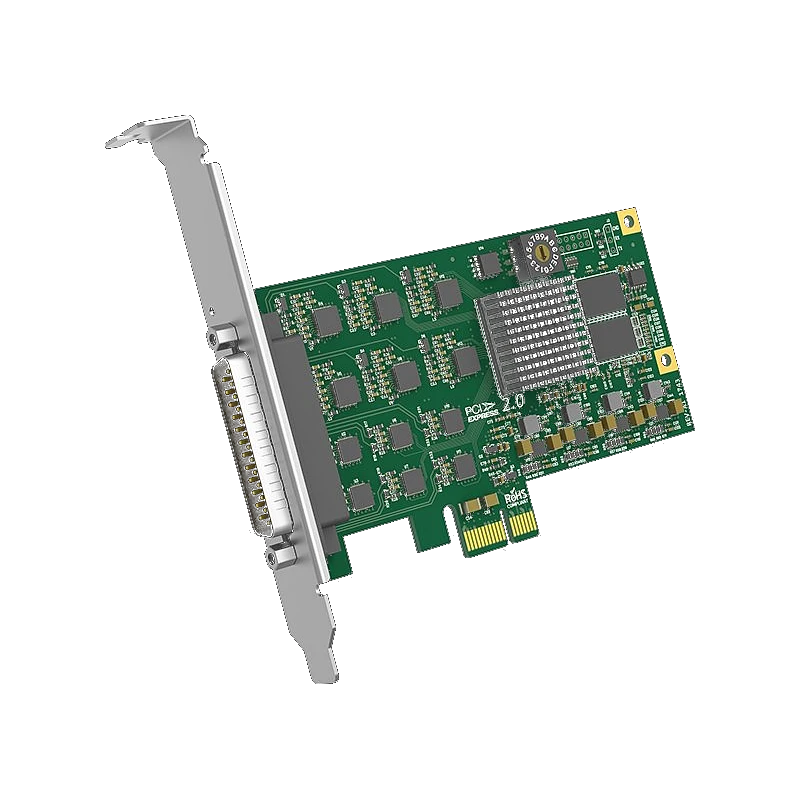
Ideal for: Six analogue composite channels in one PCIe slot. For legacy analogue camera digitisation, archiving analogue security cameras and converting SD analogue medical imaging to digital.
Ideal for: 4K HDMI 2.0 PCIe capture with genlock BNC input. For 4K HDMI cameras in broadcast and production environments requiring frame synchronisation for live production switching.
Ideal for: 12G-SDI 4K PCIe capture with genlock. Single BNC cable from 4K broadcast cameras (ARRI, Sony, Canon EOS C700). The definitive professional 4K SDI ingest card.
Ideal for: All-in-one 4K PCIe card accepting HDMI 2.0, 3G-SDI and analogue composite from one slot with genlock. The most versatile single-slot card for facilities with mixed signal formats.
Ideal for: Dual 12G-SDI 4K channels in one PCIe x8 slot with genlock. The highest-specification Pro Capture card — two independent 4K60 SDI ingest streams from a single expansion card for flagship broadcast workstations.
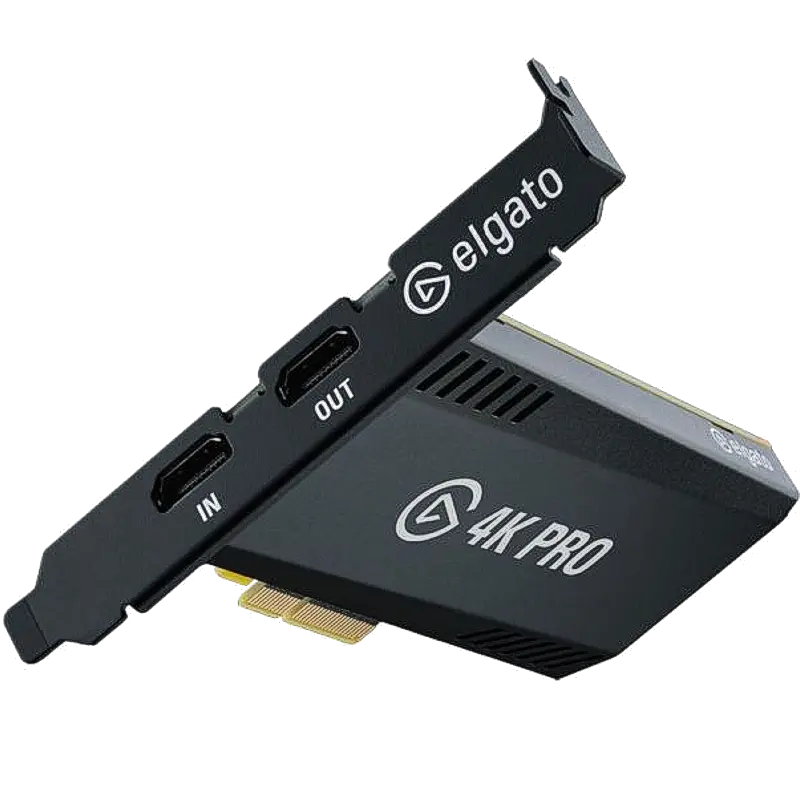
Ideal for: Dual-PC gaming streaming rigs. More stable than USB for permanent installations. The streaming PC has this card; the gaming PC sends HDMI to it. 4K60 capture with 4K60 HDR passthrough to the gaming monitor.
Ideal for: DaVinci Resolve colour grading ingest and playback — natively integrated without any plugin. Also ideal for post-production facilities where Resolve is the primary tool. Multiple models covering SD to 4K, HDMI and SDI.
Matched to the most common broadcast, post-production and streaming deployments.
📺
24/7 broadcast ingest server
Magewell Pro Capture Quad SDI
Four 3G-SDI channels per card, Linux V4L2 driverless, 24/7 stable. Run without a GUI on Ubuntu Server. Stack cards for up to 16 channels.
🎬
4K cinema camera ingest
Magewell Pro Capture SDI 4K Plus
12G-SDI single-cable 4K60 capture with genlock BNC. Works with ARRI, Sony Venice, Canon C700. Magewell Adobe Premiere plugin for direct timeline capture.
🎨
DaVinci Resolve colour grading
Blackmagic DeckLink
Native Resolve integration — no plugin. Appears directly in Resolve's capture panel. The only cards natively integrated into DaVinci Resolve for ingest and playback.
✂️
Adobe Premiere ingest workstation
Magewell Pro Capture SDI or HDMI
Free Magewell Premiere capture plugin. Choose SDI for broadcast cameras or HDMI for cameras and mixed sources. Rock-solid DirectShow and V4L2 compatibility.
🔁
Dual simultaneous SDI channels
Magewell Pro Capture Dual SDI
Two frame-synchronised 3G-SDI channels in one PCIe x4 slot. Two cameras ingested simultaneously from one card — half the slots of two singles.
📽️
SD analogue digitisation
Magewell Pro Capture Hexa CVBS
Six analogue composite channels in one slot. Legacy camera archives, analogue security camera digitisation and SD medical imaging conversion to digital.
🏥
Mixed HDMI + SDI + analogue
Magewell Pro Capture AIO 4K Plus
HDMI 2.0 + 3G-SDI + composite in one card with genlock. For facilities with modern and legacy signals — one card, all formats, one PCIe slot.
🎮
Dual-PC gaming streaming rig
Elgato Game Capture 4K Pro
PCIe card in the streaming PC captures from the gaming PC/console. More reliable than USB for permanent desk installations. 4K60 capture and 4K60 HDR passthrough.
Frequently Asked Questions
What is the difference between a PCIe and USB capture card?
PCIe cards install permanently inside a desktop PC, using the motherboard PCIe bus (up to 32 GB/s on x4 Gen 3) — far exceeding USB 3.0's 625 MB/s. This enables multi-channel uncompressed 4K capture without bandwidth bottlenecks. USB cards connect externally, work with laptops and are portable, but share USB controller bandwidth. PCIe cards are the correct choice for permanent broadcast ingest workstations; USB cards for portable and laptop use.
What is genlock and when do I need it?
Genlock synchronises multiple cameras to a common reference signal so they share identical frame timing. It is only needed for live production switching — if you cut between cameras in real time on a switcher without genlock, you see a flash or roll at the cut point. For ingest-only workflows where editing happens in post, genlock is not required. Magewell Pro Capture 4K Plus cards include a genlock BNC input for tri-level sync.
Does Magewell Pro Capture work on Linux?
Yes — all Pro Capture PCIe cards support Linux via V4L2 without proprietary driver compilation. Compatible with Ubuntu, Debian, CentOS and RHEL. Ideal for 24/7 Linux-based broadcast ingest servers. Magewell also provides a Linux SDK for custom application integration.
What is the difference between 3G-SDI and 12G-SDI?
3G-SDI (2.97 Gbps) supports HD up to 1080p60 per cable. 4K via 3G-SDI requires four cables (quad-link). 12G-SDI (11.88 Gbps) carries 4K60 on a single BNC cable — same 75-ohm coaxial infrastructure as HD-SDI. For 4K broadcast camera integration, specify the Magewell Pro Capture SDI 4K Plus.
How many capture channels can one workstation handle?
A 4-slot workstation with Magewell Pro Capture Quad SDI cards gives 16 simultaneous 3G-SDI channels. The real limit is storage write speed: uncompressed 1080p60 needs ~250 MB/s per channel (16 channels = 4 GB/s). NVMe RAID is required at scale. For compressed codecs (ProRes HQ, DNxHD), SATA SSD RAID handles 4–6 channels comfortably.
Which capture card works natively with DaVinci Resolve?
Blackmagic Design DeckLink PCIe cards are natively integrated into DaVinci Resolve — no plugin required. Magewell Pro Capture works via DirectShow on Windows (requires manual configuration in Resolve). For the most seamless Resolve ingest workflow, Blackmagic DeckLink is the correct choice. View the full range at the Blackmagic brand page.
What PCIe slot size do the cards require?
All Magewell Pro Capture cards use a PCIe x4 connector (except the Dual SDI 4K Plus which requires x8). They are backward compatible with x8 and x16 slots. They do not work in x1 slots. Verify your motherboard has sufficient PCIe x4 or larger slots before specifying a multi-card ingest server.
What storage speed do I need for multi-channel PCIe capture?
Uncompressed 1080p60: ~250 MB/s per channel. Uncompressed 4K60: ~1 GB/s per channel. For multi-channel uncompressed ingest, NVMe SSD in RAID is required. For ProRes HQ (approximately 220 Mbps per channel), a fast SATA SSD RAID handles 4–6 channels. Always benchmark with CrystalDiskMark (Windows) or fio (Linux) before deploying.
Specifying a broadcast ingest workstation?
Our technical team can advise on channel count, storage specification, OS requirements and NLE integration for any scale of PCIe capture deployment.
Disclaimer: Specifications, pricing and availability are correct to the best of our knowledge at the time of publication (June 2026) and are subject to change without notice. Magewell, Elgato and Blackmagic Design may update product specifications and firmware at any time. Prices shown are exclusive of VAT. Blackmagic Design DeckLink products are available in multiple configurations — visit our Blackmagic brand page for current model availability and pricing. Storage speed requirements are approximate and depend on the codec, resolution, frame rate and storage controller used; always benchmark in your specific environment before deployment. All trademarks are the property of their respective owners. nuuo.co.uk is a trading name of iView Data Ltd, Leicester, UK. This comparison is provided for guidance only and does not constitute professional IT or broadcast engineering advice.