
Medical Imaging
Capture from surgical cameras, endoscopes, laparoscopes and medical imaging equipment for clinical documentation, telemedicine, remote surgical observation and medical education — with hardware trusted in NHS operating theatres across the UK.
Medical Imaging Signal Flow
⚠️ Important regulatory note: Video capture hardware supplied by nuuo.co.uk is general-purpose AV equipment and is not classified as a medical device under MDR 2017. It is the responsibility of the clinical facility to ensure that any video capture implementation complies with applicable NHS policies, MHRA guidance, IEC 60601-1 electrical safety requirements and GDPR for patient data. Always involve your Trust's Medical Physics, EBME and Information Governance teams before implementing surgical video capture.
Who Uses Medical Video Capture
Surgical Teams
Recording procedures for training, quality review and medico-legal documentation. Endoscopy, laparoscopy, arthroscopy.
NHS Trusts
Centralised surgical video infrastructure across theatres. Integration with hospital network and clinical IT systems.
Medical Schools
Anatomy lab recording, surgical simulation capture and live OR feeds to teaching theatres for medical student education.
Ophthalmology
Slit-lamp, OCT and surgical microscope output capture for patient records and surgical skills assessment.
Dentistry & Oral Surgery
Intraoral camera and surgical microscope capture for patient education, treatment planning and peer review.
Telemedicine Providers
Streaming clinical examination, diagnostic imaging and procedures to remote specialists for second opinion.
Defence Medical
Forward surgical team recording in deployed environments. Telemedicine from field hospitals to tertiary centres.
Pathology & Research
Microscopy image capture for digital pathology, research documentation and academic publication.
Medical Video Capture Workflows
Surgical Procedure Recording
Capture from the endoscopy or laparoscopy tower's HDMI output to a recording PC via USB capture device. Record continuously throughout the procedure. Store to NHS clinical storage with patient metadata attached.
Live OR-to-Teaching-Theatre
Stream live surgical procedure from an OR to a teaching theatre in real time. Surgical registrars observe without being in the OR. Uses SRT for low-latency streaming over hospital network.
Telemedicine Second Opinion
Stream clinical examination or imaging findings to a remote specialist via Zoom, Teams or Webex. The capture card makes the medical camera appear as a webcam in the telemedicine platform.
Surgical Skills Archive
Record anonymised procedures for surgical training libraries. CESR and ARCP documentation. Peer review and morbidity and mortality meeting review.
Medico-Legal Recording
Capture procedures for medico-legal documentation — record to a secure clinical archive with chain-of-custody metadata. Timestamped, access-controlled recording on NHS infrastructure.
Surgical Broadcast
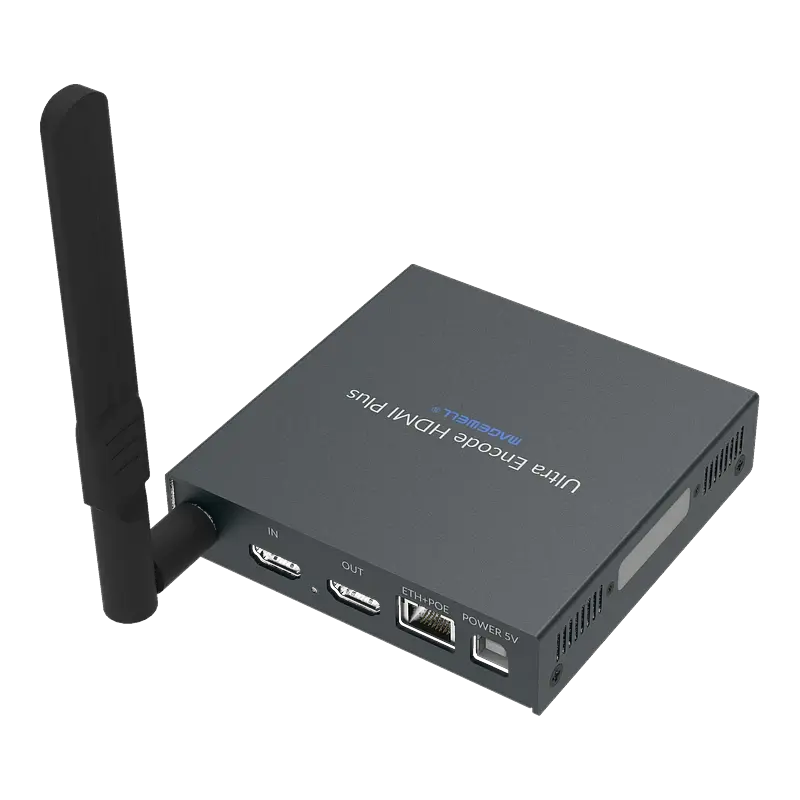
Broadcast a specialist procedure to an international conference or training event via SRT. Magewell Pro Convert HDMI Plus encodes the OR camera to SRT for delivery to a production facility or direct to a streaming platform.
Identifying Your Medical Equipment's Video Output
Before specifying a capture card, identify the video output type on your imaging system. The correct capture card depends entirely on the signal type.
| Equipment type | Typical output | Resolution | Capture card required |
|---|---|---|---|
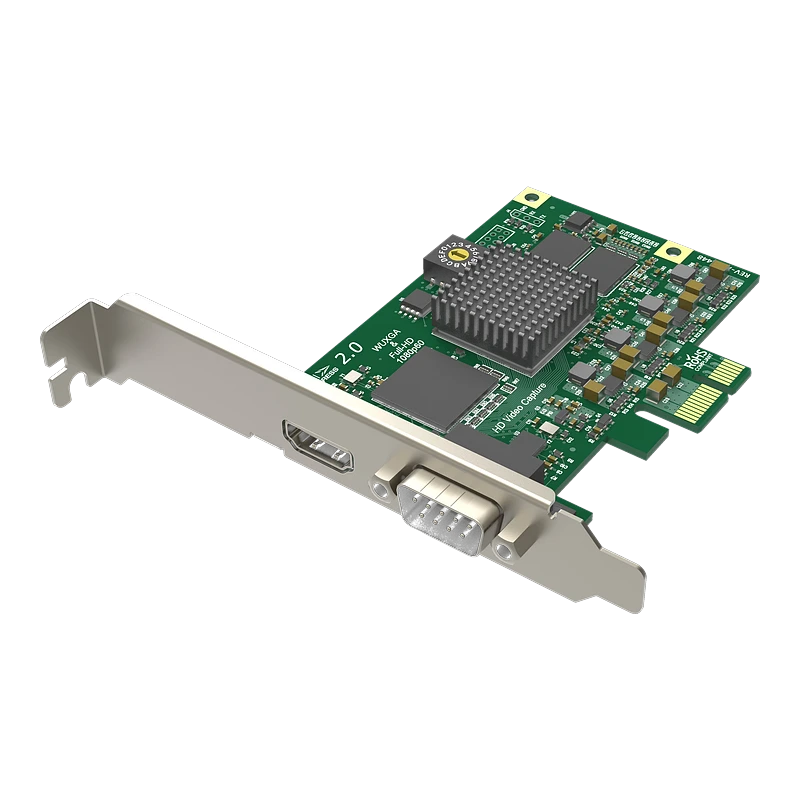
| Modern endoscopy towers (Storz, Olympus, Stryker post-2015) | HDMI | 1080p or 4K | Magewell USB Capture HDMI Gen 2 / HDMI 4K Plus |
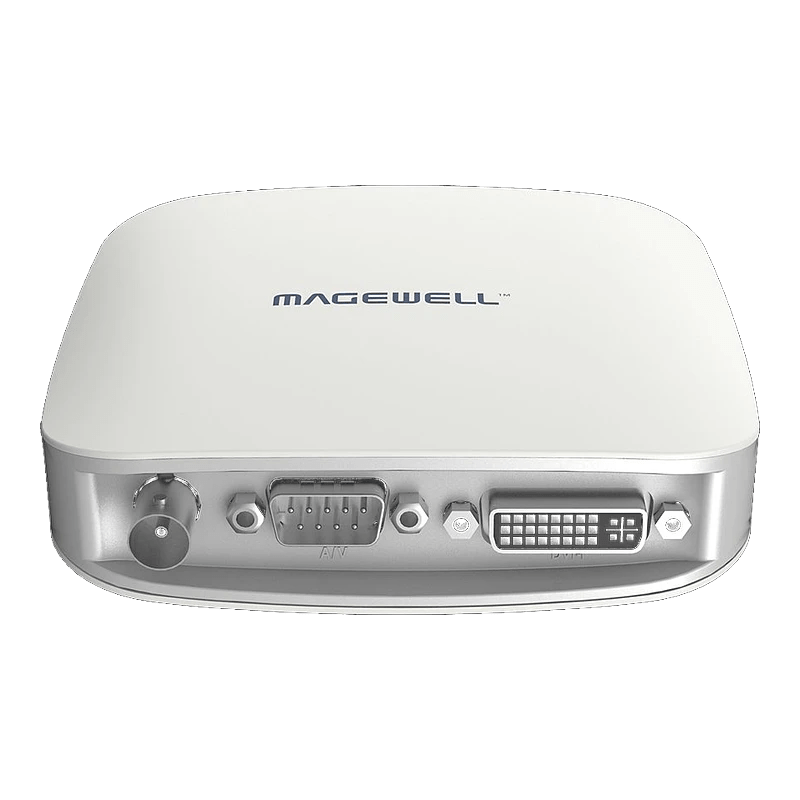
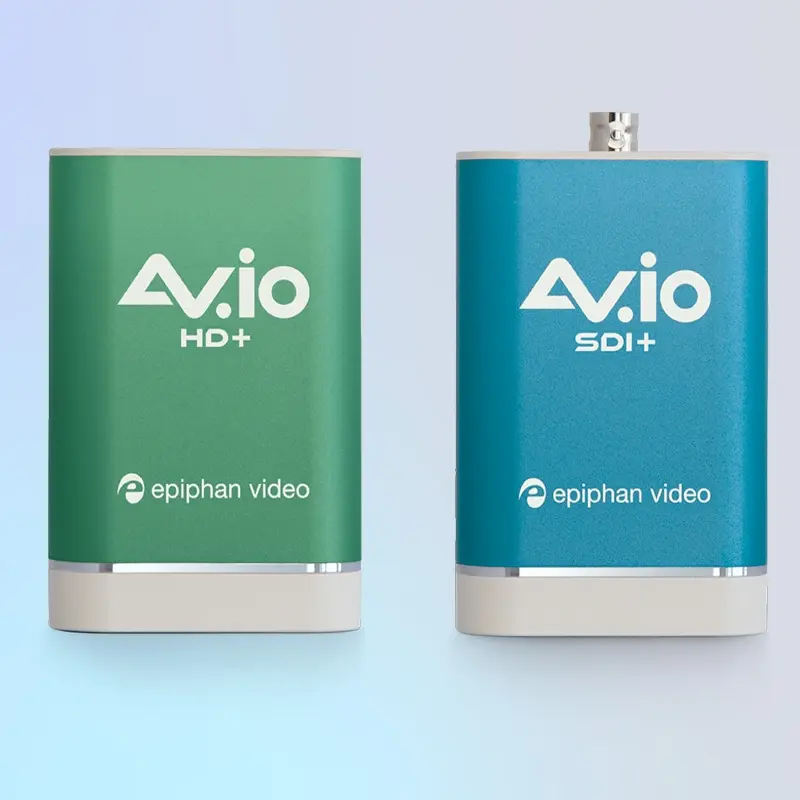
| Older endoscopy towers (pre-2015) | DVI or VGA | 1080p or lower | Magewell USB Capture DVI Plus / Epiphan AV.io HD Plus |
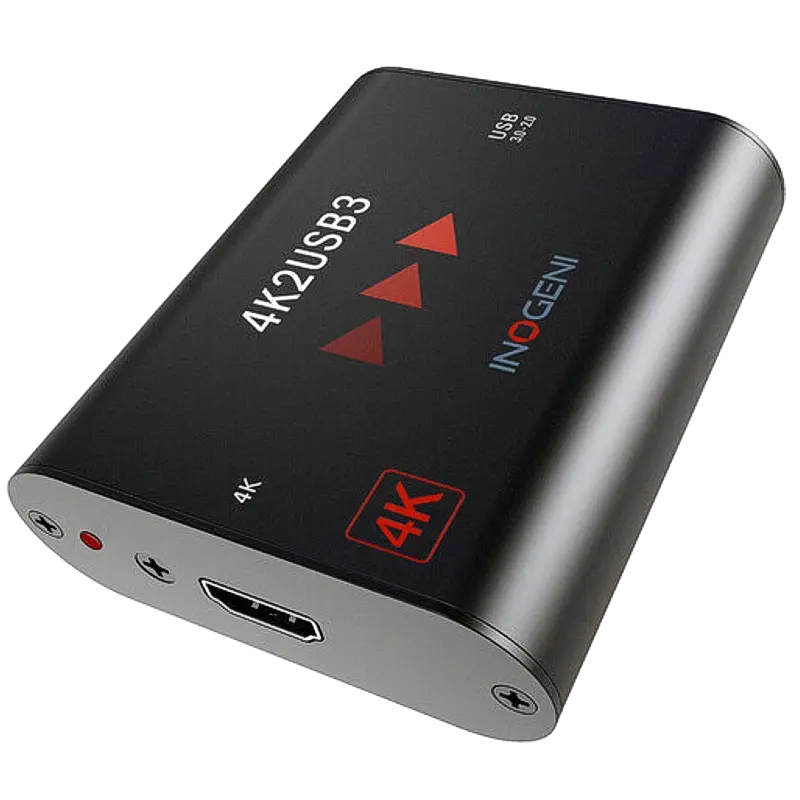
| 4K surgical cameras (Storz IMAGE1 S4, Olympus 4K) | HDMI 2.0 or 4K SDI | 3840×2160 | Magewell USB Capture HDMI 4K Plus / SDI 4K Plus |
| Robotic surgery systems (da Vinci) | HDMI (patient-side console) | 1080p / 4K | Magewell USB Capture HDMI / 4K |
| C-arm / fluoroscopy units | DVI or analogue composite | SD–HD | Magewell USB Capture DVI Plus / USB Capture AIO |
| Surgical microscopes (Zeiss, Leica) | HDMI or DVI | 1080p | Magewell USB Capture HDMI Gen 2 |
| Ultrasound machines | HDMI or DVI or composite | SD–HD | Magewell USB Capture AIO |
| Older imaging workstations | Analogue composite (CVBS) | SD PAL/NTSC | Magewell USB Capture AIO |
| Ophthalmology cameras (slit-lamp) | HDMI or USB | 1080p | Magewell USB Capture HDMI Gen 2 |
| Intraoral dental cameras | USB (direct) or HDMI via base unit | 1080p | USB native or Magewell USB Capture HDMI |
💡 Finding the output connector: Check the rear panel of the imaging tower for HDMI, DVI-D, DVI-I or BNC connectors. HDMI is the most common on modern systems. DVI-D (digital only) and DVI-I (analogue and digital) connectors look similar — use the DVI Plus capture card for either. If in doubt, photograph the connectors and contact us — we will identify the correct card.
Recommended Products for Medical Imaging




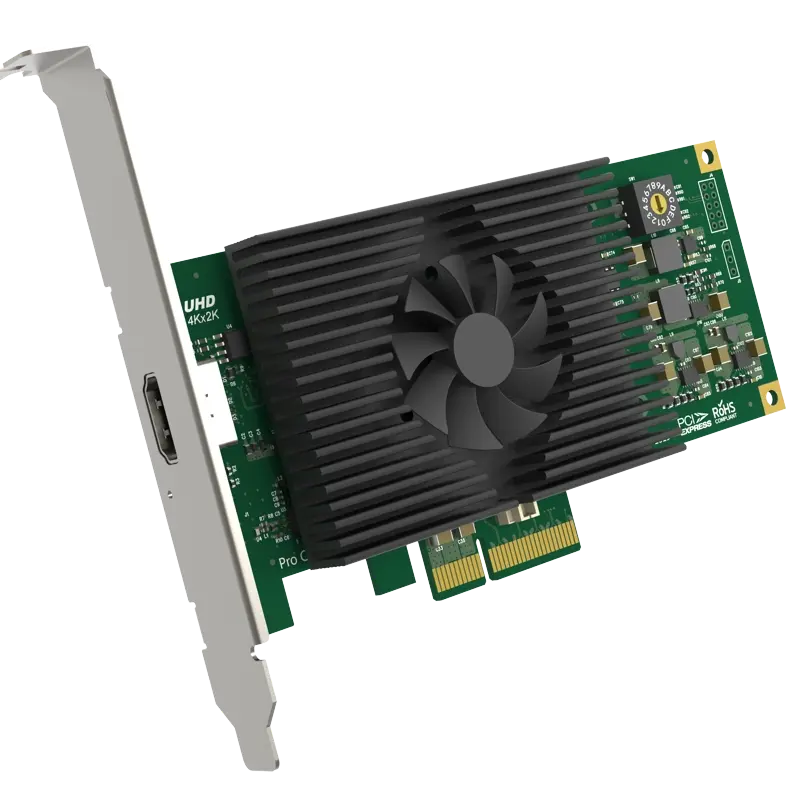
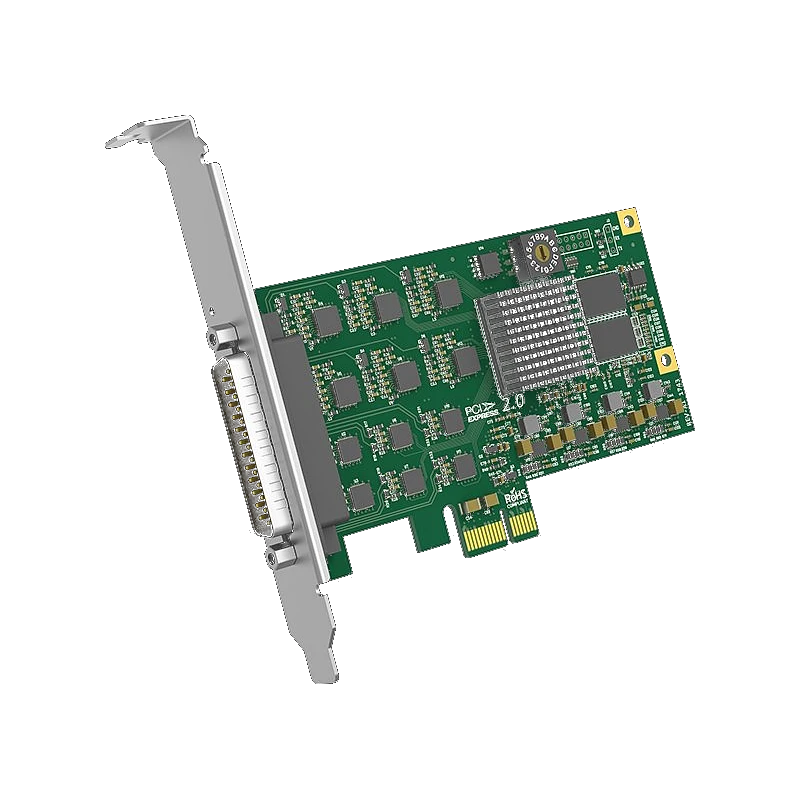
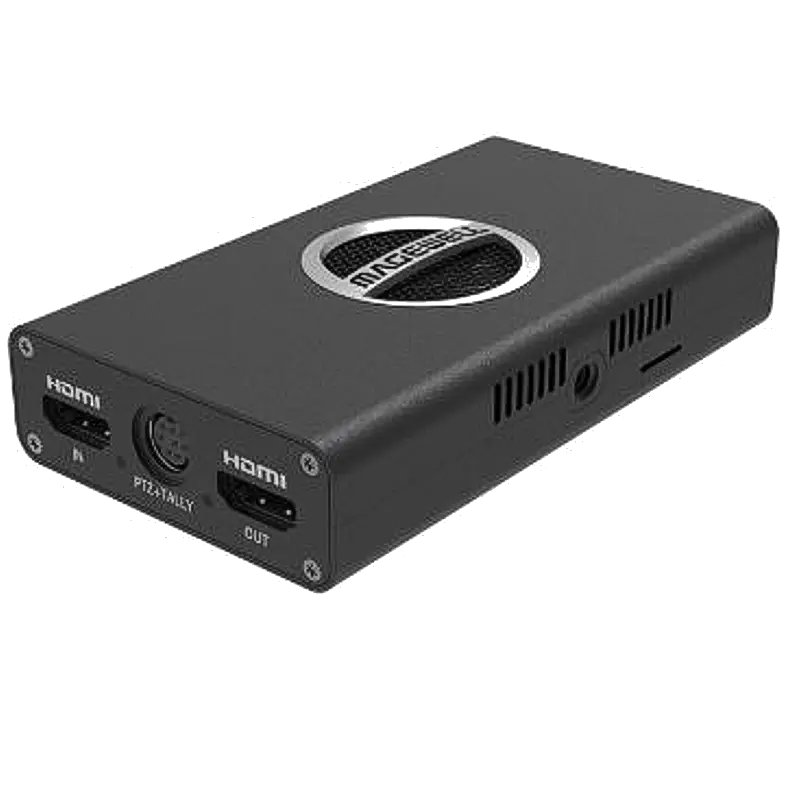
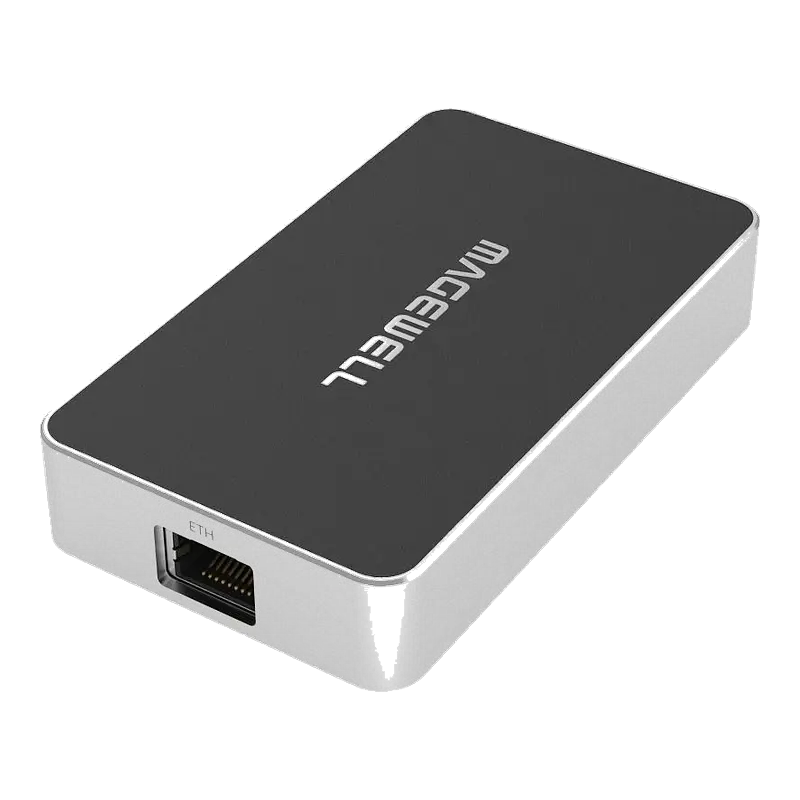
Resolution, Quality & Storage Considerations
| Use case | Minimum resolution | Recommended | Frame rate | Est. file size/hour |
|---|---|---|---|---|
| Surgical skills assessment / CESR | 1080p | 1080p H.264 high | 25fps | ~7–14 GB/hour |
| Medico-legal documentation | 1080p | 1080p H.264 high quality | 25fps | ~10–20 GB/hour |
| 4K diagnostic surgical review | 4K30 | 4K H.265 | 25fps | ~20–40 GB/hour |
| Training library (archived) | 1080p | 1080p H.264 medium | 25fps | ~5–10 GB/hour |
| Telemedicine streaming | 720p | 1080p H.264 / H.265 | 25fps | ~2–6 GB/hour |
| Remote observation (live SRT) | 720p | 1080p SRT H.264 | 25fps | Streaming — no local file |
| Pathology / microscopy | 1080p | 4K where available | 25fps | ~15–40 GB/hour |
⚠️ Storage and retention: Surgical video files are large — a 3-hour procedure at 1080p H.264 generates 20–40 GB. NHS Records Management Code of Practice retention schedules apply (typically 8 years for adults). Ensure clinical storage infrastructure is sized for sustained recording across all theatres before deploying. Patient video is special category data under GDPR — store on NHS-managed infrastructure, not personal cloud accounts.
Compatible Software for Medical Video Capture
Troubleshooting Medical Imaging Capture Problems
⬛ Black screen — capture card connected to imaging tower but no image
Unlike consumer devices, medical imaging systems do not output HDCP — so HDCP is almost certainly not the cause here. Most likely causes in an OR environment: (1) Wrong HDMI output — many imaging towers have multiple HDMI outputs (one for the surgical monitor, one for auxiliary recording). Ensure the capture card is connected to the auxiliary/recording output, not the main monitor output which may not carry signal when the scrub monitor is connected; (2) Tower not fully booted — imaging systems can take 3–5 minutes to initialise; allow full boot before checking capture; (3) HDMI cable fault — cables in OR environments suffer repeated movement and sterilisation fume exposure; try a new cable; (4) USB port issue — try a different USB 3.0 port on the recording PC.
📷 Image is present but shows OR monitor interface overlays (menus, annotations)
The imaging tower has a "clean output" or "auxiliary output" setting that must be enabled separately from the main monitor output. On Storz systems: in the imaging system menu, look for Aux HDMI Output or Clean HDMI — enabling this sends a clean video signal to the auxiliary HDMI without tower interface graphics. On Olympus VISERA ELITE: check the video output settings in the system menu for an output mode that disables the overlay. This setting name varies by manufacturer — consult the imaging system's technical manual or contact the manufacturer's applications team. The clean output is generally on a separately labelled HDMI connector on the tower rear panel.
📉 Recording drops frames or freezes during procedure
Frame drops in surgical recording are most commonly caused by: (1) Disk write speed — recording to a spinning HDD or slow USB drive cannot sustain the data rate. Use an internal SSD or fast USB 3.0 SSD rated at 500+ MB/s; (2) USB bandwidth — ensure no other USB devices are competing for bandwidth during recording. Use the capture card on a USB 3.0 port directly on the PC motherboard; (3) PC performance — confirm the recording PC is not simultaneously running Windows updates or other processes during a procedure. Schedule Windows updates to run outside procedure hours; (4) OBS settings — use hardware GPU encoding (NVENC/AMD) rather than software x264 encoding to reduce CPU load during recording.
🔌 DVI output from old imaging system — no image captured
Older imaging systems often output DVI-D (digital) or DVI-I (analogue and digital). The Magewell USB Capture DVI Plus accepts both DVI-D and DVI-I via its DVI-I connector. Check: (1) the DVI cable is fully seated — DVI connectors have screws that must be tightened; (2) the source is outputting at a resolution supported by the capture card (typically up to 1920×1200); (3) the DVI connector on the imaging tower is DVI-D or DVI-I not DVI-A (analogue only) — DVI-A requires an analogue-to-HDMI converter, not the DVI Plus. If the imaging tower only has a 15-pin VGA output (not DVI), use the Epiphan AV.io HD Plus which accepts VGA directly.
🌐 SRT stream to remote observer is choppy or cuts out
Hospital network configuration is the most common cause of SRT streaming issues in clinical environments. Check: (1) the hospital network allows outbound UDP traffic on your SRT port — many NHS network configurations block UDP or require specific ports to be opened; raise a request with your Trust's network team; (2) the recording PC has a wired Ethernet connection to the hospital network — Wi-Fi in an OR environment is unreliable due to medical equipment interference; (3) if streaming to an external site (outside the hospital network), the internet uplink bandwidth at that specific network point is sufficient (minimum 10 Mbps for 1080p SRT); (4) increase the SRT latency setting to 500ms or more to allow for hospital network jitter; (5) use SRT Caller mode from the encoder pointing to a Listener at the receiving site — ensure the receiving site's SRT port (UDP) is open inbound.
🔊 Audio commentary not captured alongside surgical video
Surgical video from an imaging tower is typically video-only — there is no embedded audio in the HDMI signal from an endoscopy tower. To capture surgeon commentary alongside video: (1) add a USB microphone or room microphone to the recording PC and configure OBS to capture both the video capture device and the microphone audio simultaneously; (2) some imaging towers have a 3.5mm or XLR audio output for room microphone connection — check the tower's audio specifications; (3) use an audio interface (such as a USB mixer) to combine a lapel microphone on the surgeon with room audio and feed to the recording PC as a USB audio device. In OBS, add both the video capture device and the USB audio input as separate sources in the same scene.
Medical video capture advice for NHS trusts
Our technical team has supplied capture hardware to NHS Trusts, medical schools and private hospitals across the UK. We can advise on the correct card for your specific imaging system, assist with procurement documentation and provide technical support post-installation.
Contact Technical SupportFrequently Asked Questions
What capture card is most commonly used in NHS operating theatres?
The Magewell USB Capture HDMI Gen 2 (£231) is the most widely deployed in NHS ORs — UVC driverless, immediate compatibility with any recording software, no IT involvement required. The USB Capture HDMI Plus (£287) is preferred where the OR monitor must continue displaying the camera feed while recording — its loop-through output feeds both the scrub team monitor and the capture card simultaneously.
Do surgical cameras and endoscopes output HDCP?
No. HDCP is a consumer content protection standard and is not implemented on any medical imaging equipment — endoscopy towers, surgical cameras, C-arms, microscopes and ultrasound systems do not output HDCP. Capture cards will not be blocked. This is distinct from consumer AV devices where HDCP commonly prevents capture.
What signal does an endoscopy tower output?
Modern towers (post-2015, Storz, Olympus, Stryker) typically output HDMI. Older systems output DVI. Some broadcast-configured systems output SDI. Legacy systems may output analogue composite. Use the table above to match your equipment to the correct capture card. The Magewell USB Capture AIO accepts HDMI, SDI and analogue from one device — useful for mixed-format estates.
How do I stream a surgical procedure to remote observers?
Two approaches: (1) Software — USB capture device on OR PC → OBS → SRT stream to remote observer. Requires a PC near the OR. (2) Hardware — Magewell Pro Convert HDMI Plus mounts behind the imaging tower, connects to the hospital network via Ethernet and streams SRT simultaneously with NDI for local recording. No PC in the OR — cleaner installation, more reliable. The hardware approach is preferred for permanent OR installations.
Can I use a capture card in a sterile operating theatre?
Yes — position the capture card and recording PC outside the sterile field, on an equipment trolley at the periphery. Run an HDMI cable from the imaging tower to the capture card. For the cleanest OR integration, use a Magewell Pro Convert HDMI Plus NDI encoder mounted on the imaging tower rack with only an Ethernet cable leaving the OR — no PC in the theatre at all. Recording and streaming happen from a PC outside the sterile area.
What resolution do I need for medico-legal surgical recording?
1080p at 25fps is the standard for medico-legal surgical recording in the UK and is accepted by coroners, insurance assessors and medical defence organisations. 4K is increasingly available from flagship imaging systems and provides digital zoom capability in playback — valuable for detailed review. The choice depends on your imaging equipment's output capability and your storage infrastructure. Always capture at the native output resolution of the imaging system rather than downscaling.
How should surgical video be stored for compliance?
Store on NHS-managed clinical infrastructure — not personal cloud storage. GDPR classifies surgical video as special category health data with strict access controls and retention requirements. NHS Records Management schedules apply (typically 8 years adults, longer for children). Involve your Trust's Caldicott Guardian, IG team and Medical Physics/EBME before implementing. File metadata should include patient reference, date, procedure, operator and theatre — link to or embed in the recording filename or accompanying metadata file.