
Live Streaming
From a single camera to a multi-platform production reaching thousands — the right hardware, settings and software for every live streaming scenario. Covers OBS, hardware encoders, standalone all-in-one devices and troubleshooting the most common streaming problems.
Live Streaming Signal Flow
Understanding where your hardware sits in the chain helps you choose the right device and troubleshoot problems at the right point.
Who Uses Live Streaming
Content Creators
YouTube live Q&As, product unboxings and subscriber events from a home or studio setup.
Gamers & Streamers
Twitch and YouTube gaming streams from consoles and PC. Facecam overlay, chat integration.
Houses of Worship
Weekly services to YouTube, Facebook and church platforms. Reliability above all else.
Corporate & Events
Town halls, product launches, shareholder meetings and investor days to custom RTMP or CDN.
Sports & Esports
Match coverage, tournaments and highlights from venues where broadband may be unreliable.
Influencers
Instagram Live, TikTok Live and YouTube Live from portable setups — high-quality camera over phone.
Musicians & Performers
Concert streams, album launches and fan events from venues and home studios.
Education
Live lectures, student productions and graduation ceremonies to YouTube for global reach.
Three Ways to Stream — Which Is Right for You?
OBS Studio + Capture Card
Connect a camera via USB or PCIe capture card, open OBS and stream. Most flexible — unlimited scenes, overlays, alerts, multi-source production.
- ✅ Free software
- ✅ Full scene/overlay control
- ✅ Multi-camera switching
- ⚠️ PC must run during stream
- ⚠️ Risk of OS issues crashing stream
- ⚠️ Requires capable GPU/CPU for encoding
Standalone Hardware Encoder
Dedicated device streams directly to YouTube/RTMP/SRT from camera. Always-on, no driver updates, no Windows interference.
- ✅ No PC required
- ✅ Always-on reliability
- ✅ H.265 encoding (lower bitrate)
- ✅ Stream to 4 platforms at once
- ✅ PoE options for clean installs
- ⚠️ Less overlay/graphic flexibility
Production Switcher + Streamer
Multi-camera switching, graphics, audio mixing and streaming in one device. For professional multi-camera productions without a separate PC or switcher.
- ✅ Multi-camera live switching
- ✅ Built-in graphics & overlays
- ✅ Stream + record simultaneously
- ✅ Portable — battery on some models
- ⚠️ Higher initial investment
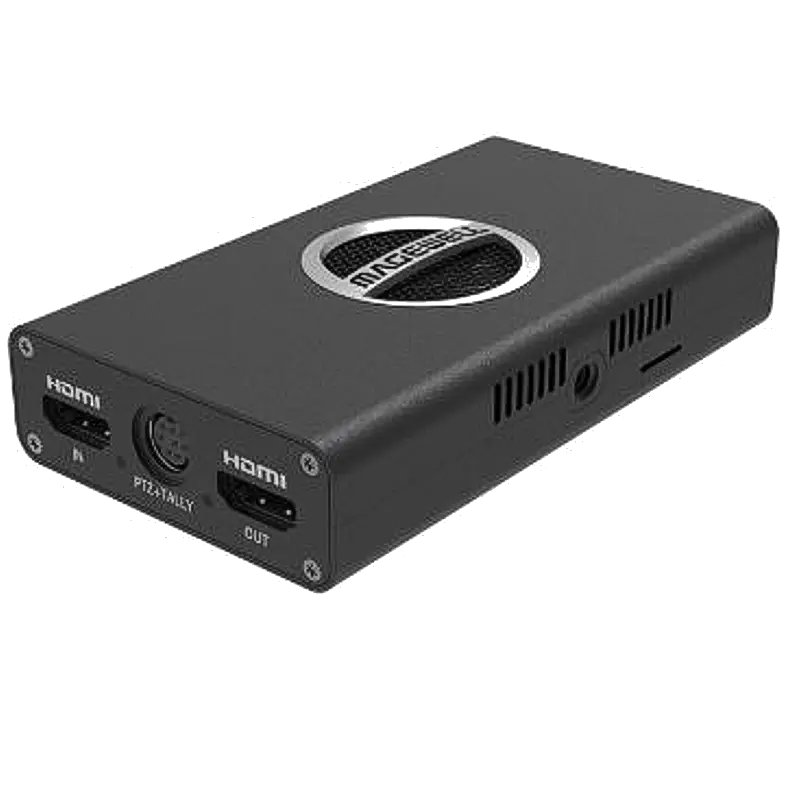
Recommended Products for Live Streaming
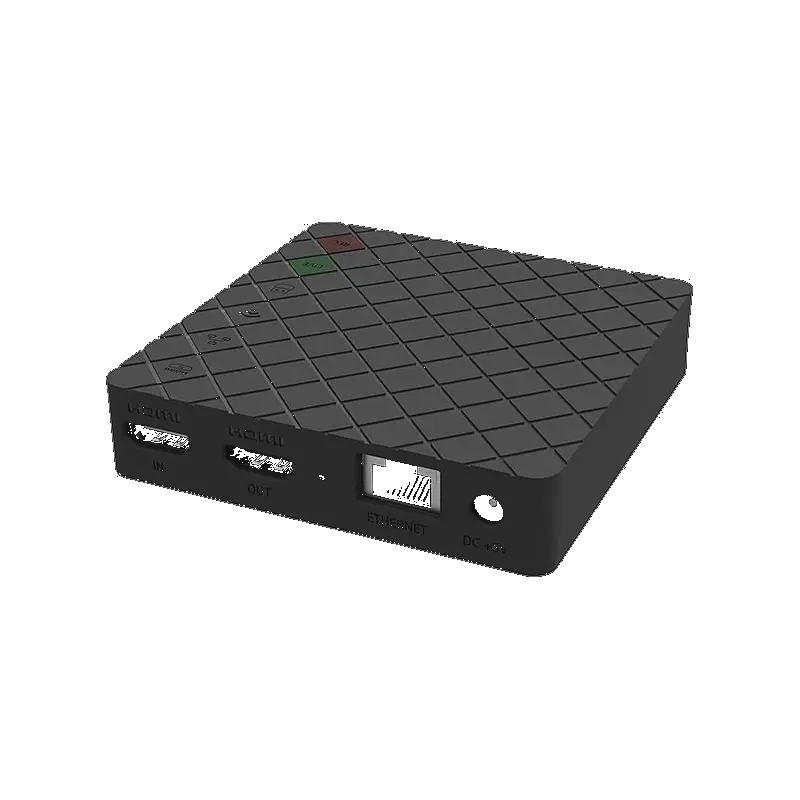
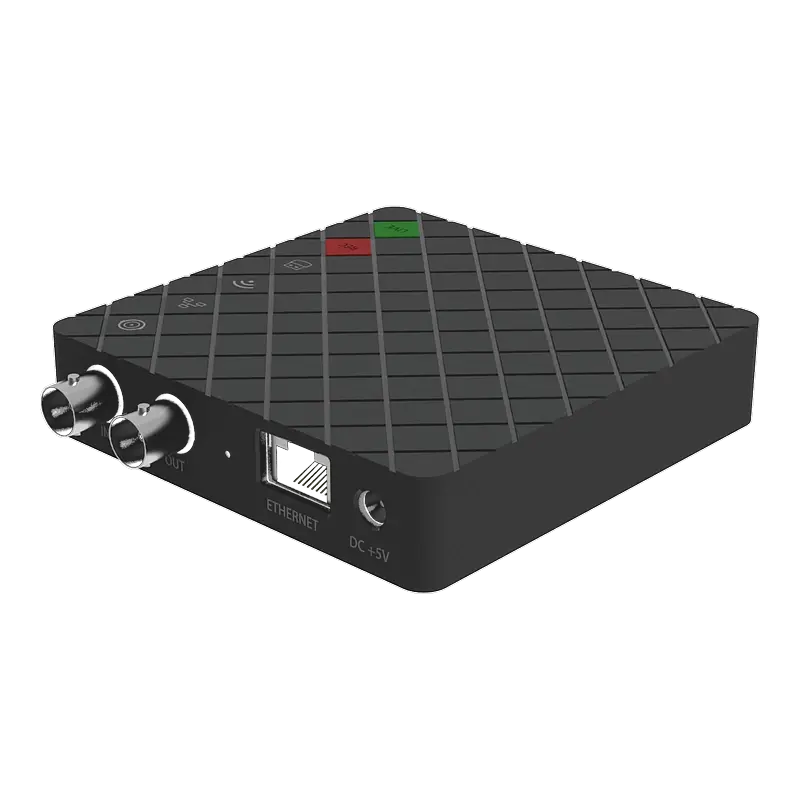
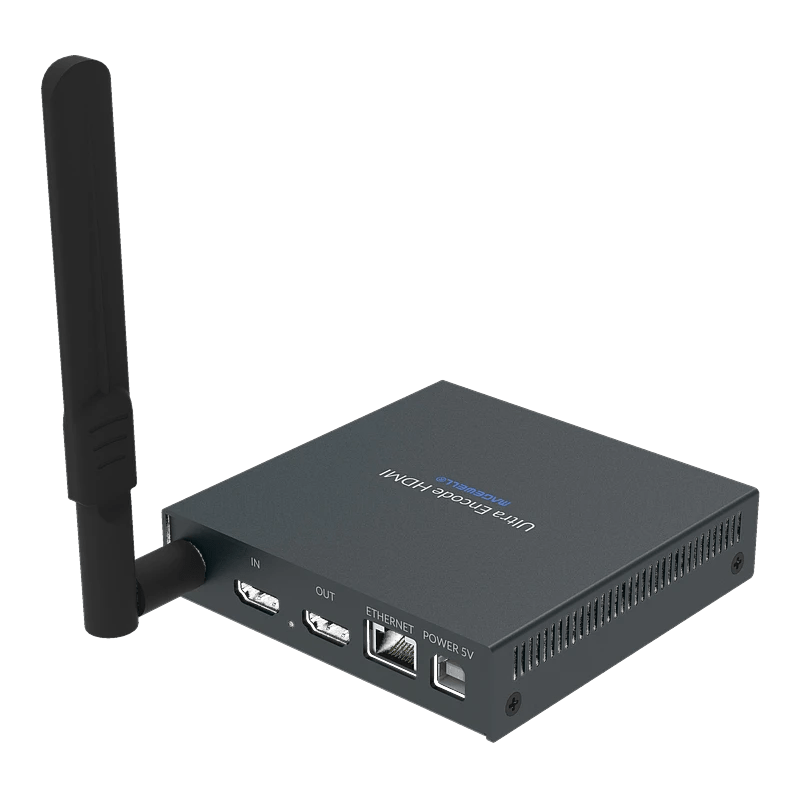
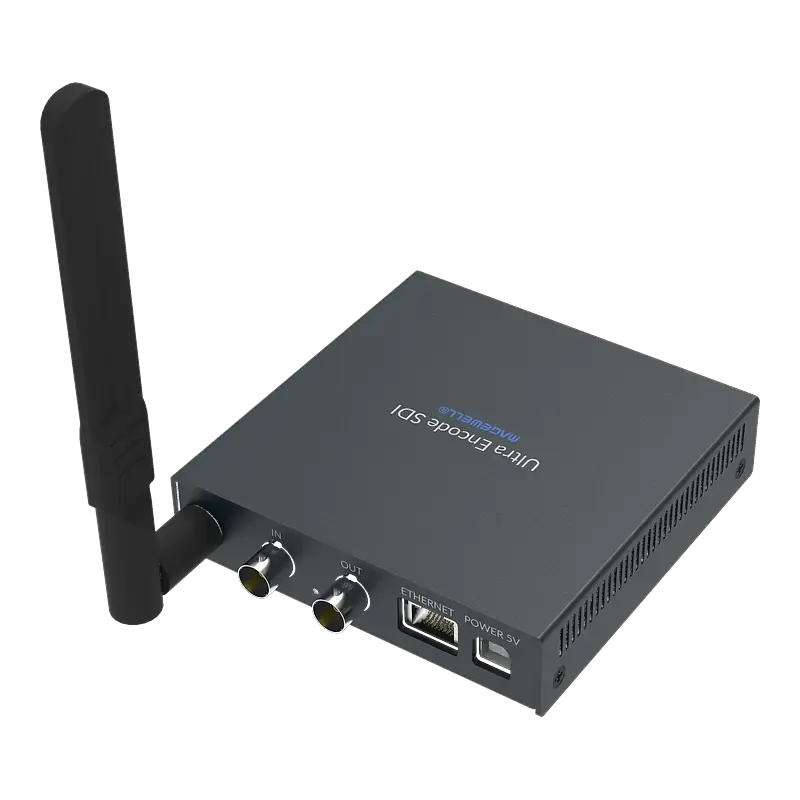
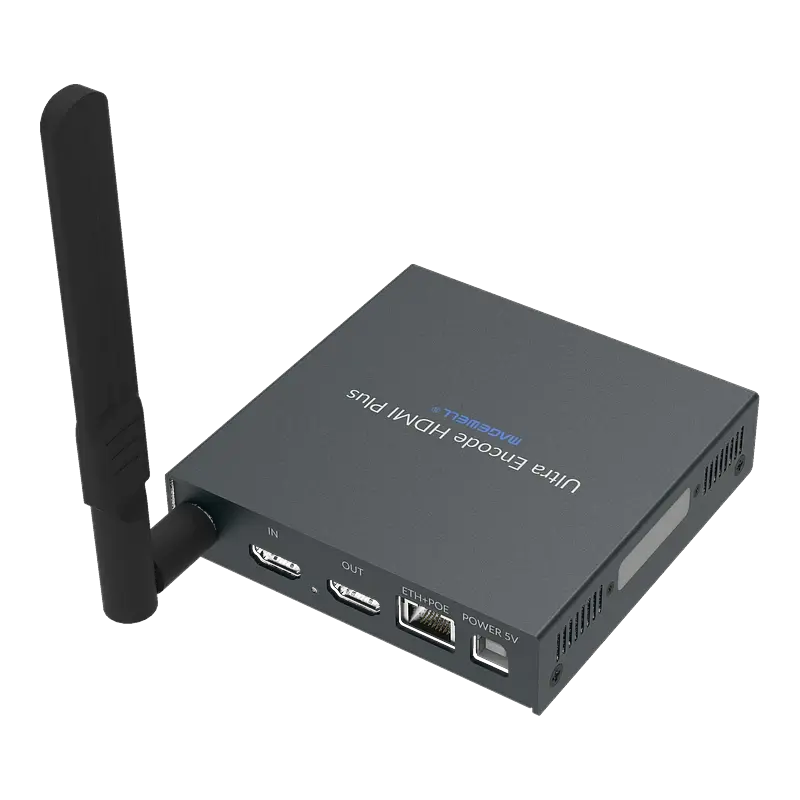
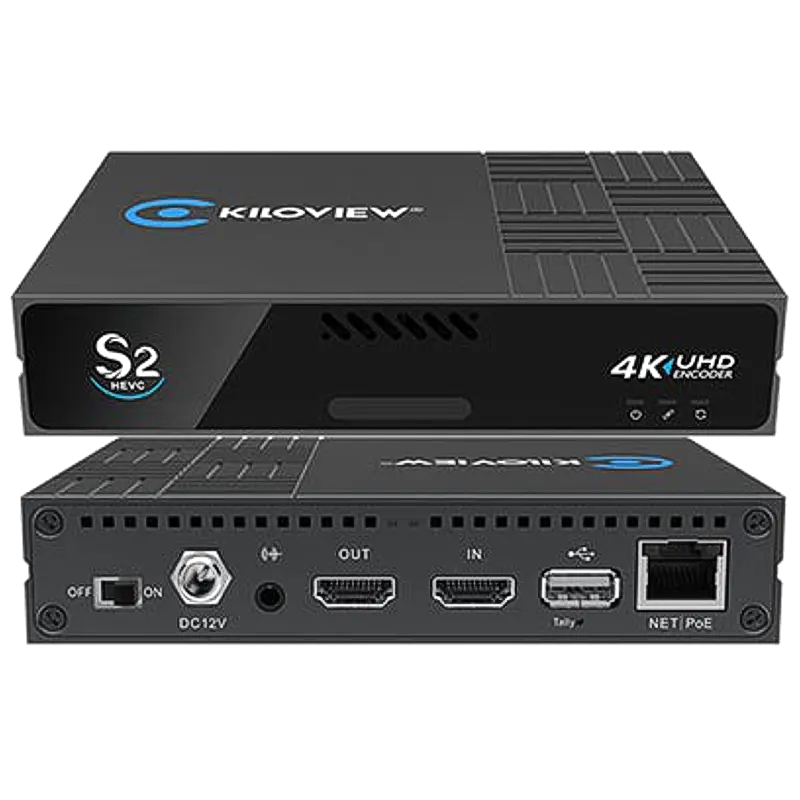
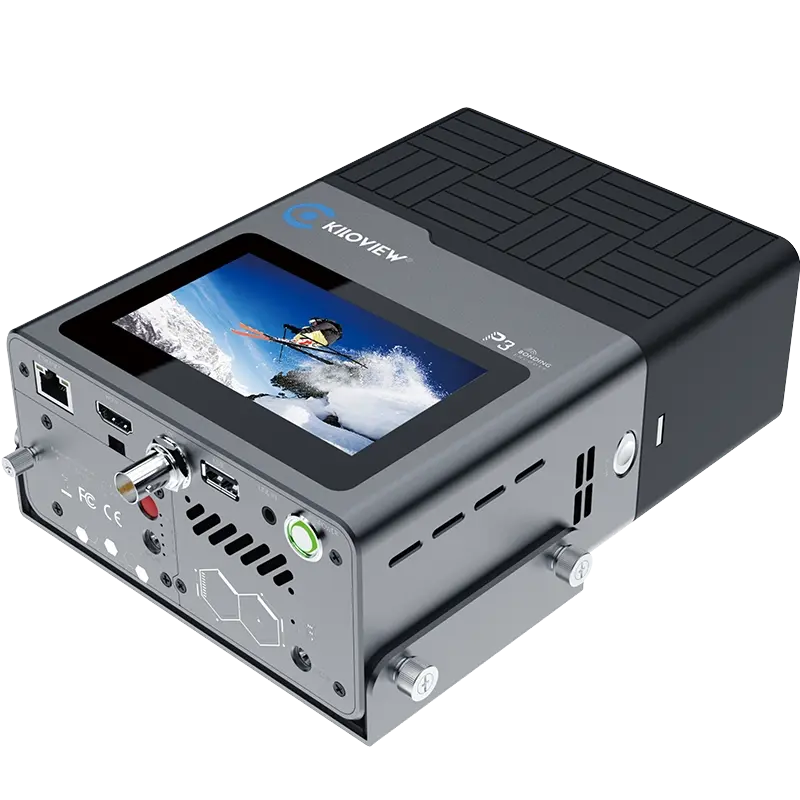
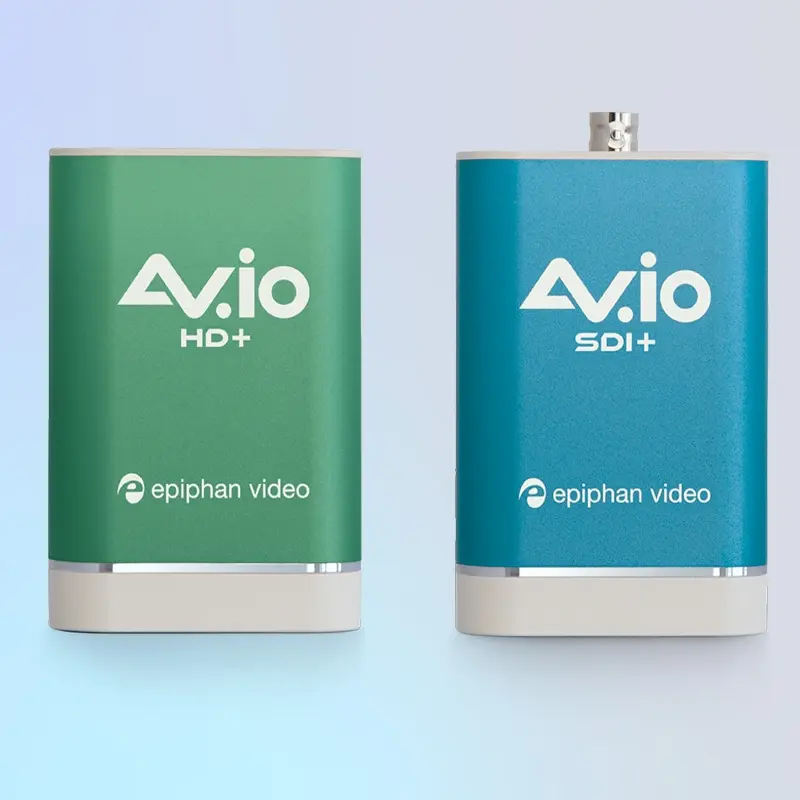
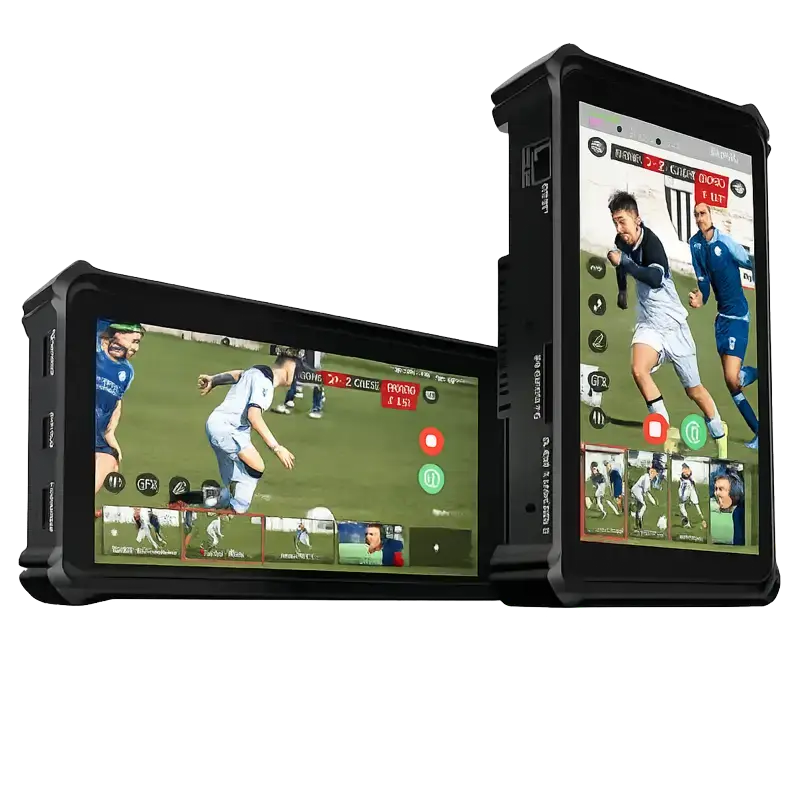
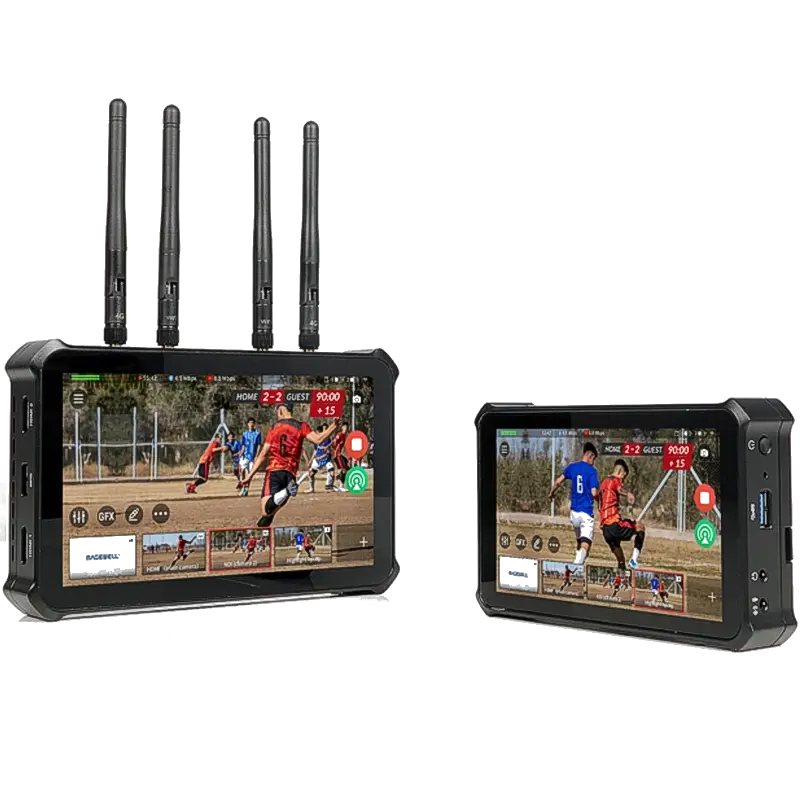
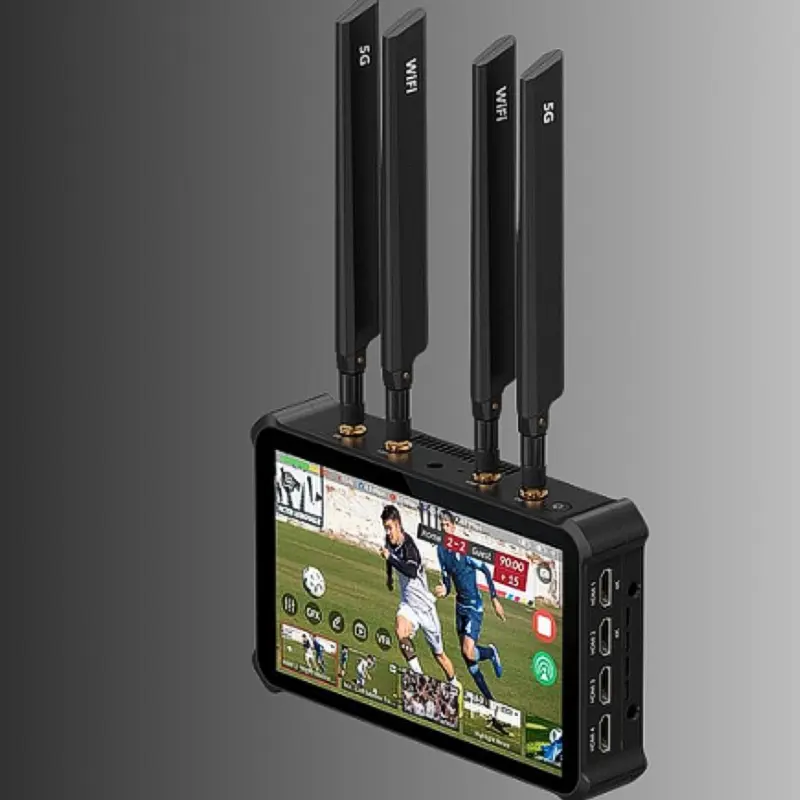
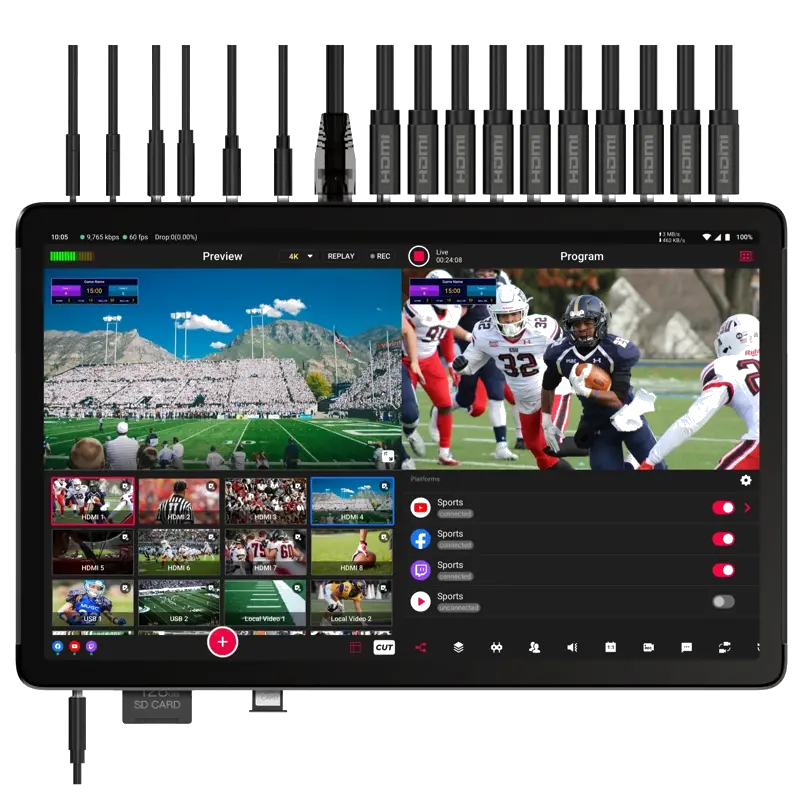
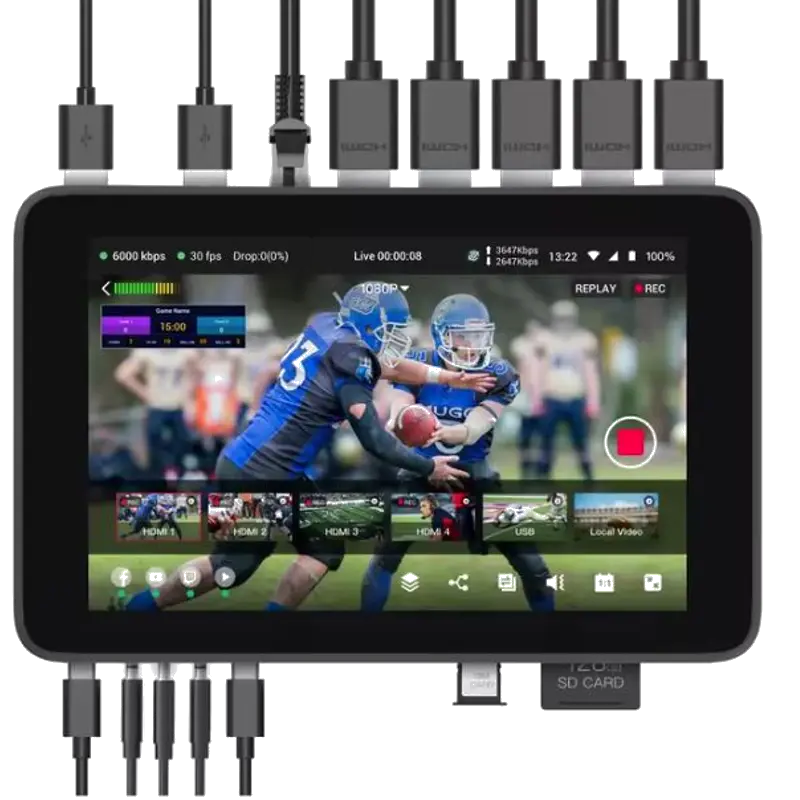
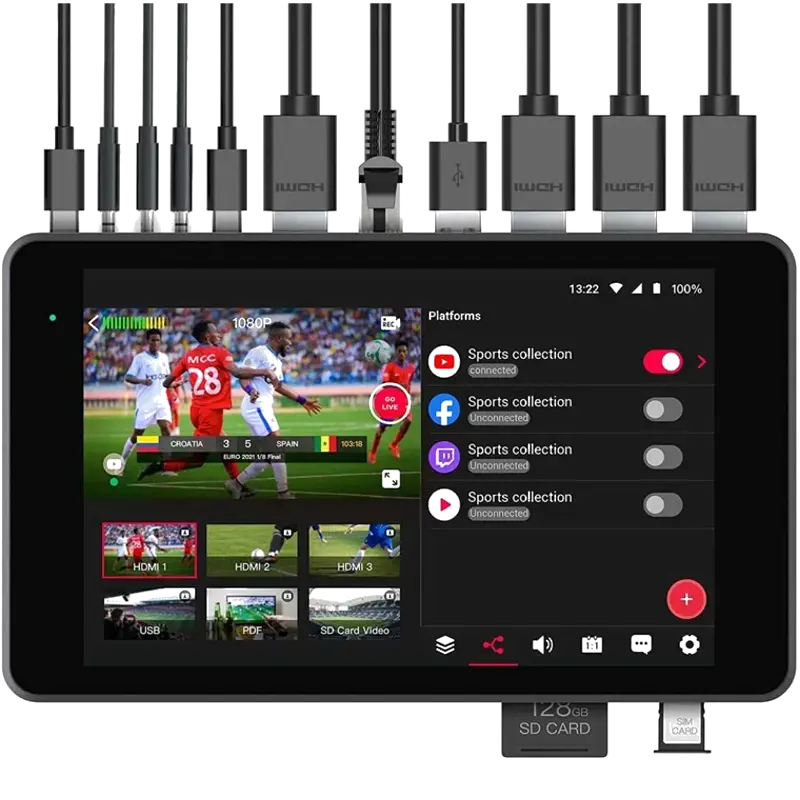
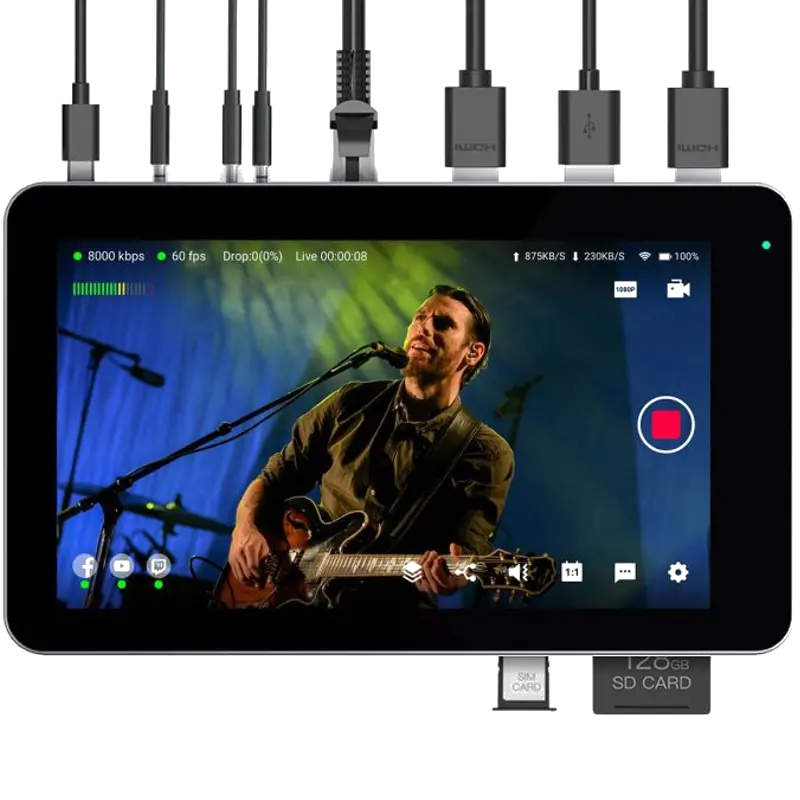


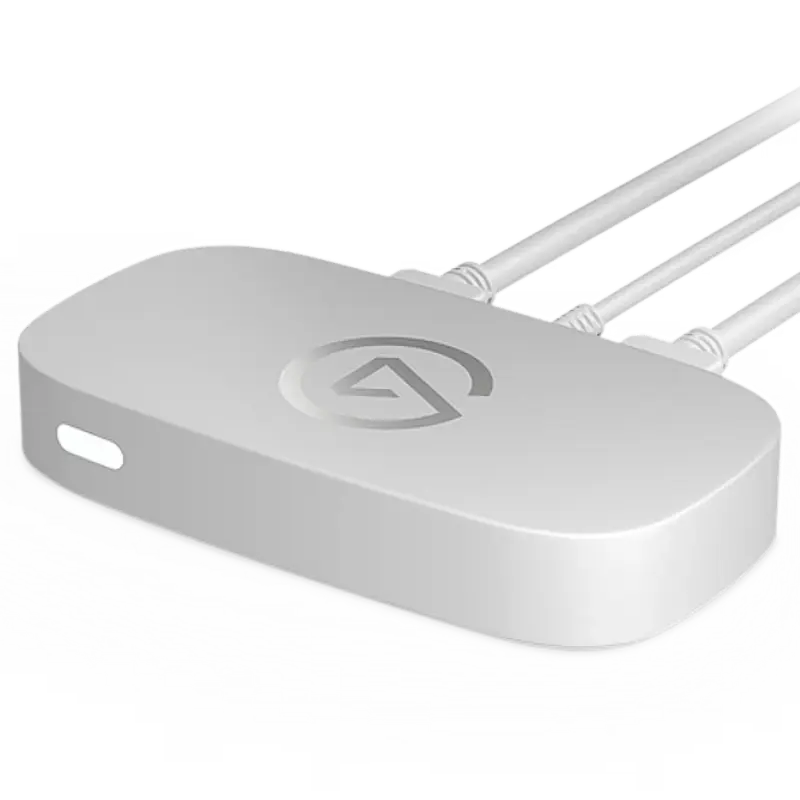
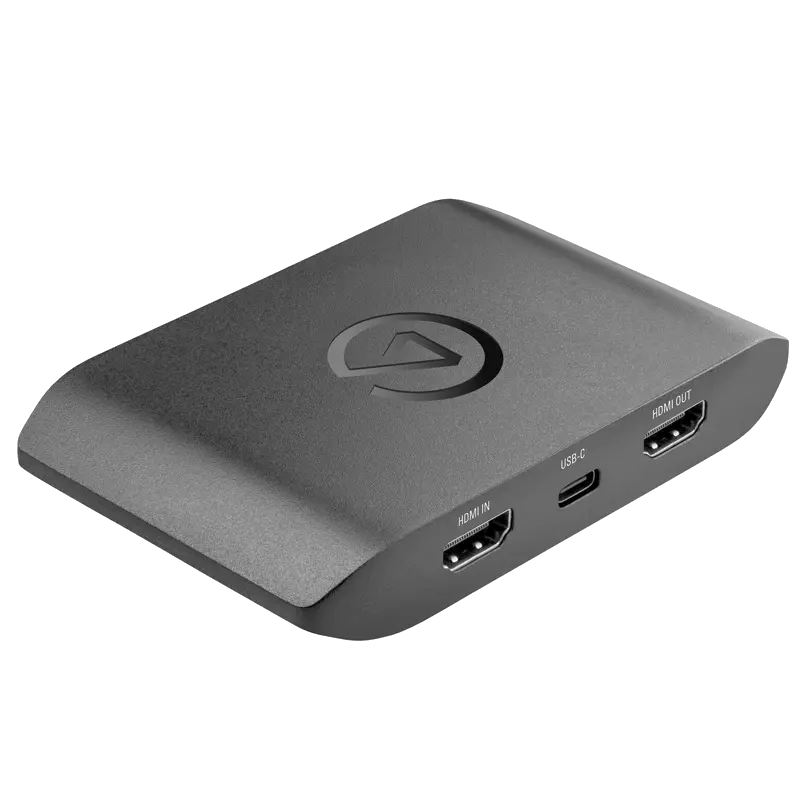
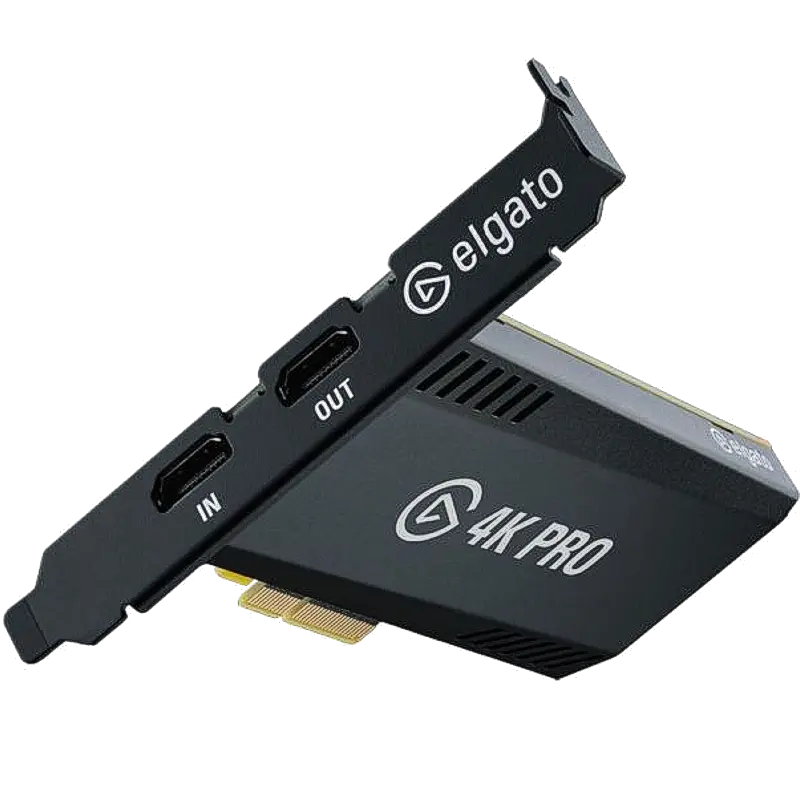
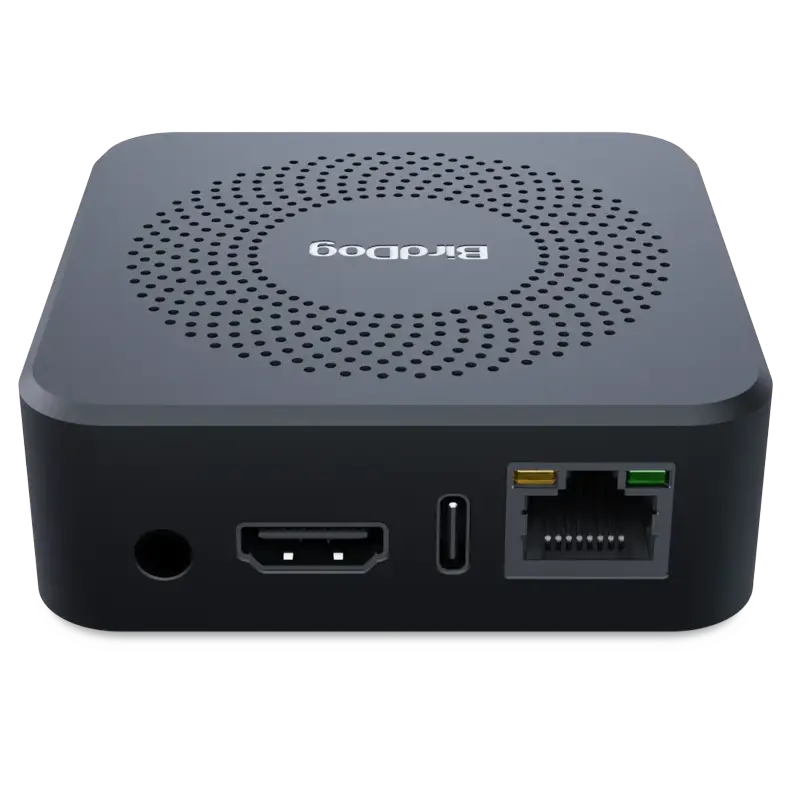
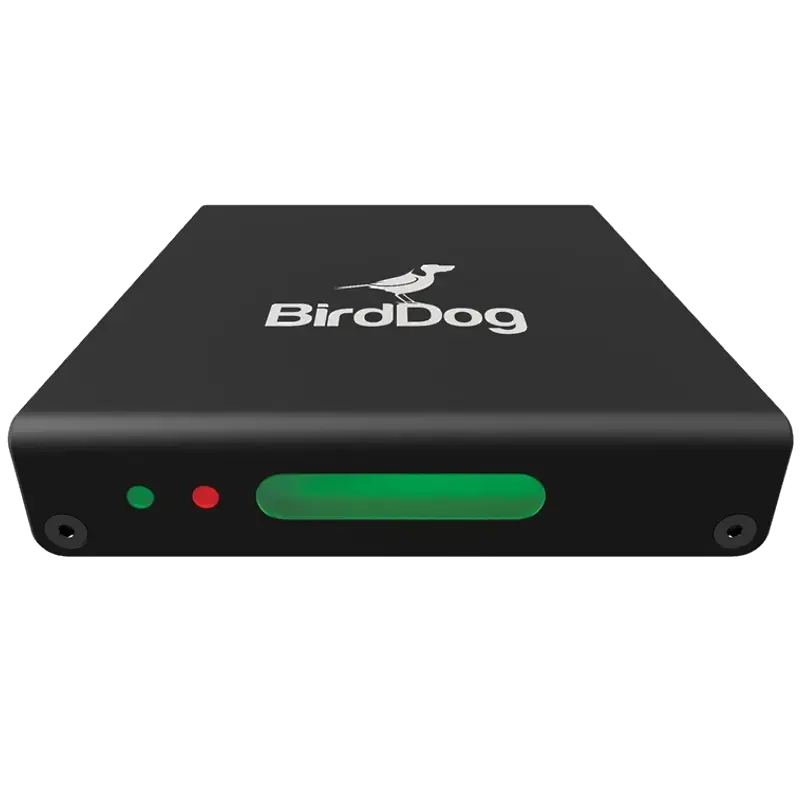
Bitrate, Resolution & Platform Settings
Use these as starting points — always test before going live. Your actual upload speed should be at least 1.5× your target bitrate to allow for network variation.
| Resolution | Frame Rate | Bitrate (H.264) | Bitrate (H.265) | Min Upload | Best For |
|---|---|---|---|---|---|
| 720p | 30fps | 2,000–4,000 kbps | 1,000–2,500 kbps | 6 Mbps | Low bandwidth, mobile viewing |
| 720p | 60fps | 3,000–6,000 kbps | 1,500–3,500 kbps | 8 Mbps | Gaming, fast motion |
| 1080p | 30fps | 4,000–6,000 kbps | 2,000–3,500 kbps | 10 Mbps | Talking head, low-motion |
| 1080p | 60fps | 6,000–9,000 kbps | 3,000–5,000 kbps | 15 Mbps | Standard HD streaming Most common |
| 1440p | 60fps | 9,000–18,000 kbps | 5,000–10,000 kbps | 30 Mbps | High-quality gaming/production |
| 4K | 30fps | 15,000–30,000 kbps | 8,000–15,000 kbps | 50 Mbps | 4K archive, high-end events |
| 4K | 60fps | 20,000–51,000 kbps | 10,000–25,000 kbps | 80 Mbps | Flagship 4K production |
⚠️ Twitch does not support 4K: Twitch's maximum ingest is 1080p60 at 8,000 kbps for Partners, 6,000 kbps for non-Partner streamers. YouTube, Facebook and custom RTMP/SRT endpoints support 4K. If you need 4K on Twitch, stream at 4K to YouTube simultaneously and 1080p60 to Twitch using multi-destination capability on the Magewell Director or YoloLiv.
Platform-specific settings comparison
| Platform | Max Resolution | Max Bitrate | SRT Support | Keyframe Interval | Codec |
|---|---|---|---|---|---|
| YouTube | 4K60 | 51,000 kbps | ✅ Verified accounts | 2 seconds | H.264 / H.265 |
| Twitch (Partner) | 1080p60 | 8,000 kbps | 🔶 Beta | 2 seconds | H.264 |
| Twitch (non-Partner) | 1080p60 | 6,000 kbps | 🔶 Beta | 2 seconds | H.264 |
| Facebook Live | 1080p60 | 4,000 kbps | ✅ | 2 seconds | H.264 |
| Vimeo Live | 1080p60 | 10,000 kbps | ✅ | 2 seconds | H.264 |
| LinkedIn Live | 1080p30 | 3,000 kbps | ❌ | 2 seconds | H.264 |
| Custom RTMP/SRT | Unlimited | Unlimited | ✅ | Any | H.264 / H.265 |
Compatible Streaming Software
💡 OBS + NVENC tip: If OBS reports encoding overloaded on an NVIDIA GPU system, go to Settings → Output → Encoder and switch from x264 (CPU) to NVENC H.264 or NVENC H.265. NVENC uses the GPU's dedicated encoder chip — far more efficient than CPU encoding. AMD users should use AMF/VCE; Apple Silicon Mac users should use VideoToolbox. All hardware encoders (Magewell, Kiloview, YoloLiv) do hardware encoding by default and never overload your PC.
Troubleshooting Common Live Streaming Problems
📉 Stream keeps disconnecting or dropping
Root cause: bitrate exceeds available upload speed. Run a speed test at fast.com during a stream attempt — if upload drops below your bitrate, the stream fails. Reduce bitrate by 20% increments until stable. Use Ethernet not Wi-Fi. Disconnect other devices from the network. For location streaming where this is uncontrollable, use a Kiloview encoder with bonded cellular — multiple SIM cards combined provide both higher bandwidth and resilience against any single connection failing. SRT (vs RTMP) also helps significantly as it handles packet loss without disconnecting.
🖥️ OBS says "Encoding Overloaded"
CPU cannot encode fast enough. Switch from x264 to GPU encoding: OBS Settings → Output → Encoder → NVENC H.264 (NVIDIA) or AMF H.264 (AMD) or VideoToolbox (Mac). If GPU encoding is not available, reduce resolution (1080p → 720p) or frame rate (60fps → 30fps). Close all other applications. Long-term solution: use a hardware encoder (Magewell Ultra Encode, Kiloview) — dedicated encoding hardware never overloads your PC as encoding happens on the device, not the computer.
⬛ Black screen in OBS capture device
Four likely causes: (1) HDCP protection — streaming sticks, Blu-ray players and set-top boxes output HDCP; cameras and computers do not. (2) Wrong USB port — must be USB 3.0 (blue connector or labelled SS), not USB 2.0. (3) Resolution mismatch — set OBS capture device resolution to match your camera's actual output (1920×1080, not 3840×2160 if camera outputs 1080p). (4) Wrong device selected — your capture card may appear with a different name in OBS; check the device dropdown. Try right-clicking the source → Properties → checking the resolution matches source output exactly.
🔴 YouTube shows "Stream Offline" despite OBS streaming
Stream key is wrong or YouTube hasn't activated the stream. Check: (1) the stream key in OBS matches exactly what YouTube Studio shows — no extra spaces; (2) in YouTube Studio, confirm the live stream is set to start; (3) you are on the correct stream — if you have multiple streams created in Studio, ensure the key matches the active one; (4) your channel has no live streaming restrictions or strikes preventing live access; (5) try selecting a different RTMP server region in OBS → Settings → Stream.
🟡 Stream looks pixelated during fast movement or gaming
Fast motion needs more bitrate. Solutions: (1) increase video bitrate — sports and gaming need 6,000–9,000 kbps at 1080p60, not 4,000; (2) switch to H.265 encoding — same quality at roughly half the H.264 bitrate using Magewell Ultra Encode hardware; (3) use CBR (Constant Bit Rate), not VBR — platforms require CBR for live streaming; (4) in OBS x264 settings, set CPU usage preset to "veryfast" or "faster" — counterintuitively, a faster preset gives better quality at the same bitrate for live encoding.
🔊 Audio is delayed relative to video in the stream
Processing delay difference between audio and video channels. In OBS: right-click the audio source → Advanced Audio Properties → set a positive Sync Offset in milliseconds (try 200–400ms, adjust until aligned). If using a capture card, check its audio delay setting in the Magewell USB Capture Utility or device settings. Also verify your audio and video sources are running at the same sample rate — OBS Settings → Audio → set to 48000 Hz (the broadcast standard). Some capture cards have separate audio and video processing paths with different latencies.
📺 Multi-platform streaming: stream works on YouTube but not Twitch simultaneously
Your PC cannot maintain two simultaneous encode streams at quality. Solutions: (1) use Restream cloud relay — stream once to Restream, it distributes to all platforms without extra PC load; (2) install the Multiple RTMP Outputs plugin for OBS — adds additional RTMP destinations in Output settings; (3) use a hardware encoder with multi-destination support — Magewell Ultra Stream and Director stream to 4 destinations simultaneously without any PC. Hardware encoders are the cleanest solution for reliable multi-platform streaming as each destination stream is handled by dedicated hardware.
📱 Facebook Live stream stops after 90 minutes
Facebook Live has a 90-minute maximum for standard live streams. Facebook Live Producer (accessible via Creator Studio) extends this to 8 hours for verified pages. Ensure you are using the Page's Live Producer rather than the standard Live option. Also check your Facebook account is not in a restricted state — ads blocks or community strikes sometimes restrict live streaming duration. Hardware encoders (Magewell Ultra Stream) with persistent RTMP connections are more reliable for long-duration Facebook streams than OBS.
Streaming setup not working as expected?
Our technical team can diagnose streaming problems, recommend the right hardware for your venue and network conditions, and advise on encoder settings for any platform.
Contact Technical SupportFrequently Asked Questions
What is the best hardware encoder for live streaming?
For standalone streaming without a PC: Magewell Ultra Stream HDMI (£315) or Ultra Stream SDI (£305) for simplicity; Magewell Ultra Encode range (from £350) for H.265 and NDI. For multi-camera production: Magewell Director Mini (£799) or YoloLiv YoloBox range. For location streaming with unreliable broadband: Kiloview with bonded 4G/5G cellular. The right choice depends on whether you need a PC, how many cameras, and whether you are in a fixed location or travelling.
What bitrate should I use for 1080p60 streaming?
6,000–9,000 kbps with H.264. With H.265 (Magewell Ultra Encode): 3,000–5,000 kbps for equivalent quality. Always use CBR (Constant Bit Rate) for live streaming. Set your bitrate to 70% of your measured upload speed to allow headroom for network variation — if your upload is 15 Mbps, set bitrate to 6,000 kbps, not 9,000.
Why does OBS show encoding overloaded?
Your CPU cannot encode fast enough. Switch to GPU encoding: Settings → Output → NVENC (NVIDIA), AMF (AMD) or VideoToolbox (Mac). If GPU encoding is unavailable, reduce resolution or frame rate. Long-term, a hardware encoder (Magewell Ultra Encode, Kiloview) removes the encoding load from your PC entirely — these devices have dedicated H.265 encoding chips and cannot be "overloaded" in the same way.
Can I stream to YouTube and Twitch at the same time?
Yes — several methods: (1) Restream cloud relay (stream once, distributes to all platforms); (2) Multiple RTMP Outputs plugin for OBS; (3) Magewell Ultra Stream or Director streaming to up to 4 RTMP/SRT destinations simultaneously from one device — the cleanest and most reliable solution as no PC is involved and each stream is handled by dedicated hardware.
How do I stream with a DSLR or mirrorless camera?
Connect the camera's HDMI output to a USB capture device (Magewell USB Capture HDMI Gen 2 at £231 is the professional standard; Elgato Cam Link 4K is the popular consumer option). Select the capture card as the video source in OBS, Streamlabs or your streaming software. Enable clean HDMI output on the camera (disables on-screen overlays — check your camera menu). The camera then appears as a high-quality webcam in any streaming application.
What is the difference between RTMP and SRT for streaming?
RTMP (TCP) has no error correction — any packet loss causes permanent stream failure. SRT (UDP) retransmits lost packets within a latency buffer — streams survive packet loss and network fluctuations. SRT includes AES encryption. For streaming from venues or over cellular where network quality varies, SRT is significantly more reliable. Most platforms now accept SRT; use RTMP only where SRT is unavailable.
Does Twitch support 4K streaming?
No. Twitch's maximum ingest is 1080p60 at 8,000 kbps for Partners (6,000 kbps for non-Partners). If you need 4K streaming, use YouTube Live (supports up to 4K60) or a custom RTMP/SRT endpoint. For simultaneous Twitch and YouTube streaming at different resolutions, use Magewell Director or Restream — stream 1080p60 to Twitch and 4K to YouTube simultaneously.