
Broadcast Production
Multi-channel SDI ingest, NDI IP workflows, genlock synchronisation, 4K broadcast production and the path from traditional SDI infrastructure to modern IP-based production — with every relevant product from every brand we carry.
Broadcast Signal Flow — Traditional SDI & IP/NDI
Orange path = traditional SDI/PCIe ingest workflow. Blue path = NDI IP production workflow. Both paths can coexist — Magewell Pro Convert encoders and BirdDog devices bridge between them.
Who This Applies To
TV Broadcasters
SDI studio cameras, multi-channel ingest workstations, production switchers and transmission.
Film & Drama
High-end camera capture (ARRI, Sony VENICE), 12G-SDI ingest and DaVinci Resolve-based colour workflows.
News Facilities
Multi-channel SDI ingest, SRT contribution from the field and NDI routing between newsroom systems.
Sports Production
Multi-camera SDI capture at venues, OB van integration and SRT/NDI contribution to production facilities.
Live Events
Temporary multi-camera SDI rigs converted to NDI for flexible production over venue Ethernet.
Post-Production
SDI and HDMI capture to Adobe Premiere, DaVinci Resolve and Avid for offline and online editing.
Government & Defence
Broadcast-grade secure ingest on certified workstations. PCIe cards for permanent installation.
Broadcast Training
University broadcast journalism departments using professional SDI and NDI infrastructure for student production.
Broadcast Production Workflows
Hybrid SDI + NDI
Most common in 2026 — SDI cameras converted to NDI via Pro Convert encoders or BirdDog devices. NDI routes through the facility network; SDI infrastructure remains for TX and monitoring. Both coexist indefinitely.
Multi-Channel SDI Ingest
Multiple Magewell Pro Capture Quad SDI PCIe cards in a single workstation. 8–16 SDI channels ingested simultaneously to NVMe RAID storage. Driverless on Linux for 24/7 server operation.
NDI-Only Facility
BirdDog NDI cameras connect to Gigabit switch. vMix or OBS receives all camera feeds as NDI. No SDI routing infrastructure. Pro Convert decoders output NDI back to SDI for TX and monitoring.
REMI / Cloud Production
Cameras at venue encoded to SRT via Magewell Pro Convert or Kiloview encoders, sent to a central production facility via internet. Production happens remotely, reducing crew at venue.
12G-SDI 4K Production
4K cameras with 12G-SDI output captured via Magewell Pro Capture SDI 4K Plus (single BNC cable per camera). Multi-channel 4K ingest on NVMe RAID with genlock from a common reference.
Offline Edit Ingest
SDI or HDMI capture cards in edit workstations. Magewell Pro Capture with Premiere plugin for direct timeline capture. Blackmagic DeckLink for DaVinci Resolve-native ingest workflows.
Recommended Products for Broadcast Production
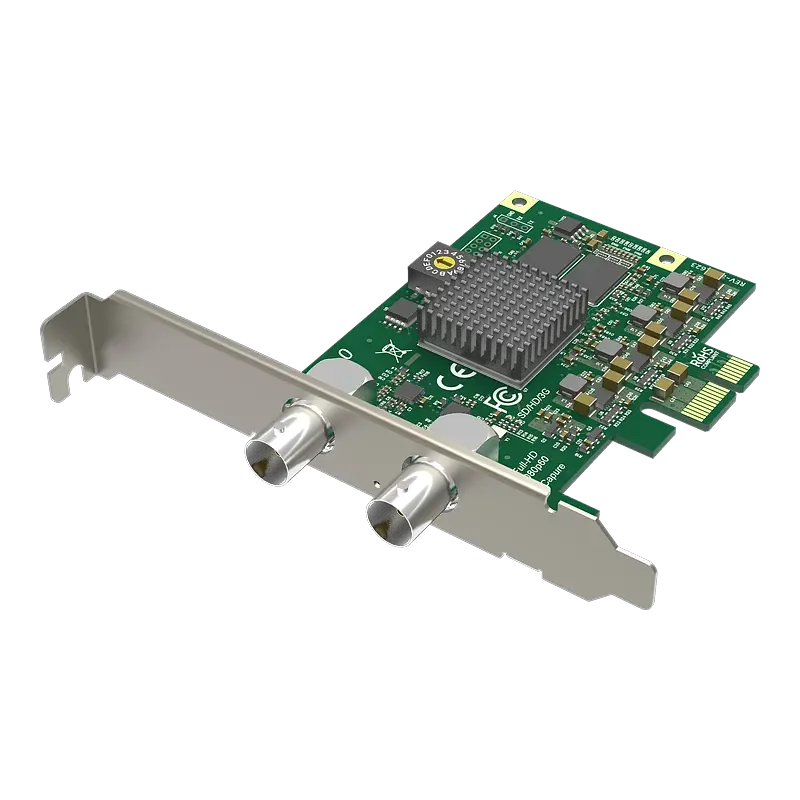
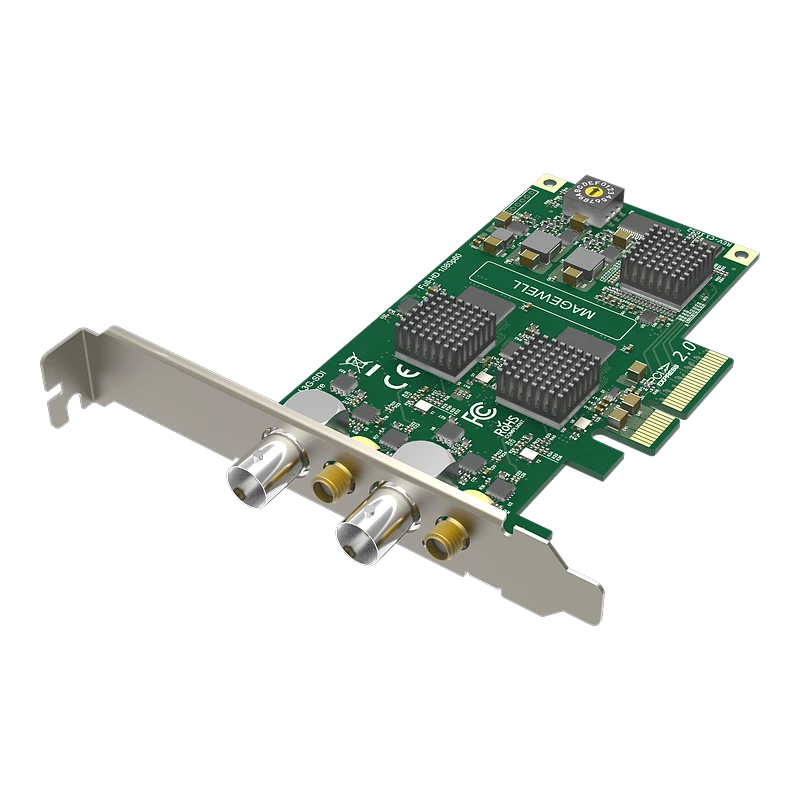
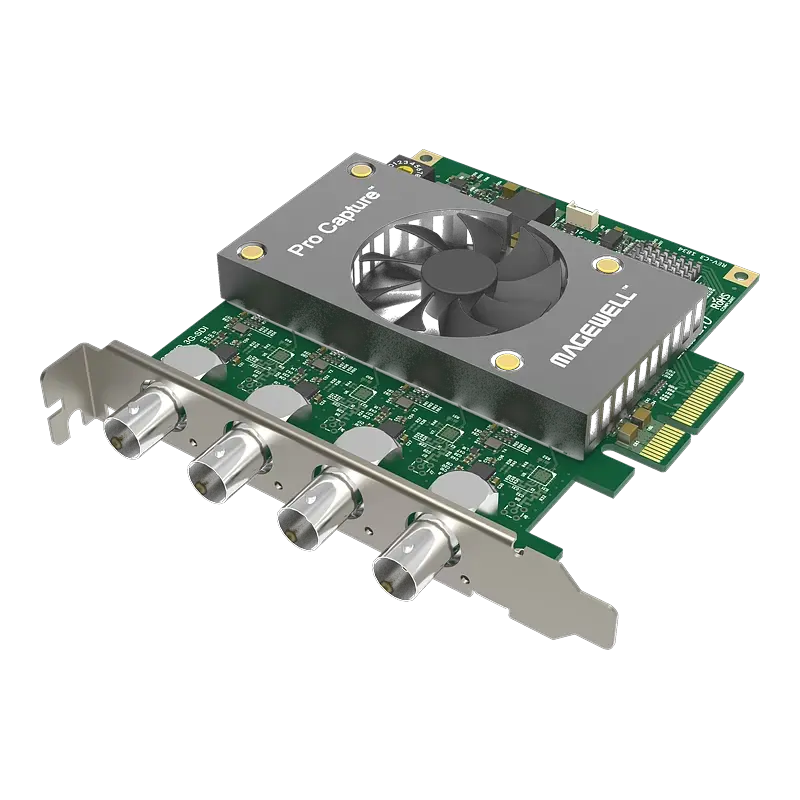
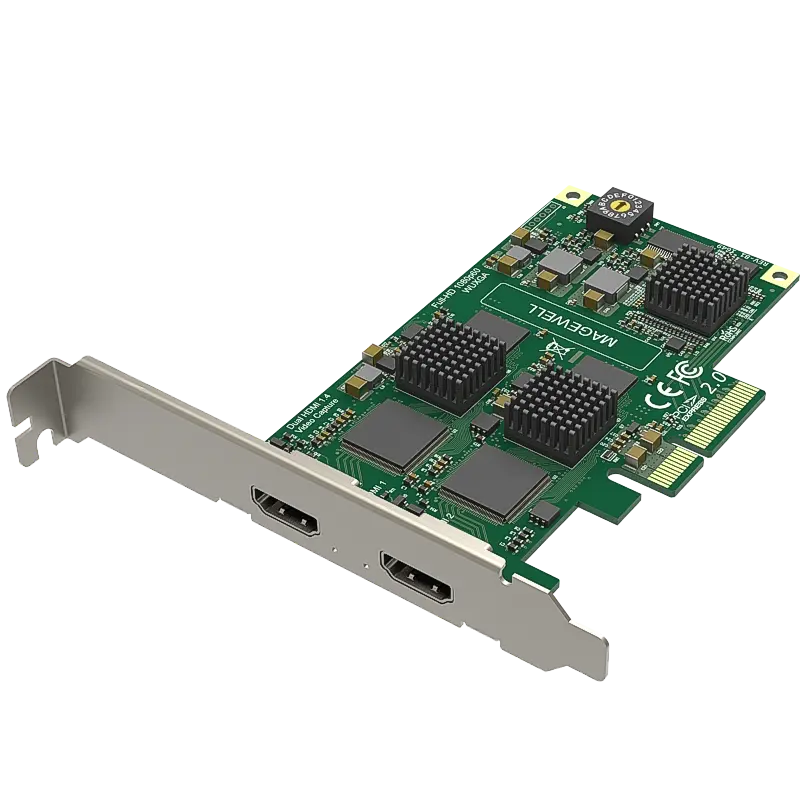
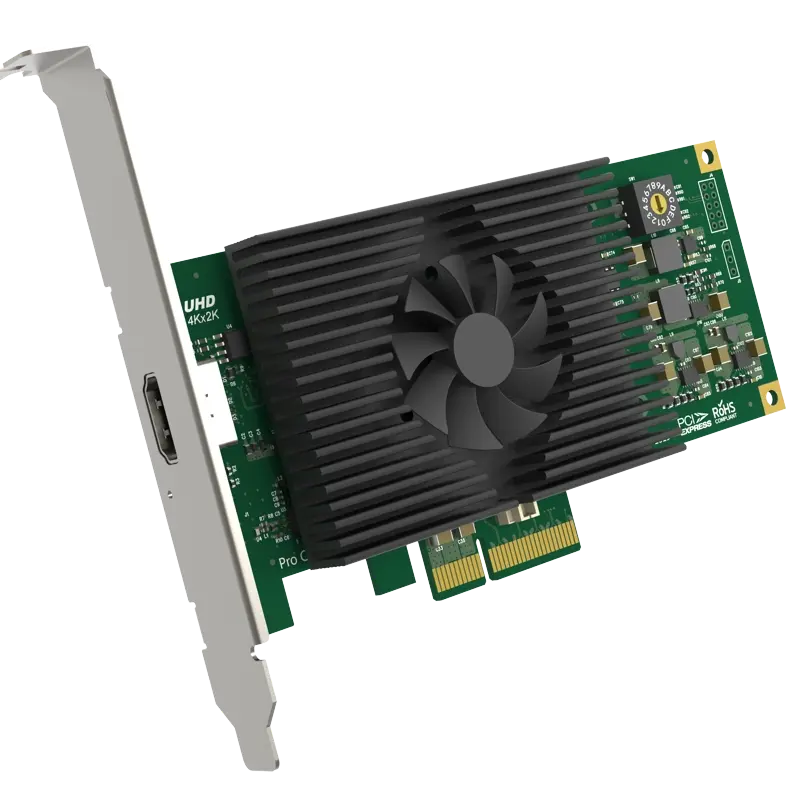
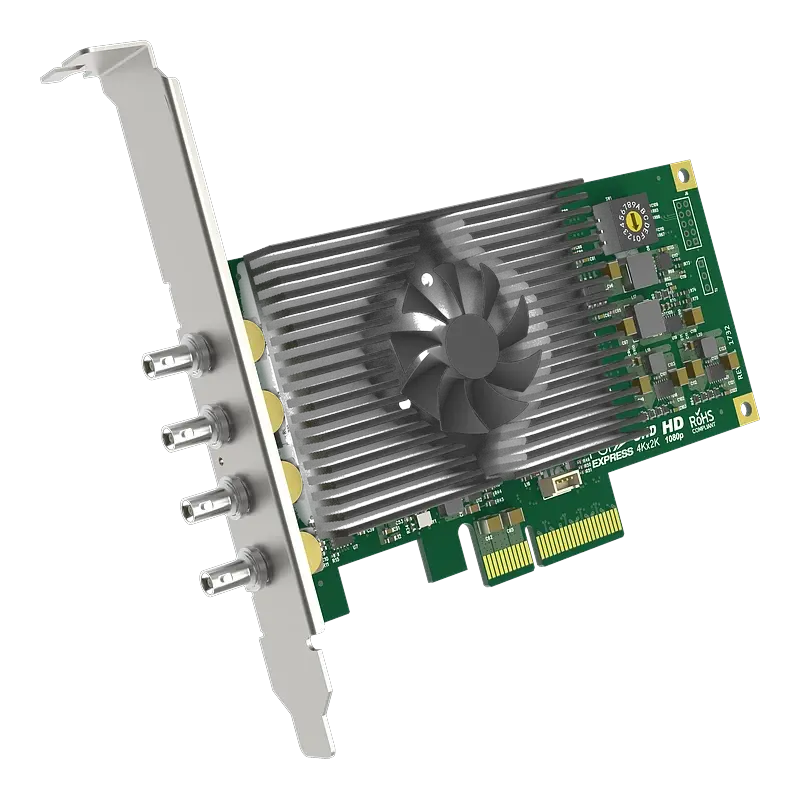
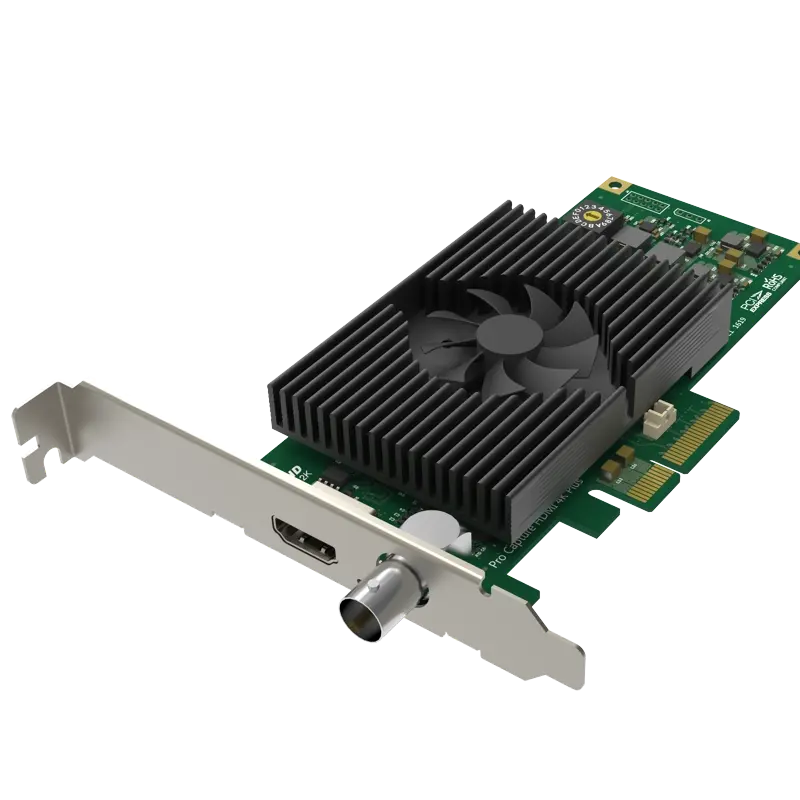
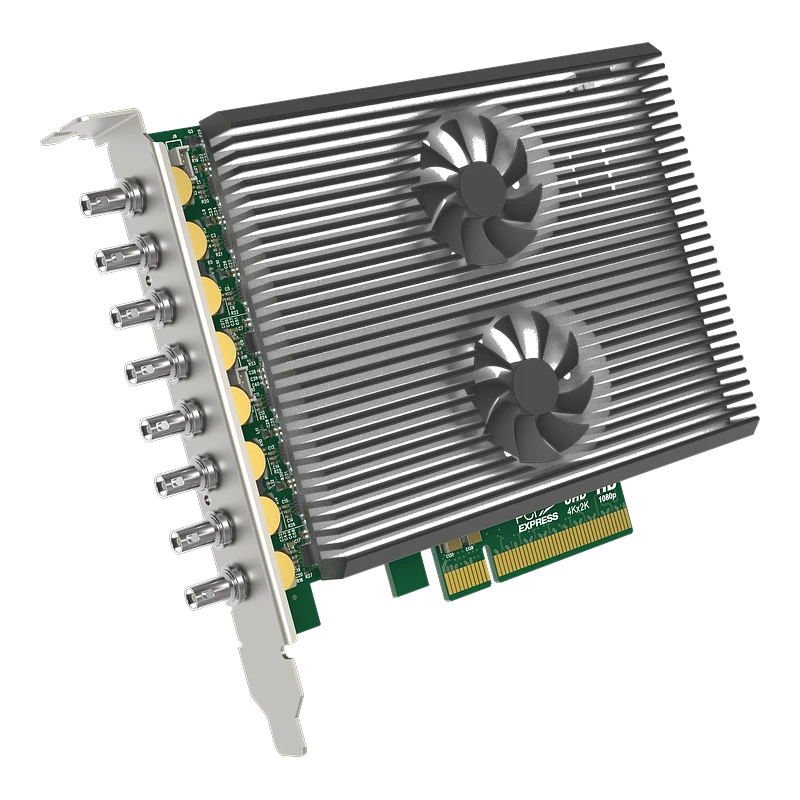
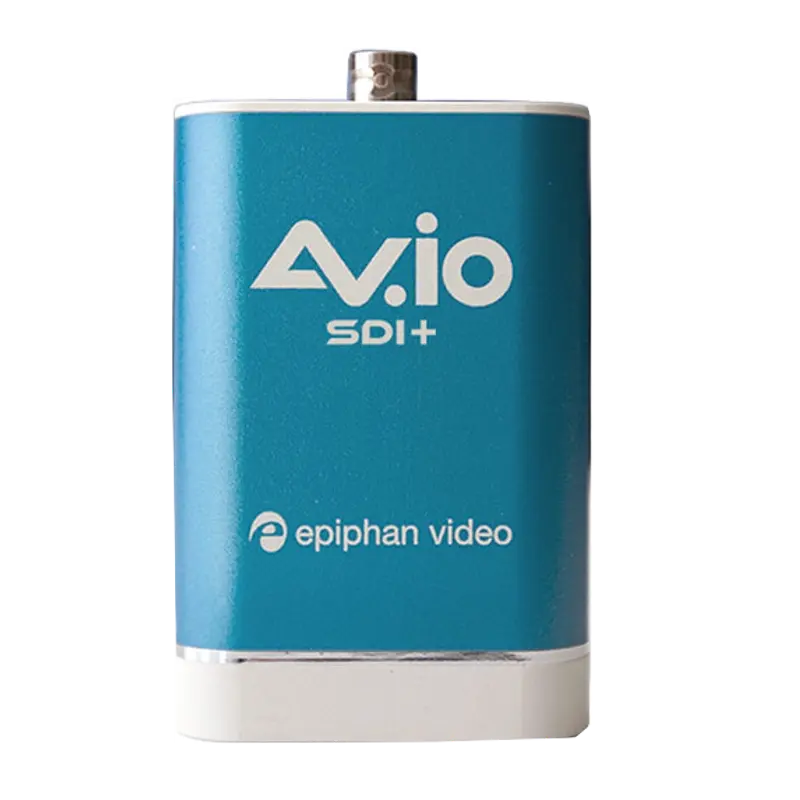
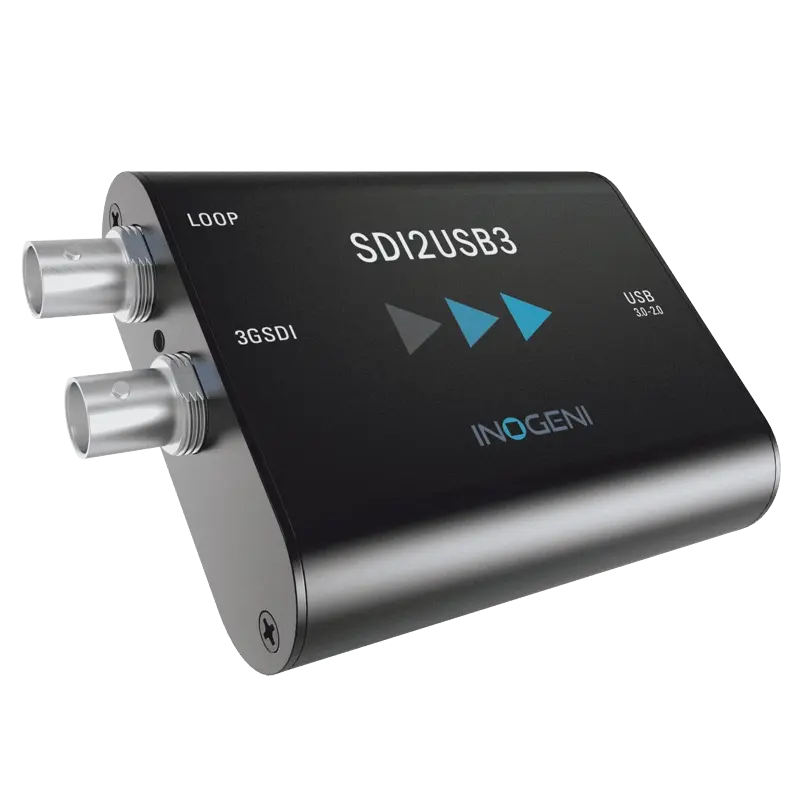


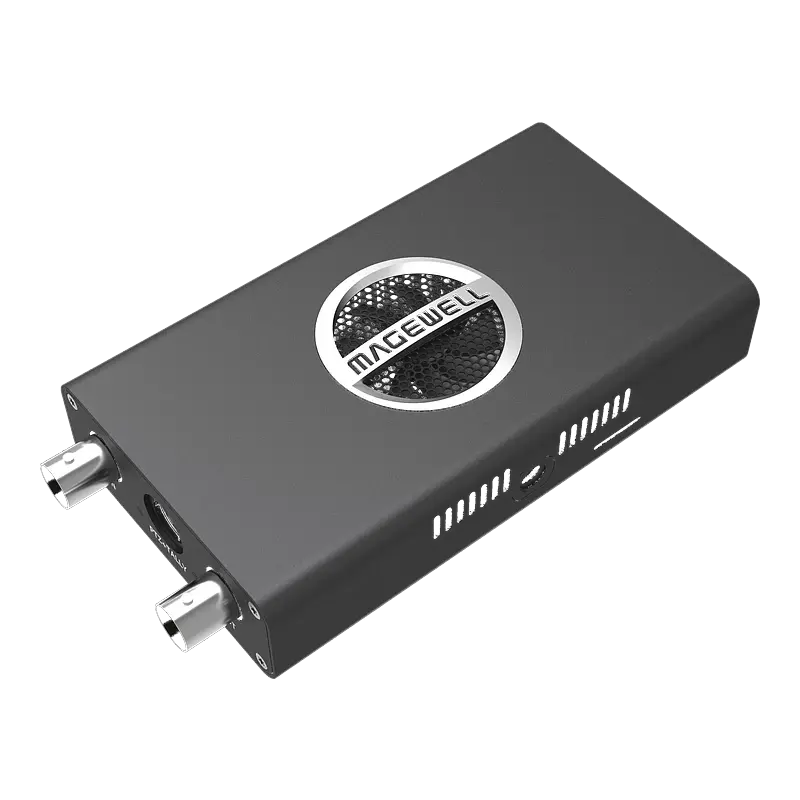
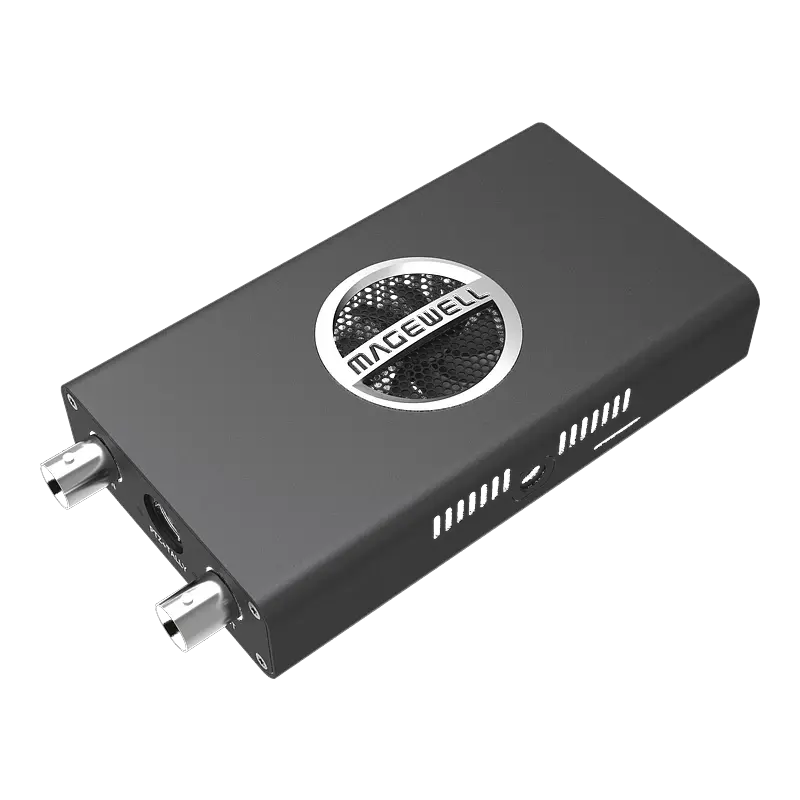
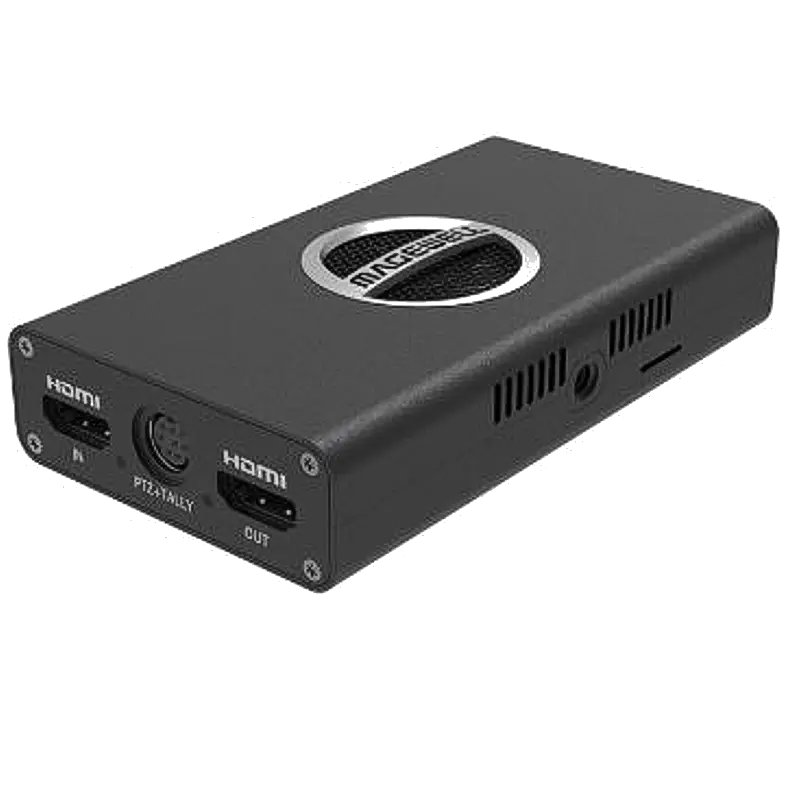
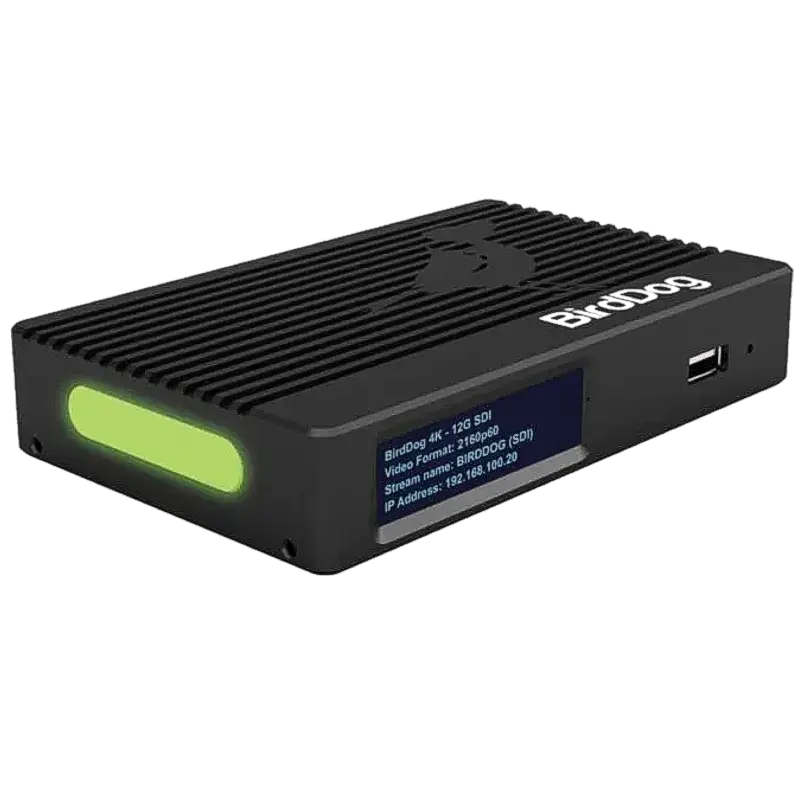
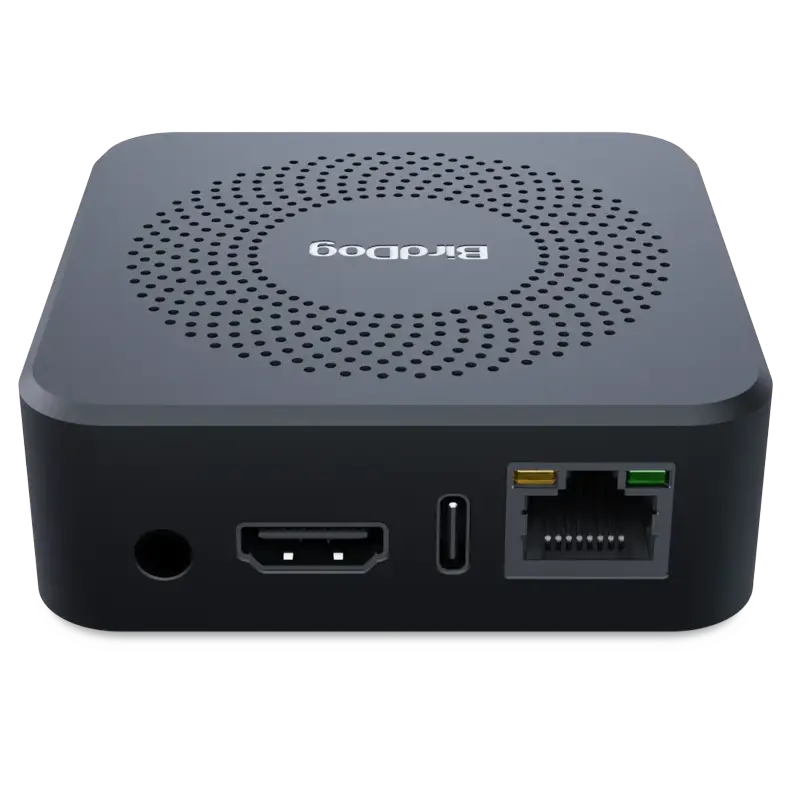
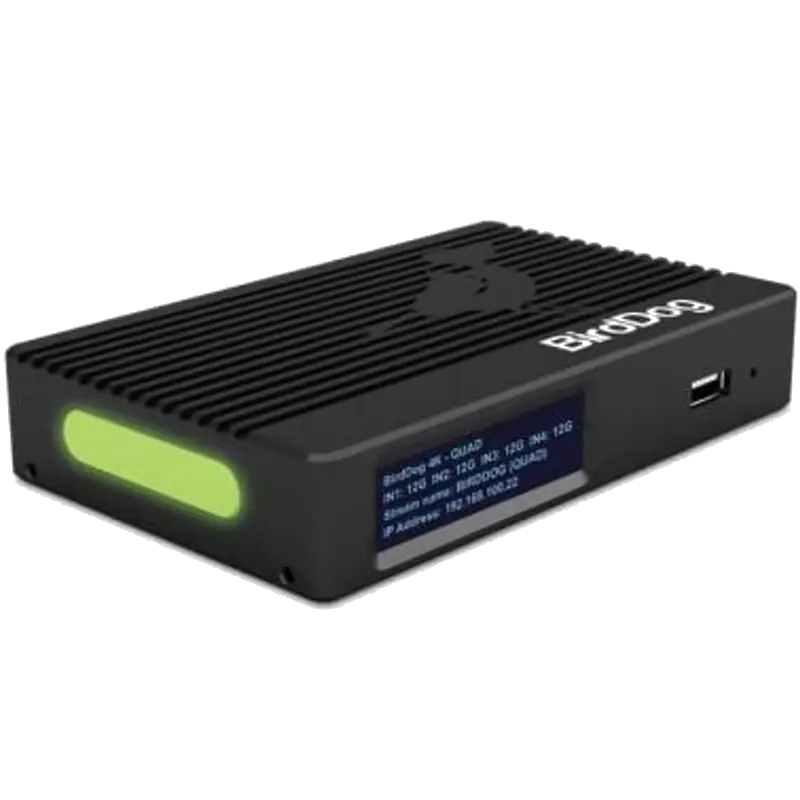
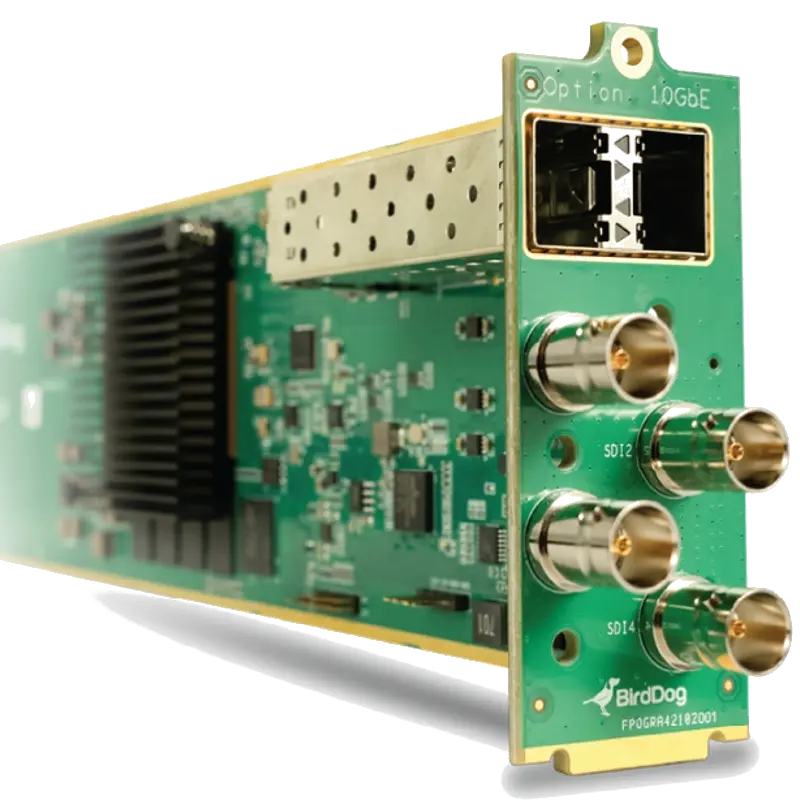
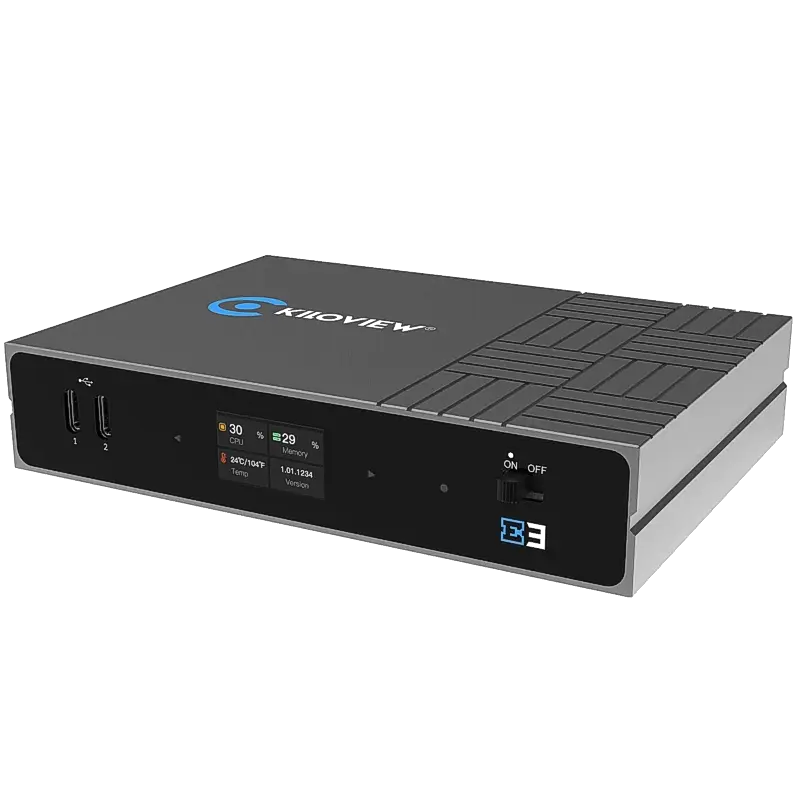
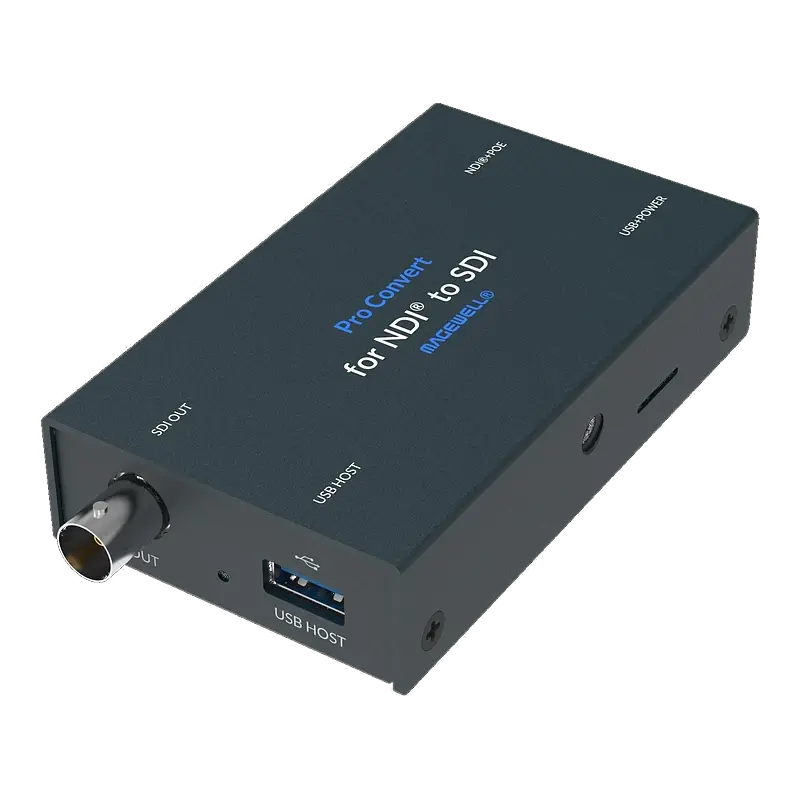
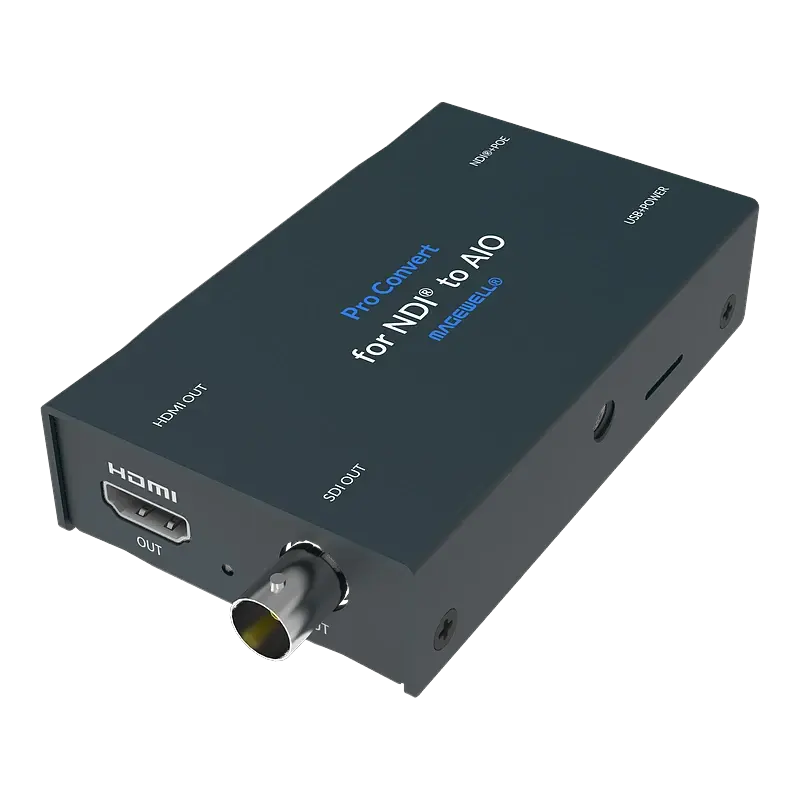
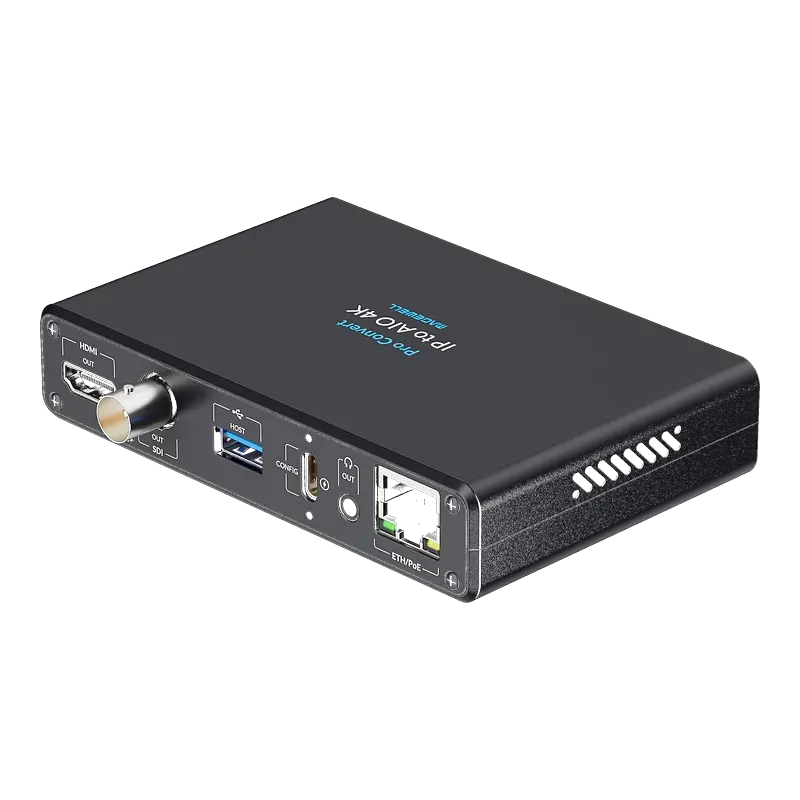
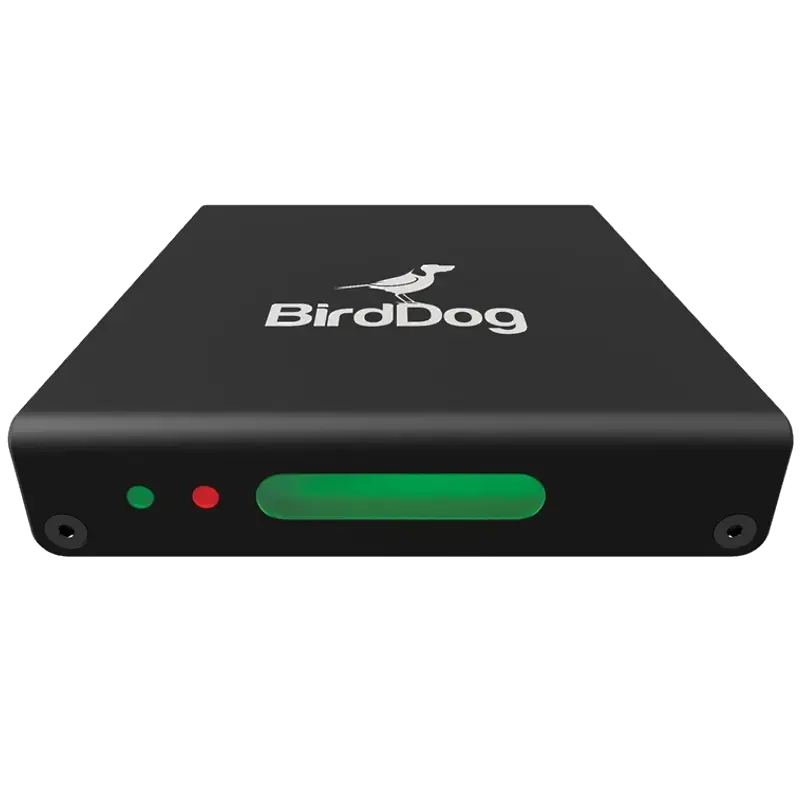
Blackmagic Design: Blackmagic DeckLink PCIe cards and UltraStudio Thunderbolt devices are available at nuuo.co.uk. DeckLink cards are the preferred choice for DaVinci Resolve-native ingest workflows. View the full Blackmagic range →
SDI Standards, Resolutions & Cable Ratings
| SDI Standard | Data Rate | Max Resolution | Cables per 4K | Typical Use |
|---|---|---|---|---|
| SD-SDI (SMPTE 259M) | 270 Mbps | 576i / 480i | N/A | Legacy SD cameras, archive |
| HD-SDI (SMPTE 292M) | 1.485 Gbps | 1080i / 720p | N/A | Standard HD broadcast |
| 3G-SDI (SMPTE 424M) | 2.97 Gbps | 1080p60 | 4× cables (quad-link) | HD production, most common |
| 6G-SDI (SMPTE 2081) | 5.94 Gbps | 4K/UHD 30fps | 1× cable | Single-link 4K 30fps |
| 12G-SDI (SMPTE 2082) | 11.88 Gbps | 4K/UHD 60fps | 1× cable | Single-link 4K 60fps broadcast |
💡 12G-SDI cabling: Use 75-ohm coaxial cable rated for 12G-SDI such as Belden 1694A or equivalent. The same infrastructure used for HD-SDI is generally suitable at standard broadcast run lengths (up to 50m for 12G-SDI, vs 100m for HD-SDI). Check with your cable supplier for run-length calculations at your specific data rate.
Genlock reference signals
| Signal type | Used for | Connector | Level | Notes |
|---|---|---|---|---|
| Black Burst (BB) | SD synchronisation | BNC | 0.3V p-p | NTSC or PAL composite black |
| Tri-Level Sync | HD and 3G-SDI sync | BNC | 0.6V p-p | Required for HD genlock |
| HDR Tri-Level Sync | 4K / HDR sync | BNC | 0.6V p-p | Same connector as tri-level |
| DARS (Digital Audio Reference) | AES/EBU audio sync | BNC or XLR | — | Often distributed alongside video ref |
Compatible Broadcast Software
Troubleshooting Broadcast Production Issues
🔄 Multi-channel SDI capture dropping frames on one channel
Almost always a disk write speed bottleneck. Multi-channel uncompressed or mildly compressed SDI requires very high disk write speeds. Uncompressed 1080p60 is approximately 250 MB/s per channel — 4 channels needs 1 GB/s sustained disk write speed. Use NVMe SSD in RAID 0 or RAID 5, not spinning HDDs or SATA SSDs. Check Windows Resource Monitor or Linux iostat during capture — if disk write queue exceeds 0 consistently, storage is the bottleneck. Reduce to fewer simultaneous channels or use more compressed codecs (ProRes, DNxHD) to reduce data rate.
⚡ Genlock not locking — capture card showing "reference unlocked"
The genlock reference signal is not reaching the capture card correctly. Check: (1) the reference signal is tri-level sync for HD (not black burst, which is for SD only); (2) the BNC cable is terminated at 75 ohms — daisy-chained genlock loops need 75-ohm termination on the last device; (3) the reference signal level is correct (0.6V p-p tri-level); (4) the genlock reference input BNC on the capture card is connected, not the signal input; (5) the reference generator is running at the same frame rate as the capture format (25fps PAL or 29.97fps NTSC). Magewell Pro Capture Plus cards show genlock status in the Magewell SDK device status panel.
🔵 PCIe capture card not detected in Device Manager (Windows)
The card is either not seated correctly in the PCIe slot, the slot is not powered, or there is a driver conflict. Steps: (1) power down completely and reseat the card firmly — PCIe cards occasionally need firm pressure to seat fully; (2) ensure the PCIe slot supports the card (x4 minimum for Magewell Pro Capture); (3) check Device Manager for yellow warning icons; (4) download and install the latest Magewell driver from the Magewell support portal; (5) if multiple capture cards are installed, check for IRQ conflicts in Device Manager → Properties → Resources. On Linux, check lspci output to confirm the card is detected at the bus level before any driver issues.
🎬 DaVinci Resolve not showing Magewell capture card as input
Resolve uses Blackmagic Design hardware natively. For Magewell cards in Resolve: install the Magewell capture driver and then use Resolve's File → Capture (not the deck capture panel). The Magewell card appears as a V4L2 or DirectShow device. On Windows, the Magewell driver must be installed and the card visible in Device Manager before Resolve will see it. For the most seamless Resolve ingest workflow, Blackmagic Design DeckLink cards are natively supported — available in the nuuo.co.uk Blackmagic range.
📡 NDI source not visible across broadcast facility VLANs
NDI uses mDNS for source discovery — it does not cross VLAN boundaries by default. For NDI across VLANs: (1) configure mDNS proxy/repeater on your managed switch or router to forward mDNS between production VLANs; (2) place all NDI devices on a single dedicated NDI VLAN and use routing to allow production computers to access it; (3) use NDI Access Manager (included in NDI Tools) to manually specify source IP addresses and bypass mDNS discovery — useful in facilities where mDNS proxy is not available; (4) for cross-site NDI, use NDI Bridge (included in NDI Tools) to create a point-to-point tunnel. Consult your broadcast IT team for mDNS proxy configuration on your specific switch vendor.
🖥️ Adobe Premiere not seeing Magewell capture card
The Magewell Adobe capture plugin (Magewell Capture Express for Adobe CC) must be installed separately — it is not included with the standard Magewell driver. Download from the Magewell support portal. After installation, restart Premiere and check File → Capture. The card appears as a capture device. Ensure the Magewell driver is also installed before the plugin. If using older Premiere versions, download the matching plugin version from the Magewell plugin archive — newer plugin versions may not be backward-compatible with older Premiere releases.
🔇 Embedded SDI audio not arriving in capture software
Embedded SDI audio requires the capture card to extract it and present it as an audio device. Magewell Pro Capture cards present embedded audio as WASAPI (Windows) or ALSA (Linux) audio devices — select the capture card's audio output as the audio input in your NLE or capture software. If no audio device appears, check the Magewell driver is installed correctly and the SDI source has valid embedded audio (some broadcast cameras default to AES/analogue audio output rather than embedded). In DaVinci Resolve, set the capture audio source to the Magewell audio device in Preferences → Video and Audio I/O.
Broadcast infrastructure advice
From multi-channel SDI ingest server specification to NDI-to-SDI migration planning, our technical team has broadcast experience across TV facilities, post-production houses and OB operations.
Contact Technical SupportFrequently Asked Questions
What is the difference between 3G-SDI and 12G-SDI for 4K capture?
3G-SDI (2.97 Gbps) is sufficient for 1080p60 on a single cable, but 4K requires four 3G-SDI cables (quad-link). 12G-SDI (11.88 Gbps) carries 4K60 on a single BNC cable — same 75-ohm coaxial infrastructure as HD-SDI at standard run lengths. For 4K broadcast camera integration, 12G-SDI is the correct specification. Magewell Pro Capture SDI 4K Plus (£769) supports single-cable 12G-SDI 4K ingest.
Can Magewell Pro Capture cards work with Adobe Premiere Pro?
Yes — install the free Magewell Capture Express for Adobe plugin from the Magewell support portal. After installation, the card appears as a capture device in File → Capture within Premiere. The Pro Capture cards work on Windows and Linux. For DaVinci Resolve, Blackmagic DeckLink cards are natively integrated; Magewell works via DirectShow on Windows.
What is genlock and when do I need it?
Genlock synchronises multiple cameras to a common reference signal so they share identical frame timing. Without genlock, switching between cameras on a production switcher causes a visible flash or roll at the cut point. For live switched broadcast production, genlock is essential. For ingest-only workflows where switching happens in post, it is not required. Magewell Pro Capture Plus and 4K Plus cards have a genlock BNC input — use tri-level sync for HD sources.
How many SDI capture channels can one workstation handle?
Depends on PCIe slots and storage speed. A 4-slot workstation with Magewell Pro Capture Quad SDI cards (4 channels per card) can ingest 16 simultaneous SDI channels — provided storage write speed is sufficient (NVMe RAID for uncompressed; SATA SSD RAID may work for compressed codecs). Each 1080p60 uncompressed channel needs approximately 250 MB/s disk write speed. Plan storage accordingly before specifying a high-channel-count ingest server.
How does NDI compare to SDI for broadcast production?
SDI: dedicated coaxial cable per camera, fixed signal paths, hardware routing switchers required, near-zero latency. NDI: standard Ethernet, cameras visible everywhere on the network, software routing, one-frame latency (16ms at 60fps). Most broadcasters use hybrid: SDI cameras converted to NDI via Pro Convert/BirdDog encoders for flexible routing, converted back to SDI via decoders for TX and legacy infrastructure. NDI eliminates expensive SDI routing infrastructure and allows camera positions to change without cable re-runs.
Does Magewell Pro Capture work on Linux?
Yes — Pro Capture PCIe cards are supported on Linux via V4L2 (Video4Linux2) without proprietary driver compilation. Compatible with Ubuntu, Debian, CentOS and RHEL. Magewell provides a Linux SDK for custom broadcast application integration. This makes Pro Capture ideal for permanent 24/7 Linux ingest servers in broadcast facilities without a desktop GUI.
What capture card should I use with DaVinci Resolve?
For native DaVinci Resolve integration: Blackmagic Design DeckLink PCIe or UltraStudio Thunderbolt — these are directly integrated into Resolve with no plugin required. Available from nuuo.co.uk at the Blackmagic brand page. Magewell Pro Capture works in Resolve via DirectShow on Windows but requires manual configuration. For colour grading from SDI cameras, DeckLink is the most common professional choice.